A wide-temperature TFT selection starts with a question that is easy to overlook: is the number on the requirement an operating condition or a storage condition? The difference matters. A product may survive transport or storage at one condition while its display, backlight, controller, and optical response need a different condition for normal use. Treating those labels as interchangeable can leave a cold-start issue for a field trial.
A module decision should reflect the equipment environment rather than a single ambient reading.
Separate operating range from storage range
The operating range describes the conditions in which the module is intended to perform its display function. Storage range concerns a non-operating condition and does not itself confirm readable images, normal response, or the intended backlight behavior after power is applied. An OEM brief should state both requirements separately and explain the sequence the product sees: transport, unpowered soak, power-up, normal use, and return to ambient conditions.
For industrial equipment, the display does not operate alone. The host processor, power supply, enclosure, lens, cable, and nearby heat sources influence the practical result. Compare candidates from the wide-temperature TFT LCD range only after mapping the expected equipment profile. Do not turn a module category into an unverified claim about the finished product.
Plan a cold-start review
A cold-start review should use the proposed product architecture. Bring the module, host board, intended power sequence, cable, and representative firmware into the test setup. Observe what the operator sees at startup and whether the application handles an incomplete initialization or a delayed display response in a clear way. The review is not a substitute for the responsible team’s required qualification; it is a way to surface integration questions before housing and firmware changes become expensive.
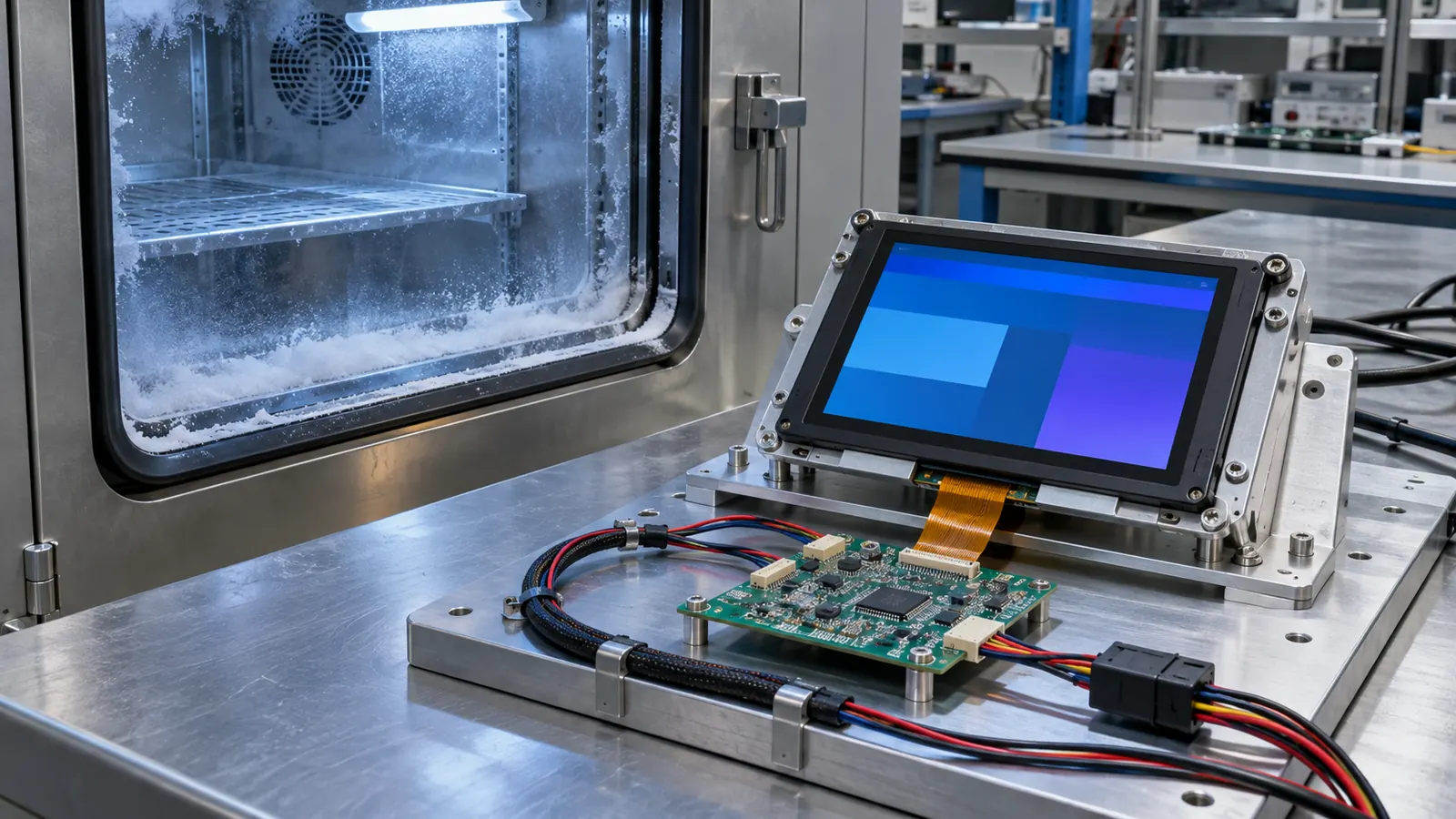 Check the complete display subsystem during a representative cold-start sequence.
Use the screens that matter in the real product. A blank image or simple color bars cannot show whether fine text, warning treatment, contrast, or backlight behavior remains acceptable after the intended sequence. Record the conditions, the sample configuration, and the observations so that a later module or software change can be compared fairly.
Check optics after the environment check
Temperature may not be the only variable. Operators can encounter low light, glare from nearby fixtures, condensation-prone surfaces, or an enclosure window that changes the installed view. Test the display through the planned lens and bezel, from the actual operator positions. If the equipment is read from an angle, compare a candidate IPS TFT LCD module with the same graphics and housing conditions.
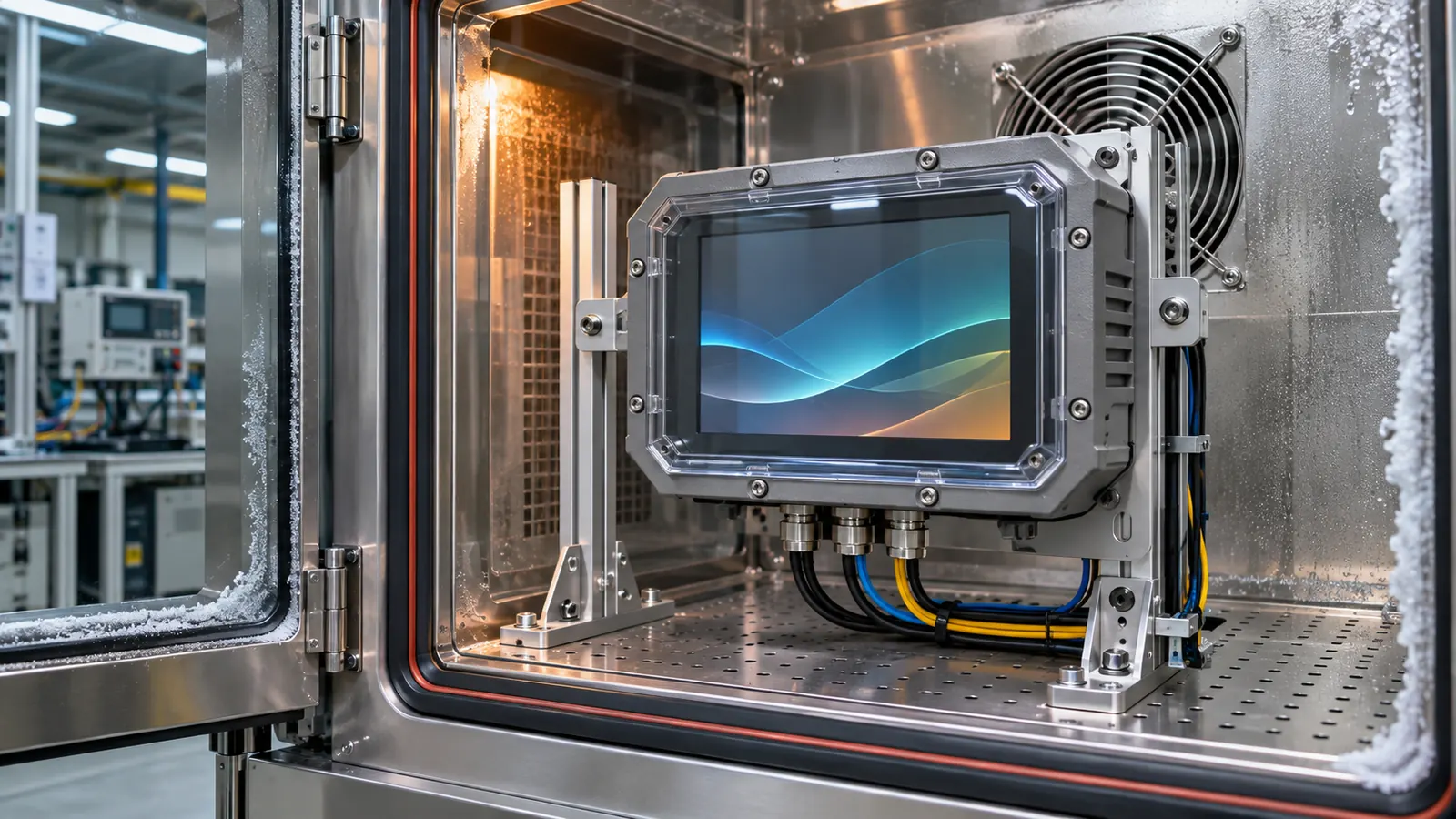 Review optics, mounting, cable access, and power behavior in the installed assembly.
Also inspect the non-optical details: cable strain relief, connector access, gasket compression, mounting pressure, and heat path. A good wide-temperature TFT decision is a documented assembly decision rather than a checkbox beside a single temperature label.
Define acceptable behavior before the test
The test team needs a clear definition of what counts as a useful startup. That can include a visible boot indication, readable essential information, a defined wait state, and recovery after the controller becomes ready. It should not be reduced to whether the panel emits any light. Establish who evaluates image response, what content is displayed, and how long the system is allowed to take under the conditions relevant to the product.
Look for interactions between the display and the rest of the equipment. Cable stiffness, connector retention, lens stress, enclosure contraction, and supply behavior can all change with temperature. A mechanical sample that was assembled at room temperature may need inspection after the environmental sequence to make sure the display is still supported as intended.
Keep evidence with the configuration
Save the module documentation, host firmware revision, test sequence, images, and observations with the project record. A later change in backlight setting, panel source, controller timing, or lens stack can then be reviewed against a known baseline. This is particularly useful when procurement needs to judge whether an alternate component affects the conditions originally evaluated.
Validate the finished assembly
Bench approval should not be the final decision. Build a sample with the intended module, controller, cable, mounting method, front lens or bezel, and representative firmware. Check the screen from the positions available to operators, then repeat the checks after a restart, a power interruption, and a service-access exercise. Record what was tested rather than relying on a general impression that the display looked acceptable.
Document the part number, active area, outline, interface, display orientation, host software revision, backlight or drive setting, mounting details, and screen examples used during the review. When a display, enclosure, controller, or cable changes later, that record gives engineering and purchasing teams a meaningful baseline for deciding whether another sample review is needed.
Make the RFQ support the product lifecycle
An OEM request should describe the operator task and equipment environment alongside size and resolution. Include available space, viewing position, interface, expected operating conditions, service access, annual demand, lifecycle expectations, and the validation build. A clear brief helps identify mechanical and electrical questions before a housing or firmware is locked. Sunshine Display can help teams compare industrial display modules against an enclosure and integration plan through the contact page.
Before releasing the design, define the acceptance sample and the evidence that accompanies it. That can include the module identification, installation drawing, image or screen set, test conditions, observations, and the responsible reviewer. Keep the approved reference assembly available where practical. It is often the fastest way to understand whether a later change in material, controller, cable, display orientation, or enclosure has altered the result that the team originally accepted.
Avoid treating a display as a cosmetic item after the first prototype works. The screen is an operator interface, an electrical load, a mechanical component, and a service item at the same time. A short cross-functional review between mechanical, electrical, firmware, quality, and purchasing teams can expose a gap before it becomes a field issue.