Outdoor display selection is rarely solved by a single brightness target. A device can move between direct sun, shade, dawn, vehicle cabins, and indoor service areas in one shift. The useful question is not which TFT category sounds strongest, but how the intended module, front lens, graphics, power system, and operator task perform across those scenes.
Choose the optical approach using the equipment’s real daylight and shade conditions.
Start with light, angle, and duty cycle
Map where the device is read and when. A panel fixed on outdoor equipment can face a different angle from a portable service instrument or a cabinet mounted under a canopy. Note the likely screen content, viewing distance, glare sources, lens treatment, and whether the display remains on continuously or only during an operator interaction. Direct sun and shade should both be part of the review, because a choice that works in one can be less suitable in the other.
Transflective and high-brightness TFT approaches manage the light path differently. That distinction matters, but it does not replace an installed-sample comparison. Begin with candidate industrial TFT LCD modules, then evaluate the physical module and intended optical stack rather than approving a category name.
Compare the complete optical stack
A high-brightness design may place more emphasis on the backlight, while a transflective approach can use ambient light as part of the optical strategy. In either case, the final result depends on the lens, polarizers, cover treatment, bezel depth, graphics, and operator position. Put the candidate modules behind the planned protective window and use the same screens in the comparison.
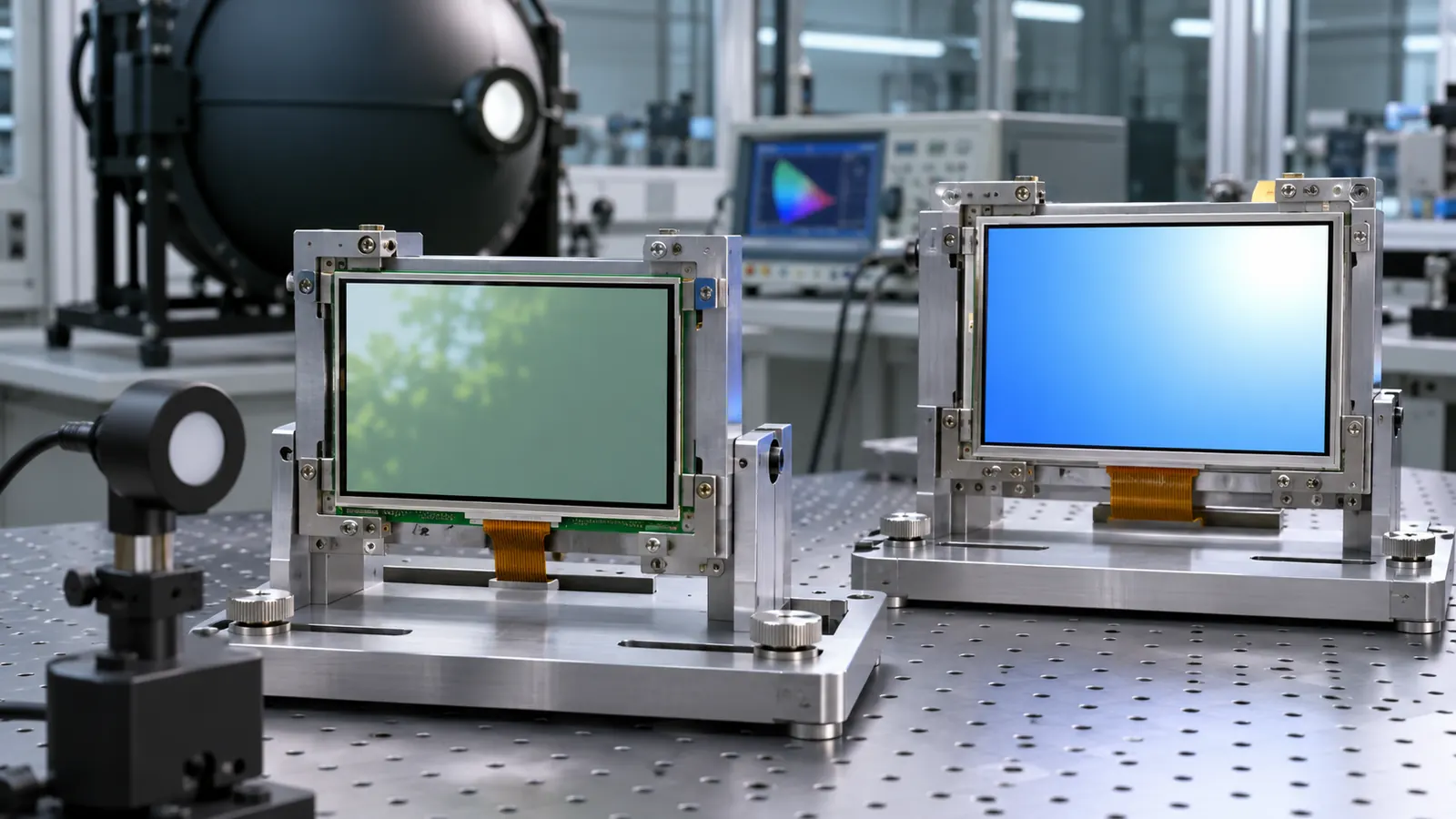 Compare actual modules with the same graphics and protective-stack conditions.
Look for reflections that hide a critical field, washed-out colors, poor small-text legibility, or a contrast change from the side. Avoid relying only on a white test image or a highly saturated demo screen. Use warning states, low-contrast information, and the labels that the operator needs to identify quickly. Where broad viewing behavior is important, compare IPS TFT LCD options under the same test conditions.
Put power and heat in the decision
Outdoor readability and power use are connected. A backlight plan affects the supply, heat path, thermal behavior, and operating schedule of the complete device. Record the intended screen-on duty cycle and the product’s power constraints. A display choice should be checked alongside the battery or supply design, enclosure temperature, and system start-up behavior rather than as an isolated optical preference.
 The installed lens, enclosure, and power design influence outdoor readability.
If the equipment experiences broad ambient conditions, include the environment in the evaluation plan and review relevant wide-temperature TFT LCD options. The most useful outcome is a documented choice that makes the operator’s information readable in the actual application, not a headline number detached from the product.
Use the same test task in every lighting scene
Define a short, repeatable observation task: identify a running state, read a small label, distinguish an attention condition, and locate a control. Perform it in the lighting scenes that matter to the equipment. This prevents a comparison from drifting into subjective preference for whichever panel appears most vivid in one position. It also reveals when a protective lens, operator shadow, or reflection is the real problem rather than the module category.
The housing can contribute to the result. A hood, recess, matte treatment, lens angle, and screen orientation can reduce unwanted reflections without changing the module. Review those options alongside the display choice. Conversely, a front treatment that helps in one scene can make cleaning or service harder, so include the intended maintenance practice in the sample review.
Set acceptance criteria that procurement can use
Record the approved module, optical stack, test content, lighting scenes, and power setting. When an alternate display or lens is proposed, repeat the same observation task instead of treating it as a like-for-like substitute. That creates a practical path from optical selection to controlled sourcing.
Validate the finished assembly
Bench approval should not be the final decision. Build a sample with the intended module, controller, cable, mounting method, front lens or bezel, and representative firmware. Check the screen from the positions available to operators, then repeat the checks after a restart, a power interruption, and a service-access exercise. Record what was tested rather than relying on a general impression that the display looked acceptable.
Document the part number, active area, outline, interface, display orientation, host software revision, backlight or drive setting, mounting details, and screen examples used during the review. When a display, enclosure, controller, or cable changes later, that record gives engineering and purchasing teams a meaningful baseline for deciding whether another sample review is needed.
Make the RFQ support the product lifecycle
An OEM request should describe the operator task and equipment environment alongside size and resolution. Include available space, viewing position, interface, expected operating conditions, service access, annual demand, lifecycle expectations, and the validation build. A clear brief helps identify mechanical and electrical questions before a housing or firmware is locked. Sunshine Display can help teams compare industrial display modules against an enclosure and integration plan through the contact page.
Before releasing the design, define the acceptance sample and the evidence that accompanies it. That can include the module identification, installation drawing, image or screen set, test conditions, observations, and the responsible reviewer. Keep the approved reference assembly available where practical. It is often the fastest way to understand whether a later change in material, controller, cable, display orientation, or enclosure has altered the result that the team originally accepted.
Avoid treating a display as a cosmetic item after the first prototype works. The screen is an operator interface, an electrical load, a mechanical component, and a service item at the same time. A short cross-functional review between mechanical, electrical, firmware, quality, and purchasing teams can expose a gap before it becomes a field issue.