
A two-display design can separate fast machine control from persistent low-power equipment status information.
Most industrial machines have one obvious screen: the HMI where an operator starts a cycle, adjusts a setting, watches a live value, or acknowledges an alarm. Yet many machines also carry information that should remain visible when the HMI is asleep, the controller is off, or the operator is not actively using the equipment. Service state, calibration condition, asset identity, work assignment, or a current hold instruction often belongs in that second category.
That is where a dual-display product can be useful. A color TFT LCD provides fast, interactive operation. An e-paper display module can retain a slowly changing status image with very low standby demand. The point is not to add a screen because it looks advanced. The point is to give each screen a clear job.
A useful design rule: use the TFT for information that changes during operation; use e-paper for information that must still be readable between operations.
Decide the Roles Before Selecting Hardware
Begin with moments, not specifications. What must a production operator see while the machine runs? What must a maintenance technician see before opening a cabinet? What must remain visible after a controlled shutdown? These questions create a cleaner division of work than choosing two display sizes first.
The active role usually belongs to industrial TFT LCD modules: live machine state, numerical process values, menus, trends, diagnostic pages, and responsive touch interaction. The persistent role can suit e-paper: maintenance state, inspection status, asset identification, service instructions, or a scheduled change that updates only occasionally.
This separation also protects the interface from becoming a crowded all-purpose dashboard. The HMI can focus on operational clarity. The e-paper panel can give the next technician or supervisor an immediate, low-power record of the equipment's assigned state.
Use a Decision Matrix, Not a Technology Slogan
The two technologies solve different problems. Comparing them by display size alone can lead to the wrong architecture.
| Design question | TFT LCD HMI | E-paper status display |
|---|---|---|
| Does content update rapidly? | Strong fit | Usually poor fit |
| Is responsive touch or menu control needed? | Strong fit | Limited or separate input needed |
| Must the last image remain visible with minimal standby power? | Not its main strength | Strong fit |
| Is bright ambient light common? | Requires optical design review | Often well suited |
| Are color, animation, or live trends important? | Strong fit | Select carefully; refresh is slower |
| Is the content mostly an equipment state or service instruction? | Possible but may be excessive | Strong fit |
The matrix is only a first filter. Viewing distance, front lens, enclosure depth, temperature, communication method, update frequency, and the user's workflow still decide whether the product benefits from one screen or two.
Three Practical Architecture Patterns
1. Active HMI plus persistent service panel
This pattern fits machinery, control cabinets, and test equipment. The TFT handles production and setup. The e-paper module shows information that should persist during idle time: service condition, work assignment, calibration status, or an approved equipment state. The screens can be adjacent or positioned for different users.
2. Local machine HMI plus remote low-power status product
Some facilities need an active TFT at the machine and a simple e-paper status product outside a guarded cell, tool cabinet, or equipment room. The remote surface can communicate through a gateway or receive updates from a maintenance system. Its value comes from visibility and persistence, not from replacing the HMI.
3. One enclosure, two operating power states
In a battery-sensitive or intermittently powered product, the TFT may wake only for an active task while e-paper continues to show the last approved state. This requires deliberate firmware and power design. A retained image must not be allowed to appear current if synchronization has failed.
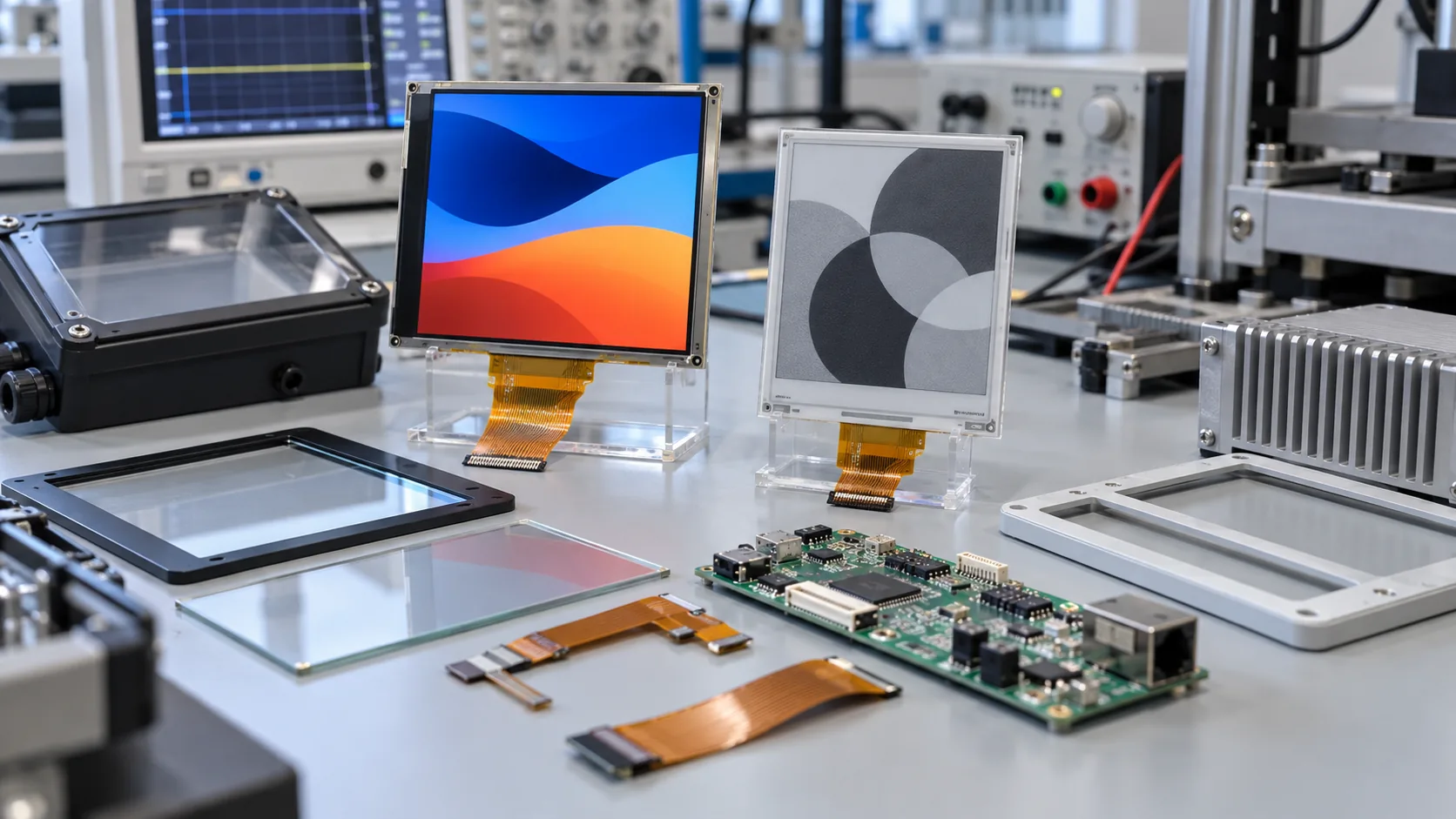 Panel technology, controller, FPC, lens, enclosure, power source, and the intended workflow should be evaluated as one system.
Integration Checkpoints That Matter Early
Treat the product as an assembly, not two independent modules. Confirm the TFT interface, e-paper controller, memory requirements, power rails, wake-up behavior, FPC routing, grounding, lens opening, and mounting space together. The mechanical drawing should leave room for bend radius, connector access, fasteners, gasket compression, and service removal.
Optical design is also different for each screen. A TFT can need backlight and reflection control behind a cover lens. E-paper benefits from reflective readability but must still be checked through its final front window. If the HMI needs broad off-axis readability, an IPS TFT LCD module may be appropriate. If the active screen needs a sealed touch surface, review capacitive touch TFT LCD options together with glove use and cleaning procedures.
Prototype With the Information People Actually Use
A reliable prototype uses representative content, not a generic demo screen. Load the production HMI with the expected menus, status colors, alarms, and diagnostics. Load the e-paper panel with a real service or equipment-status layout. Then test who reads each display, from where, under what lighting, and after what event.
Check normal operation, power loss, controller restart, communication outage, and a delayed e-paper update. Decide how freshness is indicated on the persistent display. A timestamp, synchronization flag, or controlled error state can help, but critical safety decisions should remain governed by validated procedures rather than a screen alone.
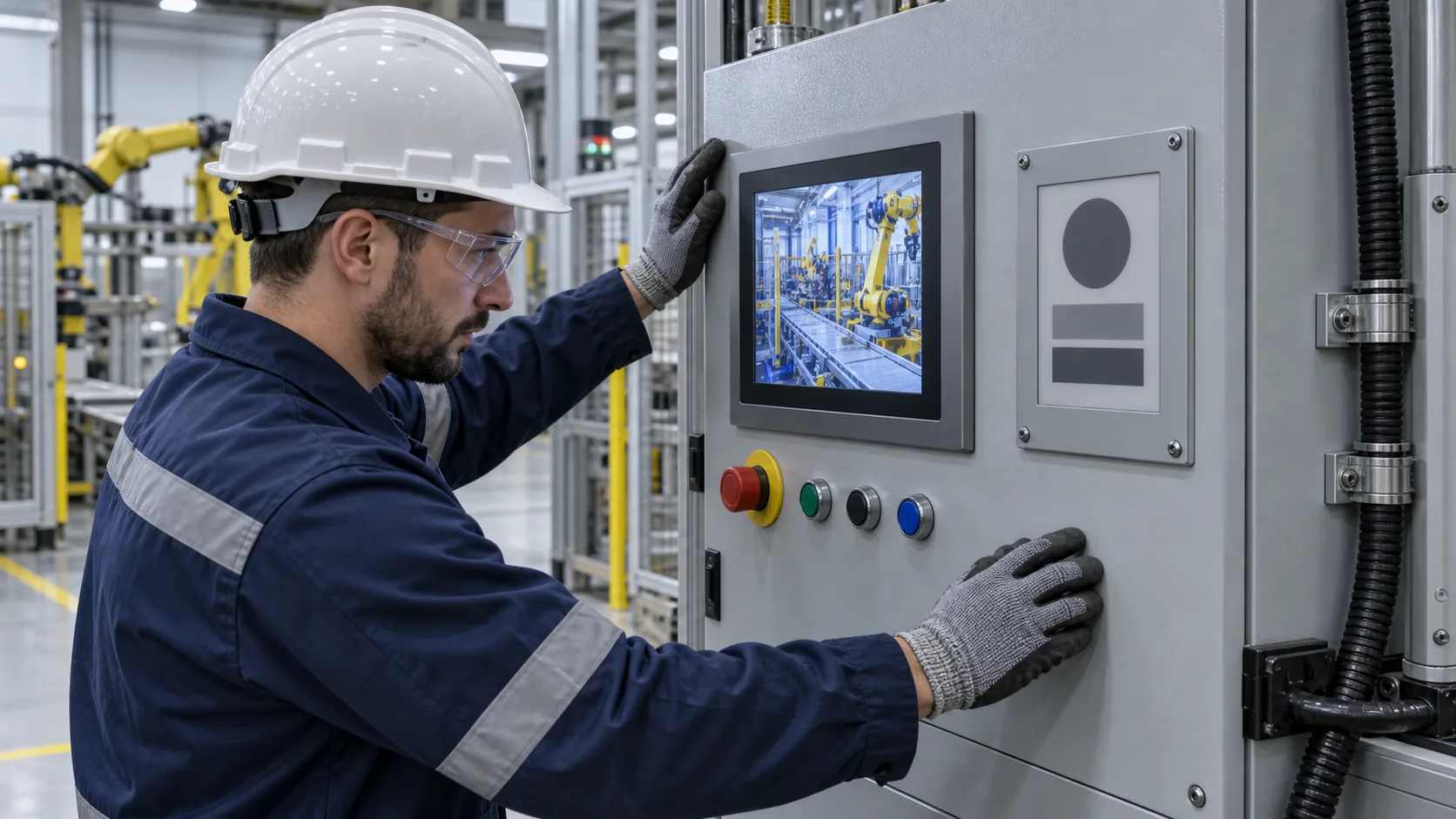 An active HMI and a persistent e-paper status surface can support different tasks on the same industrial asset.
Buying Questions Worth Answering Before an RFQ
Can one controller support both displays? Often it can, but interface, memory, refresh behavior, power sequencing, and firmware architecture must be reviewed for the actual modules. Some products use separate controllers for clearer task separation.
When should an OEM avoid two displays? Avoid the approach when one screen can reliably support all user tasks, or when enclosure space, cost, software ownership, and service complexity outweigh the operational benefit.
What should the sample test cover? Test real content, update sequence, power interruption, viewing conditions, enclosure fit, cable routing, service workflow, temperature exposure, and the supply plan for both technologies. For active interfaces outside ordinary indoor conditions, wide-temperature TFT LCD modules may be relevant.
When requesting a quotation, provide the machine type, user roles, display jobs, preferred active area, interface, power source, update rate, environmental range, enclosure drawing, front-panel construction, annual quantity, and expected lifecycle. Sunshine Display supplies industrial display modules including TFT LCD and e-paper options, as well as custom e-paper product OEM services. Contact Sunshine Display to review a two-display industrial product concept.
