
Filling equipment HMIs bring line state, fill process, alarms, and service functions together at the point of operation.
Industrial filling equipment turns a controlled process into a repeated production task. Operators need to recognize machine state, product or recipe selection, fill condition, conveyor status, alarms, cleaning cycle, and maintenance prompts quickly. The TFT LCD module is not the filling controller, but it is the primary surface through which people understand and operate the equipment.
For OEMs, selecting a TFT LCD display for an industrial filling machine involves more than fitting a screen into a stainless control cabinet. The HMI must remain readable and serviceable in an environment that may include washdown, process liquids, changing lighting, gloves, vibration, electrical noise, and a long product lifecycle.
Start With the Production and Changeover Workflow
Map the information needed during start-up, normal filling, product changeover, cleaning, alarm recovery, and service. A small machine may need clear line state, simple parameters, and a few diagnostics. A multi-head filling line can need recipe pages, multiple fill conditions, batch information, production counts, alarms, and maintenance details.
Identify which information must be recognized at a glance. Warnings, line state, and actions that require operator attention should have a clear visual hierarchy. Avoid dense pages that make the user search through minor data while bottles continue to move. Prepare representative screens at final pixel size rather than deciding solely from a general-purpose demo image.
Choose Size, Resolution, and Viewing Performance Together
Display size should match the viewing distance and content. A larger active area can improve readability, but it also needs enough resolution for small values, trends, and recipe controls. Check the intended display at the real panel angle. Operators may view a console from the side while loading materials, watching nozzles, or servicing guards.
IPS TFT LCD modules are useful when the HMI needs stable contrast and color from changing viewing angles. Brightness should be selected with the actual lighting, front lens, and enclosure in mind. Reflections from stainless steel, glass guards, or overhead fixtures can affect readability as much as the LCD specification itself.
For many equipment designs, standard TFT LCD modules offer a good platform for evaluating active area, resolution, interface, brightness, and lifecycle. The final choice should still be proven with the full optical stack.
Treat the Front Surface as an Engineering System
Cleaning and washdown requirements can determine the final HMI construction. The cover lens, printed border, touch panel, adhesive, gasket, bezel, and enclosure all affect ingress resistance, chemical compatibility, and readability. A display module that performs well on a dry bench can fail early if the front surface and sealing strategy are not designed together.
Clarify the cleaning method: wipe-down, low-pressure spray, foam, rinse, or other site process. Review compatible materials and test the planned cleaning solution. Concentrated mounting force or incorrect gasket compression can introduce stress into the display stack, while a poor seal can allow moisture into the enclosure.
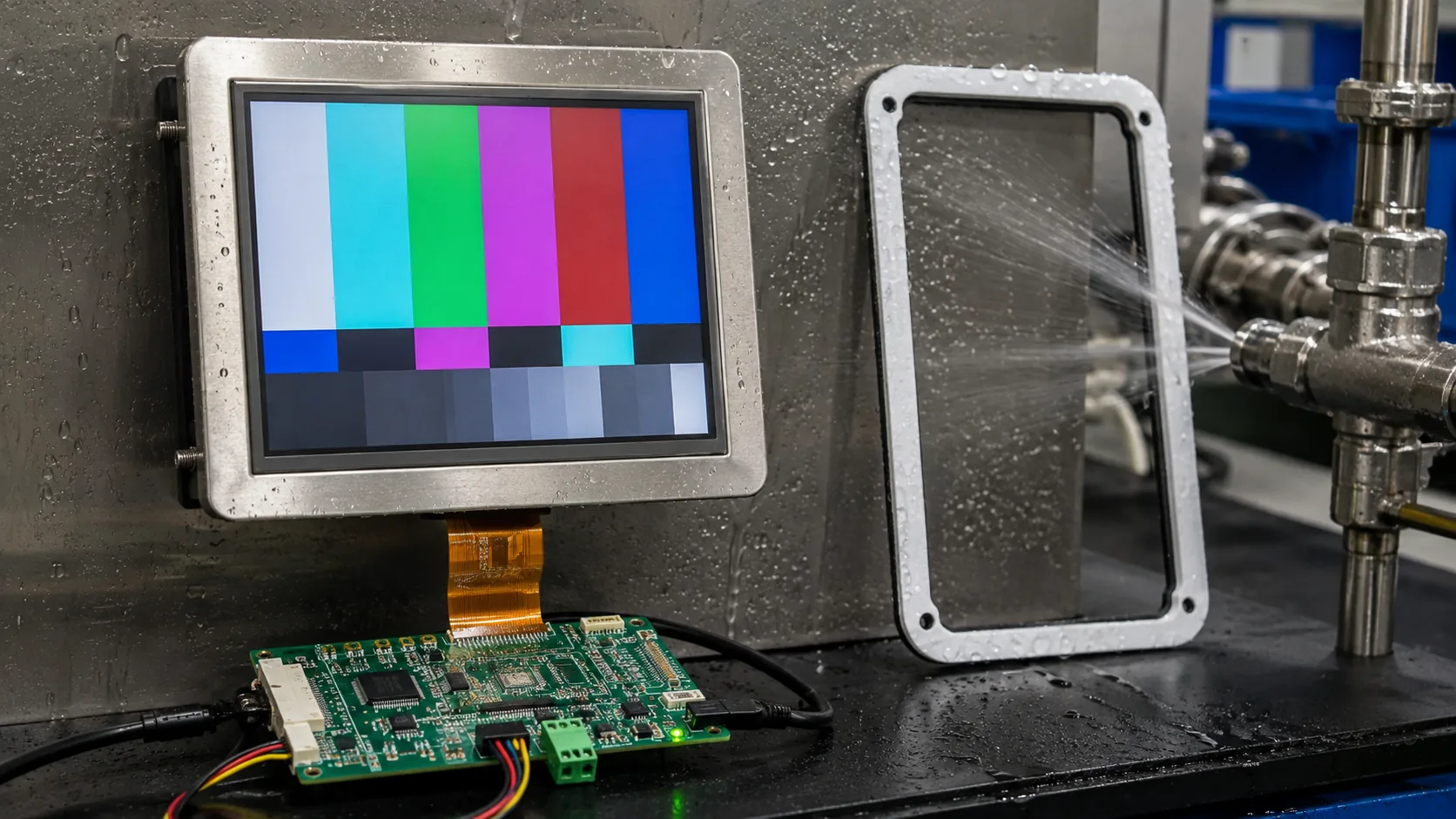 The module, touch stack, gasket, front lens, controller, and enclosure need to be evaluated for the actual cleaning environment.
Design Touch and Physical Controls for Intentional Use
Touch is helpful for recipe selection, navigation, setpoint entry, and diagnostics, but machine safety functions must follow the required physical safety architecture. Keep emergency-stop and other safety-related controls separate from ordinary touch navigation. The screen should clearly distinguish between status information, editable settings, confirmation steps, and alarms.
Projected capacitive touch can create a clean sealed surface, but glove behavior, moisture, cover glass thickness, touch tuning, grounding, and cleaning residues must be evaluated. Capacitive touch TFT LCD assemblies help frame the discussion as one integrated touch-and-display system. Test actual gloves and realistic operator actions before release.
Manage Electrical and Mechanical Integration
Filling lines can include motors, conveyors, pumps, solenoids, sensors, heaters, switching supplies, and long cable routes. These loads can create electrical noise that affects display signals or touch stability. Follow panel and controller recommendations for power sequencing, grounding, shielding, cable routing, interface impedance, and connector retention.
Mechanical work matters just as much. Check the LCD support points, FPC bend radius, controller mounting, enclosure clearance, and service access. If equipment operates in chilled spaces, hot process areas, or outdoor installations, wide-temperature TFT LCD modules may be appropriate. Verify the complete display, touch, adhesive, and enclosure assembly for the target environment.
Validate With the Actual Line
Run the final HMI with representative software and a production-like machine. Test normal operation, fill variation, missing-container conditions, alarms, cleaning, power cycling, communication loss, and maintenance access. Observe the screen from real operator positions under working light, and include the gloves and protective equipment used on the site.
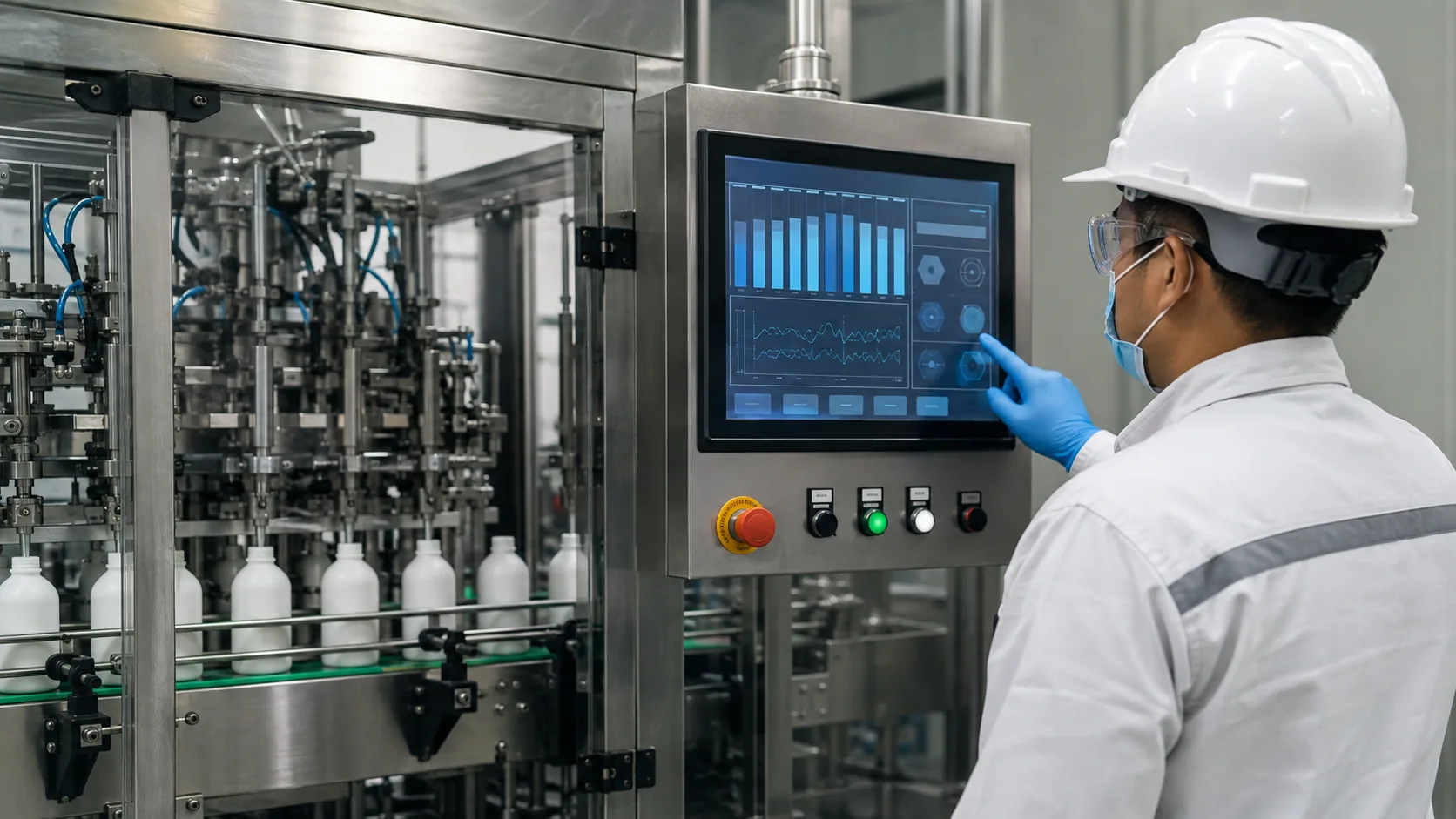 Final HMI validation should include normal production, cleaning, alarms, changeovers, gloves, and real operator positions.
Supply continuity should be assessed before production release. Ask about module lifecycle, controller availability, optical options, change notification, and qualified alternatives. Stable sourcing is important when a filling-machine platform may remain in production and service for many years.
Practical RFQ Checklist
Provide machine type, panel drawing, viewing distance, display size, active area, resolution, brightness, viewing-angle requirement, touch type, front lens, interface, cleaning process, temperature range, annual quantity, and lifecycle target. Add real HMI screenshots and installation photos when possible.
Sunshine Display supports industrial TFT LCD modules and display assemblies for OEM equipment. Contact Sunshine Display to discuss an industrial filling-machine HMI project.
FAQ
What display size works for an industrial filling machine?
Choose size around viewing distance, control-panel space, required process information, and whether the HMI must show recipes, alarms, trends, and diagnostics together.
How should a filling-machine LCD be protected during cleaning?
The final assembly should be reviewed for front lens material, gasket compression, seal design, enclosure rating, chemical compatibility, cable routing, and cleaning procedure.
Why test the HMI with actual production screens?
Representative recipes, alarm states, fine values, gloves, lighting, and cleaning workflow reveal usability issues that a generic display pattern will not show.
