
AI-generated concept illustration with a simplified screen: validate the full production layout at the installed viewing distance.
At a busy industrial weighing station, the operator rarely studies the screen for long. A container arrives, material is added or removed, and a result must be understood before the next action. The display has to make that sequence clear: which value is being shown, whether the instrument is ready, and whether a command has actually been accepted. A visually impressive interface can still perform poorly if those distinctions disappear behind reflections or competing information.
For equipment manufacturers, selecting TFT displays for industrial weighing terminals therefore starts with the work cycle. The panel, protective window, controls, firmware, and mounting position should support the same reading task. The following approach turns an initial screen preference into a display brief that a supplier and an engineering team can evaluate together.
Start With the Operator's Next Decision
Observe a complete weighing cycle at the intended installation. Note when the operator watches the value, reaches for a control, checks a container identifier, or turns toward another machine. Record the likely viewing distance and whether the terminal sits above, below, or beside the working surface. A display approved at desk height may be awkward when mounted behind a loaded platform.
Build the first layout around the primary reading and its meaning. Reserve clear space for units, operating mode, and relevant state information. Secondary fields should support the task without competing with the main number. Test the layout with representative values, including long values, negative values where applicable, and messages that replace the normal reading. Do not let an attractive demonstration screen define the available space.
Use labels and symbols alongside color where a distinction matters. A highlighted region may draw attention, but its meaning should remain understandable under different lighting and to users who distinguish colors differently. Ask operators to explain what the screen is telling them rather than merely whether they like its appearance.
Judge Readability Through the Finished Window
A bare TFT module is only the beginning of the optical stack. The front window, surface finish, bezel depth, mounting angle, and surrounding metalwork all influence what the user sees. Include overhead luminaires and nearby windows in the evaluation. A stainless enclosure can introduce reflections that were absent on the development bench.
For stations approached from several directions, IPS TFT LCD module options can be part of the initial comparison. Check the particular sample with the actual layout and cover assembly rather than accepting a viewing-angle headline as proof of readability. Look for changes in contrast, weak secondary text, and reflections crossing the main reading.
Set brightness using the installation conditions and thermal budget. Maximum backlight output should not be the only acceptance condition. Evaluate dimmed operation, the selected background colors, and the screen after routine cleaning. Keep a record of the light conditions and viewing positions so later samples can be compared consistently.
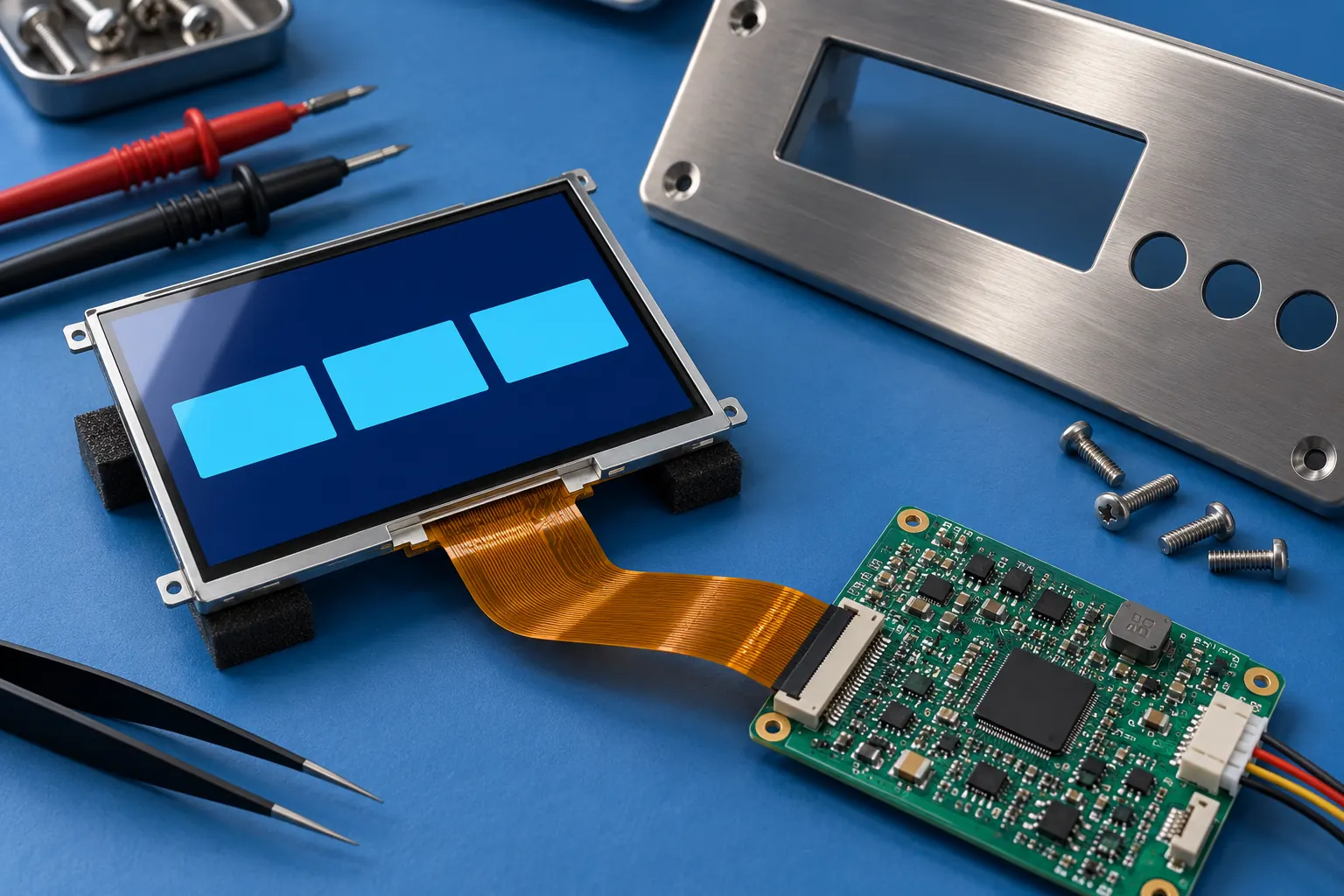 AI-generated concept illustration: evaluate the module, controller and protective window as a complete assembly.
Separate Measurement State From Screen Activity
A lively interface can create a false impression that every subsystem is working normally. Define what should happen if communication between the weighing electronics and the display controller stops. A frozen number should not silently continue to resemble a current measurement. Agree on how stale data is detected and how the interface explains the resulting state.
Review the sequence from a control input to its visible acknowledgement. A pressed button, an accepted command, and a completed action may be different events. Give each event appropriate feedback and prevent repeated input from causing unintended extra actions. Test these sequences with realistic processing delays rather than assuming the development computer represents production timing.
Choose the module interface in the context of the host electronics, available memory, graphics requirements, cable length, and software support. A higher-resolution panel can increase rendering work without improving the operator's decision. Prototype the intended layout and transitions on the target controller before freezing the display specification.
Choose Controls for the Actual Working Hands
Some terminals benefit from a touch interface for product selection or configuration, while frequent actions may be easier to locate on dedicated physical controls. Observe the gloves, posture, and reach involved at the station. Keep actions that are easy to confuse physically or visually separated, and validate them with the people who perform the work.
If touch is required, compare capacitive touch TFT LCD assemblies using the intended cover thickness and controller settings. Treat glove operation, moisture behavior, and nearby conductive surfaces as conditions to test on the assembled terminal. Their performance depends on the selected combination; it should not be inferred from the presence of a touch sensor alone.
Cleaning can also affect interaction. Establish whether input should be inhibited during wiping and how the operator exits that state. A configuration page should not open merely because a cloth crosses the front panel. Include this scenario in the user trial alongside normal weighing operations.
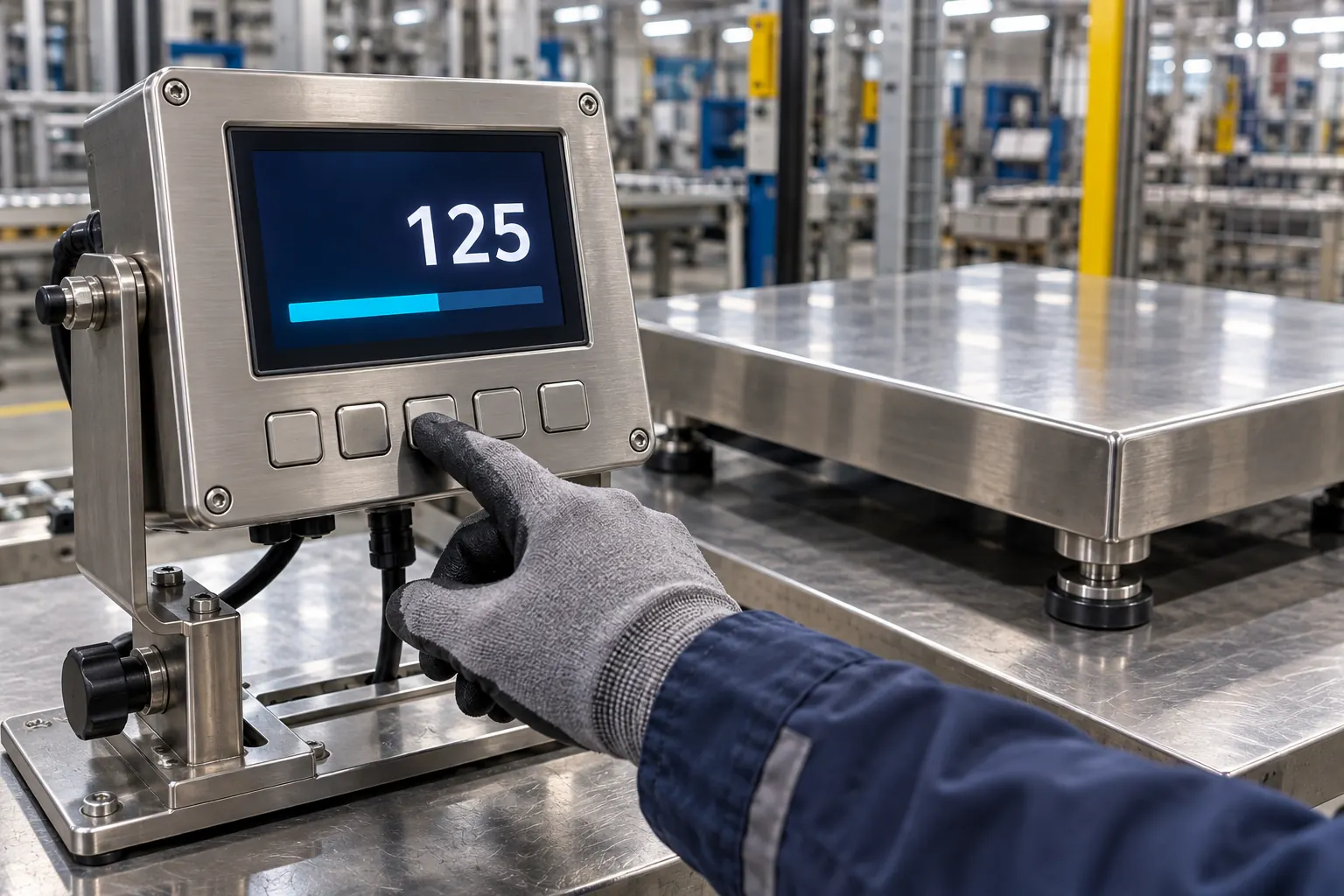 AI-generated concept illustration: test controls with representative gloves, reach and working conditions.
Validate the Enclosure and Electronics Together
Plan a sample build that includes the production-style window, seals, mounting hardware, harness, and power supply. Check cable retention and service access as well as appearance. Evaluate whether tightening the enclosure changes the display appearance or places unwanted stress on the module. Ask the module supplier for the mounting and handling guidance for the specific part.
Temperature planning should distinguish the surrounding room from the conditions inside the enclosure. The backlight, processor, and other electronics contribute heat. When comparing wide-temperature TFT LCD modules, match the specified operating and storage limits to the complete installation profile. The module rating alone does not establish the performance of the finished terminal.
Include display activity in the instrument's electrical validation plan. Exercise brightness changes, screen transitions, start-up, supply interruptions, and recovery while the complete equipment is evaluated. The purpose is to discover integration problems early, not to assume that a display upgrade improves measurement performance. Keep optical observations and instrument test results as separate evidence.
Give Procurement a Brief That Survives the Prototype
A useful RFQ includes active area, mechanical outline, interface, supply requirements, layout examples, brightness conditions, touch requirements, enclosure drawings, and the expected service life of the equipment. Add annual demand, sample timing, replacement strategy, and change-notification expectations. Identify which requirements are essential and which can be adjusted after sample evaluation.
Before approving the design, repeat the key operator tasks on the assembled sample and capture the results. Record misunderstood states, difficult viewing positions, missed inputs, and service time. These observations help the team resolve practical issues before purchasing decisions become difficult to change.
To discuss a display brief for a new weighing terminal, contact Sunshine Display with the enclosure concept and representative screen layouts. A clear description of the working environment gives the supplier a stronger starting point than a diagonal size alone, and helps the OEM select a module that supports the finished instrument.
