
AI-generated concept illustration: a recessed display places the current assignment on the container itself.
A reusable transport container may complete hundreds of journeys between a component supplier, an assembly plant, and a return depot. Its information changes on every trip, while its physical identity should remain stable. Paper inserts can work, but someone must replace them, remove obsolete copies, and make sure the visible destination matches the actual load. An e-paper module offers another approach: an electronic face that travels with the container and presents the current assignment at the point of handling.
For an OEM, however, selecting that module is only one part of the design. The useful question is whether the complete container label can survive the transport loop and communicate trustworthy information when connectivity, battery condition, and handling conditions vary. Begin with the movement of the container, then turn those observations into display requirements.
Follow One Container Through a Complete Journey
Map the handovers before choosing a screen size. A tote may be filled at a supplier, consolidated onto a pallet, unloaded beside a production line, emptied, cleaned, and returned. Record who reads it at each step, how far away they stand, which face remains visible when stacked, and whether they need a human-readable destination, a machine-readable code, or both.
Separate permanent identification from the changing assignment. A durable fixed identifier should still help staff recover the container record if the electronic assembly is damaged. The screen can then concentrate on the next action, such as the receiving cell or return location. Avoid filling the available area with fields that nobody uses during a handover. Evaluate representative layouts at full physical size rather than approving a desktop screenshot.
Decide Whether the Information Can Wait
A bistable e-paper display can retain an image without power being applied to maintain that image. That characteristic suits information that changes at defined events rather than continuously. It does not mean the complete label consumes no energy: its controller, communications, sensors, and updates still need a power budget.
Image retention also creates an operational risk. A visible destination may be old even though the display looks normal. Include a clear assignment revision or last-confirmed update time in the production interface, and define how staff should handle a label whose information cannot be trusted. Do not rely on the screen changing to an error message after its battery has already failed.
If an application needs rapid animation, continuous operator interaction, or a frequently changing process view, compare the requirement with a powered display approach. Sunshine Display's standard TFT LCD module options provide a relevant comparison for fixed loading stations. A station display and a container label can serve different jobs within the same workflow.
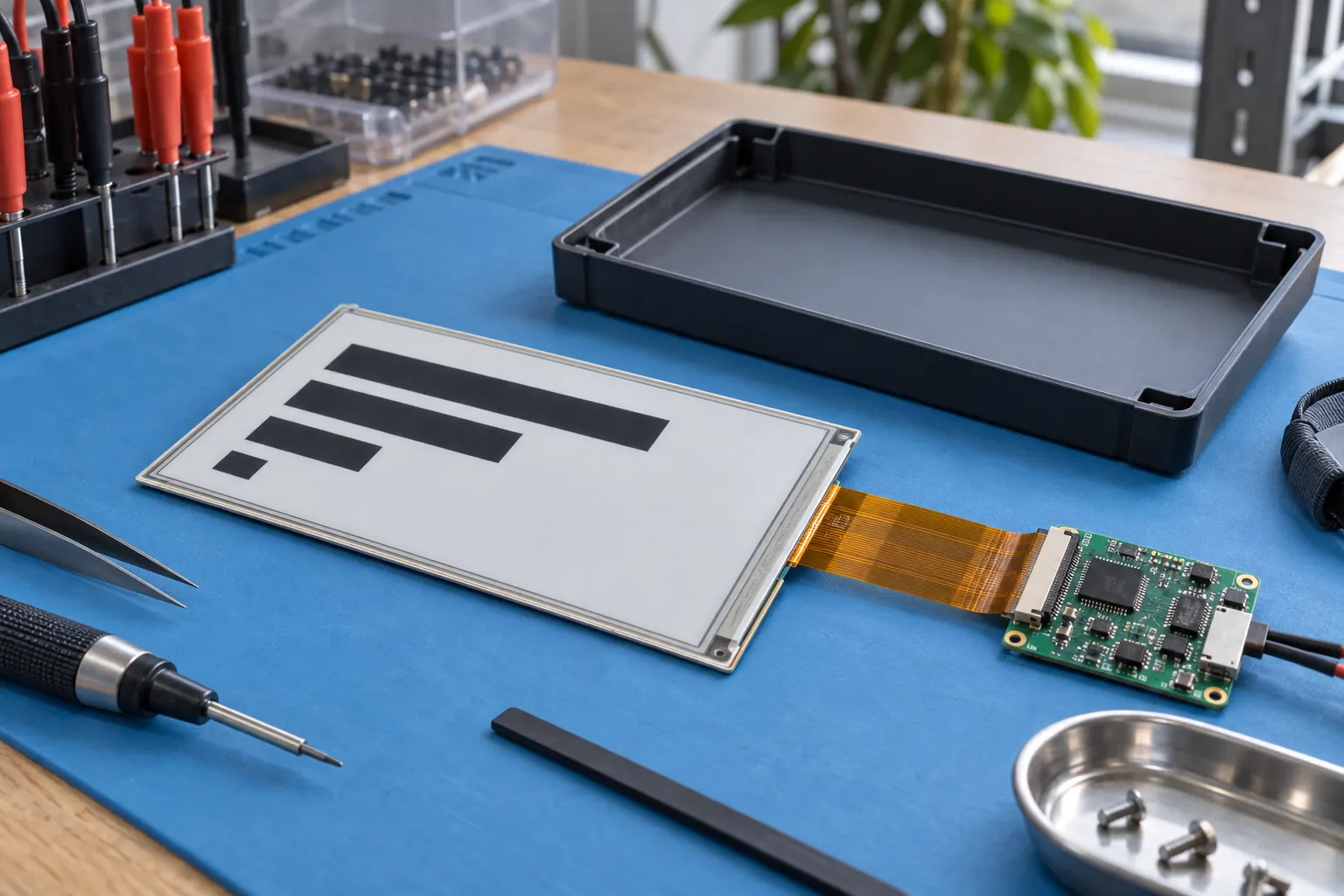 AI-generated concept illustration: validate the panel, controller and enclosure interface together before a pilot.
Specify the Update Transaction, Not Just the Radio
An instruction arriving at a gateway is not the same as a verified visible update on a container. Ask the system team to describe the entire transaction: identify the correct tote, deliver the assignment, refresh the panel, confirm controller completion, and record the result. Define which checks are electronic and which require a scanner or operator to inspect the displayed content.
Plan what happens if power disappears midway through a refresh or the tote leaves radio coverage before acknowledgement. The software should distinguish a queued command from a completed update, and retries should not accidentally restore an older assignment. These are integration acceptance criteria, not features to assume are provided by the display module alone.
For machine-readable content, agree on code dimensions, quiet zones, orientation, and expected scanning distance with the scanning-system supplier. Test the final protective window with the actual scanners. Screen resolution alone cannot demonstrate that a scratched, angled, or partially obscured label will be read consistently at a busy loading point.
Protect the Display Without Hiding It
The container wall is part of the optical and mechanical design. Recessing the assembly can reduce direct contact during handling, but a deep recess may restrict viewing or collect contamination. A protective window can shield the panel while adding reflections. Check the label on a loaded tote, an empty nested tote, and a stacked group rather than judging a loose assembly on a bench.
The module's panel, connector, controller, and enclosure each need appropriate support. Ask the supplier to identify permitted mounting loads and cable bend limits for the selected part. Avoid transferring container flex directly into a fragile display stack. Provide a service method that allows a damaged assembly to be replaced without retiring an otherwise usable container.
Cleaning requirements deserve a written specification. Identify the actual cleaning agents, exposure duration, water conditions, and drying process used in the return loop. Evaluate seals, window clarity, adhesives, and housing materials together. A component-level temperature rating does not establish the resistance of the assembled label to a cleaning cycle.
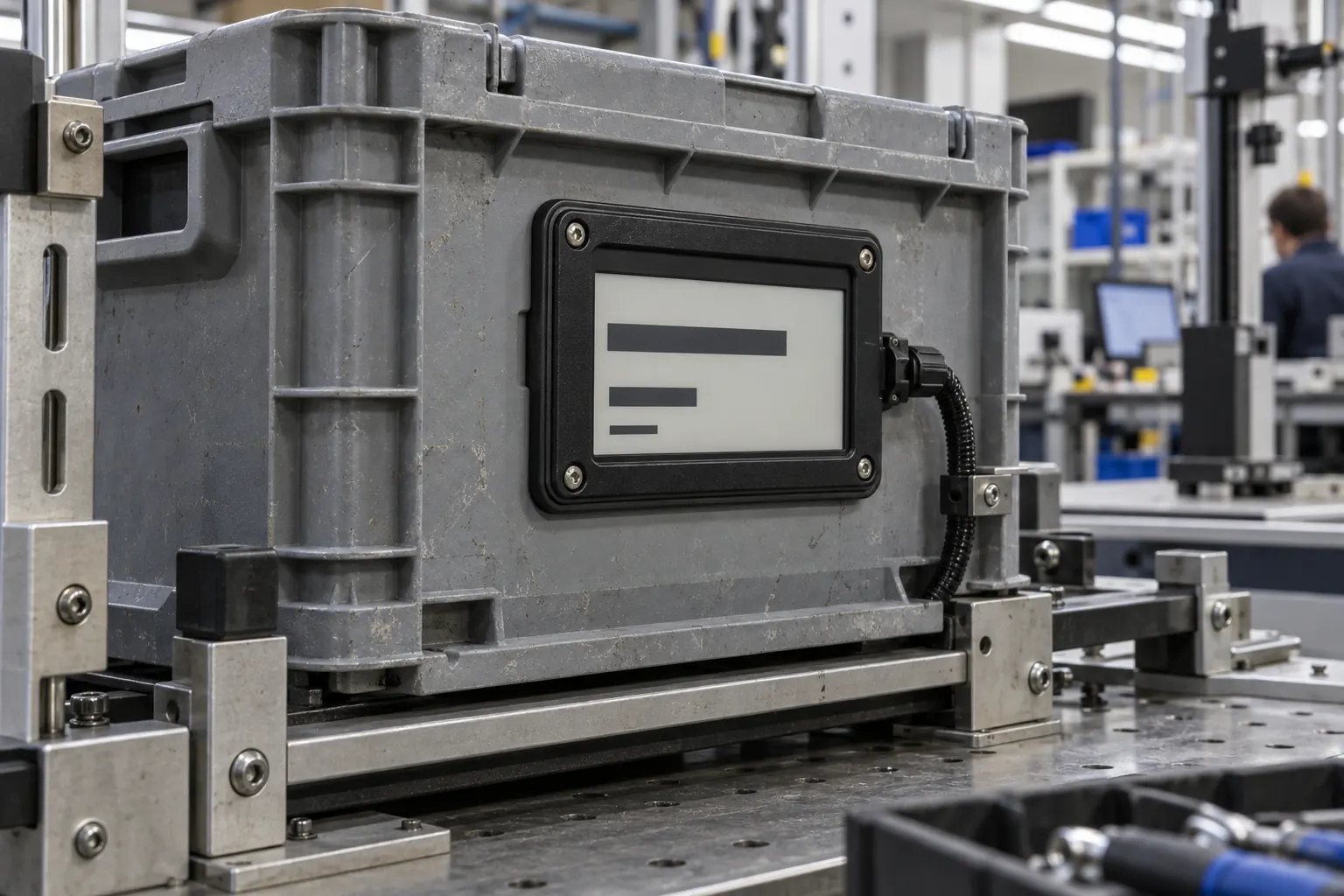 AI-generated concept illustration: evaluate the protective window, mounting and service access in the complete container assembly.
Build the Energy Budget Around Real Handoffs
Estimate updates per journey, journeys per day, communication attempts, and time spent waiting for commands. Include unsuccessful delivery attempts and recovery operations. Request measured current profiles for the proposed module and controller combination, then calculate the complete system budget using the intended battery or charging arrangement.
Validate refresh behavior and readability across the specified operating conditions with supplier-approved driving settings. Do not infer one e-paper module's performance from another module with a similar diagonal. Record the longest acceptable update time at a handover and decide whether the operation can pause until confirmation arrives. A practical pilot should reveal both energy demand and the delays workers actually experience.
Make the RFQ and Pilot Answer the Same Questions
A useful request for quotation includes the screen layout, active area, enclosure envelope, mounting concept, operating environment, update frequency, controller interface, service expectations, and annual volume. Include sample quantities and a validation schedule. When reviewing the Sunshine Display product portfolio, distinguish the display module from the additional electronics, enclosure, and software that your finished label will require.
Run a pilot over the full outbound and return route. Track successful visible updates, scan failures, damaged windows, battery interventions, and replacement time. Investigate exceptions individually before assigning a savings estimate. Compare total handling effort with the current labeling process, including return sorting and maintenance rather than only the time saved at dispatch.
For a new industrial container program, contact Sunshine Display with the container drawing and handover workflow to discuss e-paper module selection and OEM integration requirements. The strongest starting point is a clear operating brief: information people can trust, hardware that fits the container, and evidence from the actual transport loop.
