
AI-generated concept illustration: A simplified price-label concept illustrates the installed viewing environment.
Black Friday puts a deadline on every shelf-price decision. A promotion may be ready in the central system while a physical shelf still shows yesterday's information. Electronic shelf labels can reduce repeated printing and replacement work, but the display alone cannot guarantee that a campaign reaches the correct products at the correct time. A useful deployment connects pricing data, device assignment, update confirmation, and store-level exception handling.
For retail solution providers and OEMs, preparation should begin well before the promotion. Treat the event as an operational test of the complete system rather than a demonstration of remote updates. The question is whether staff can identify incomplete work, correct it, and keep customers informed when the store is busy. A well-designed e-paper label is one part of that answer.
Establish One Campaign Record
Define which system owns the campaign details and who is allowed to approve them. Separate product identification, price, promotion wording, validity period, and display template. A spreadsheet used for planning should not become an untracked alternative to the approved campaign record. Keep a clear record of the version released to stores.
Map each label to the correct product and shelf position. Include multi-facing products, temporary displays, and products that move during replenishment. A technically successful update sent to the wrong physical location still creates a customer problem. Make reassignment a deliberate store process and provide a way to identify labels that have lost their intended association.
Test the planned content with real shelf conditions. Check whether the price, unit information, and promotion restrictions remain readable at the installed height and angle. Do not assume a small format can accommodate every campaign message. Where information is too dense, simplify the template or reconsider the display area instead of shrinking essential text.
Rehearse the Update Window
Use a representative set of labels to rehearse the campaign sequence. Include preparation, release, acknowledgement, exception review, and the return to normal pricing. Record how long each stage takes under the actual network and store conditions. Avoid making a store-wide timing commitment from the performance of one device next to a gateway.
The management platform should distinguish prepared content, transmitted instructions, device acknowledgements, and any available evidence of a completed display update. Ask the system supplier what each status actually proves. A positive network response may not be equivalent to a visual inspection of the shelf. Decide where physical spot checks remain necessary.
Include failed and delayed updates in the rehearsal. Turn off a gateway, use a device with a weak power source, and simulate an unavailable label. Staff need a clear list of unresolved exceptions and a practical fallback procedure. The system should help them prioritize the problem rather than leaving them to walk every aisle looking for it.
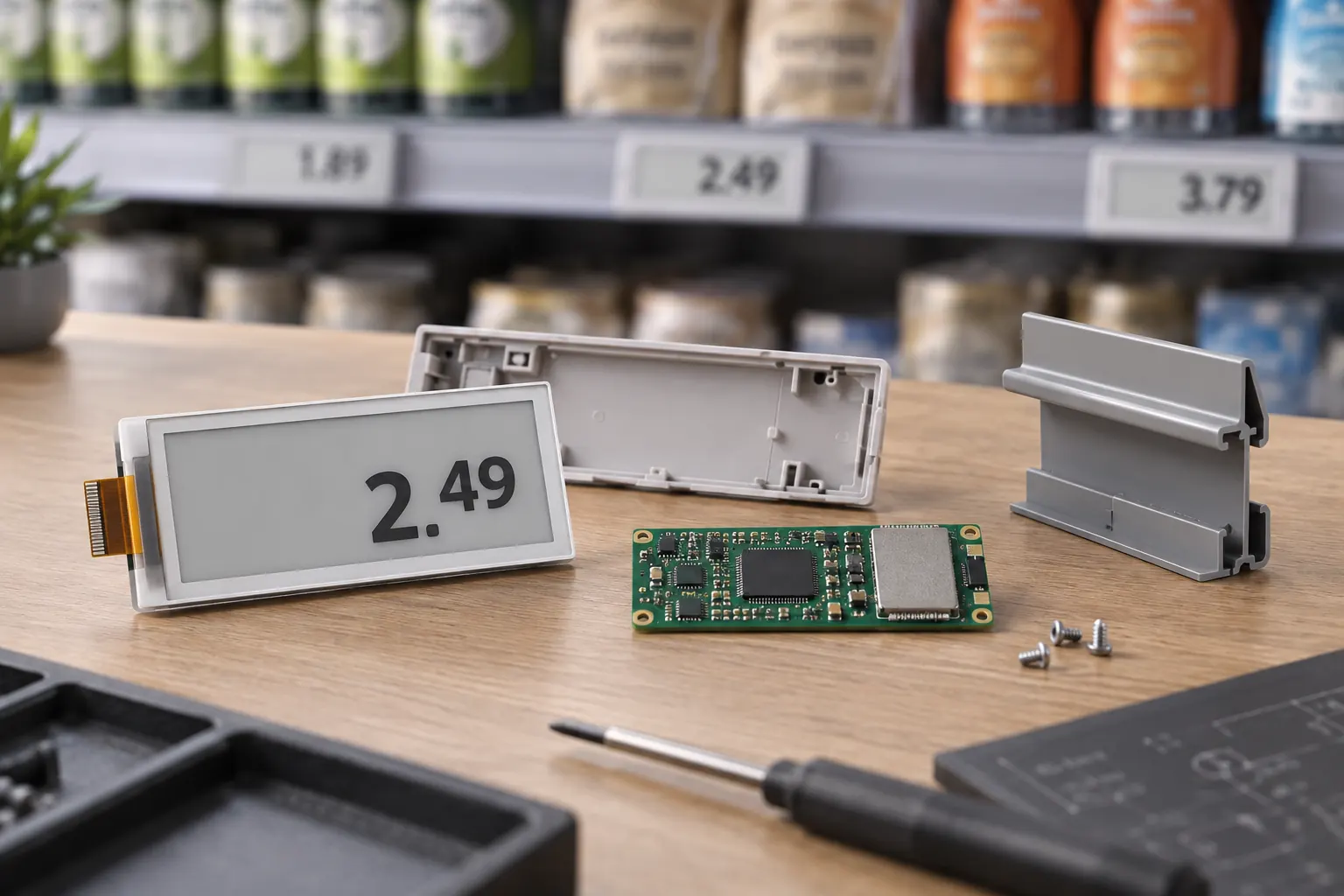 AI-generated concept illustration: Separate display hardware requirements from the complete ESL system scope.
Specify the Label as an Installed Assembly
The e-paper module needs to work inside its enclosure and rail mounting. Check the protective window, bezel, viewing area, and the way the label is removed or replaced. Test cleaning and routine handling using the actual store process. A good loose-panel image does not establish how the assembly will look beneath reflective packaging and overhead lighting.
Choose color and resolution around the information hierarchy. A promotional accent should remain legible alongside the regular price and any qualifying information. Use representative graphics, not only a supplier demonstration image. E-paper can retain a completed image without continuous display-holding power, but the controller, radio, and updates still consume energy. Evaluate the full label's maintenance requirements with the solution provider.
Sunshine Display's display module portfolio can support discussion of the hardware within a retail label. Keep that module conversation separate from the scope of the complete ESL system. Gateways, store software, pricing integration, fleet management, and deployment services need explicit owners; they should not be assumed to come with a screen.
Make Exceptions Visible to Store Teams
Create an operational view that lists unresolved labels by a location staff can find. Include the affected product, the expected campaign version, the last confirmed state, and the action required. Avoid a dashboard that reports only a high overall success percentage while hiding a small group of incorrect shelves.
Assign responsibility for opening checks, mid-campaign changes, and closing checks. Staff should know who can authorize a correction and when an issue must be escalated. Keep the procedure short enough to use during a busy shift. A well-written fallback should cover a missing label, a damaged screen, and an update that cannot be confirmed.
Customer-facing information deserves a direct check. Compare selected shelves with the checkout result and the approved campaign record using a defined process. Investigate discrepancies as workflow failures rather than assuming the display caused them. An incorrect source price, wrong label assignment, stale update, and unsuitable template require different fixes.
 AI-generated concept illustration: Include physical shelf checks in the campaign verification process.
Plan the End of the Promotion Too
A campaign is not finished when the opening update succeeds. Schedule and test the removal of expired promotional content. Confirm what happens when a device reconnects after the campaign has ended, so delayed commands do not restore an obsolete offer. Keep version handling and recovery behavior in the system acceptance criteria.
Separate persistent shelf information from content that needs continuous motion. A powered promotional screen may be appropriate for video at an aisle entrance, while e-paper serves the individual product shelf. For that complementary display requirement, standard TFT LCD options provide a different hardware starting point. Match each display to the task rather than expecting one technology to serve every retail surface.
After the event, measure the work that changed. Compare staff time, unresolved updates, correction time, damaged devices, and maintenance interventions with a documented baseline. Count the effort needed to prepare and reconcile the campaign, not only the physical label changes avoided. Use measured results to decide whether to expand the pilot.
For an OEM designing retail label hardware, contact Sunshine Display with the enclosure drawing, content examples, operating environment, and expected update pattern. The module should support a reliable store process, while the complete system provides the coordination around it. That division of responsibility makes Black Friday preparation more concrete and the eventual deployment easier to evaluate.
