
Keep pump state and process information visible at the installed viewing position.
A pump controller can report healthy pressure while its display leaves the operator unsure whether the value is current, which pump is running, or whether local control is available. Choosing the screen by diagonal size alone misses those problems. The display has to fit the cabinet, connect to the host, and make the controller's decisions understandable from the position where someone actually works.
For OEMs specifying TFT displays for industrial pump controllers, the first deliverable should be a realistic operating screen. Build it around the pump states and service tasks before committing to a module. A visually impressive demonstration page tells you little about whether a technician can identify a stopped pump during a noisy shift.
Start with the information that changes a decision
Separate measured values, commanded values, and confirmed equipment states. A requested speed is different from feedback that the drive is running. An alarm acknowledgment is different from clearing the condition that caused it. Those distinctions belong in the application design and should remain visible when the screen is crowded.
Prepare three representative pages: normal operation, an active fault, and a service screen. Include the longest equipment names and engineering units the product will support. If the controller operates a duty-and-standby pair, show each pump's identity consistently across pages. Avoid relying on color alone to distinguish available, running, and unavailable equipment.
Decide how old data will be presented. When communication with the controller stops, a frozen pressure value must not look like a fresh measurement. Test the actual timeout message, timestamp, or unavailable-state treatment. Display hardware cannot resolve this software behavior, but an early screen prototype makes the omission easy to spot.
Choose the viewing area from the installed position
A cabinet mounted near floor level creates a different viewing problem from a panel at eye level. Measure the expected standing distance and inspect the screen from the side where pipes or guards may force an operator to stand. Check small unit labels and alarm descriptions, not just the largest number.
Compare candidate standard TFT LCD modules using the same artwork at its intended resolution. A larger diagonal does not automatically create a better layout if the application simply scales every element without changing its hierarchy. Reserve enough space for an alarm message without hiding the process values needed to interpret it.
Where access requires substantial off-axis viewing, include IPS TFT LCD modules in the sample comparison. Verify the selected module's viewing characteristics rather than treating the panel technology name as an acceptance result. Protective glass, ambient lighting, and mounting angle all belong in that comparison.
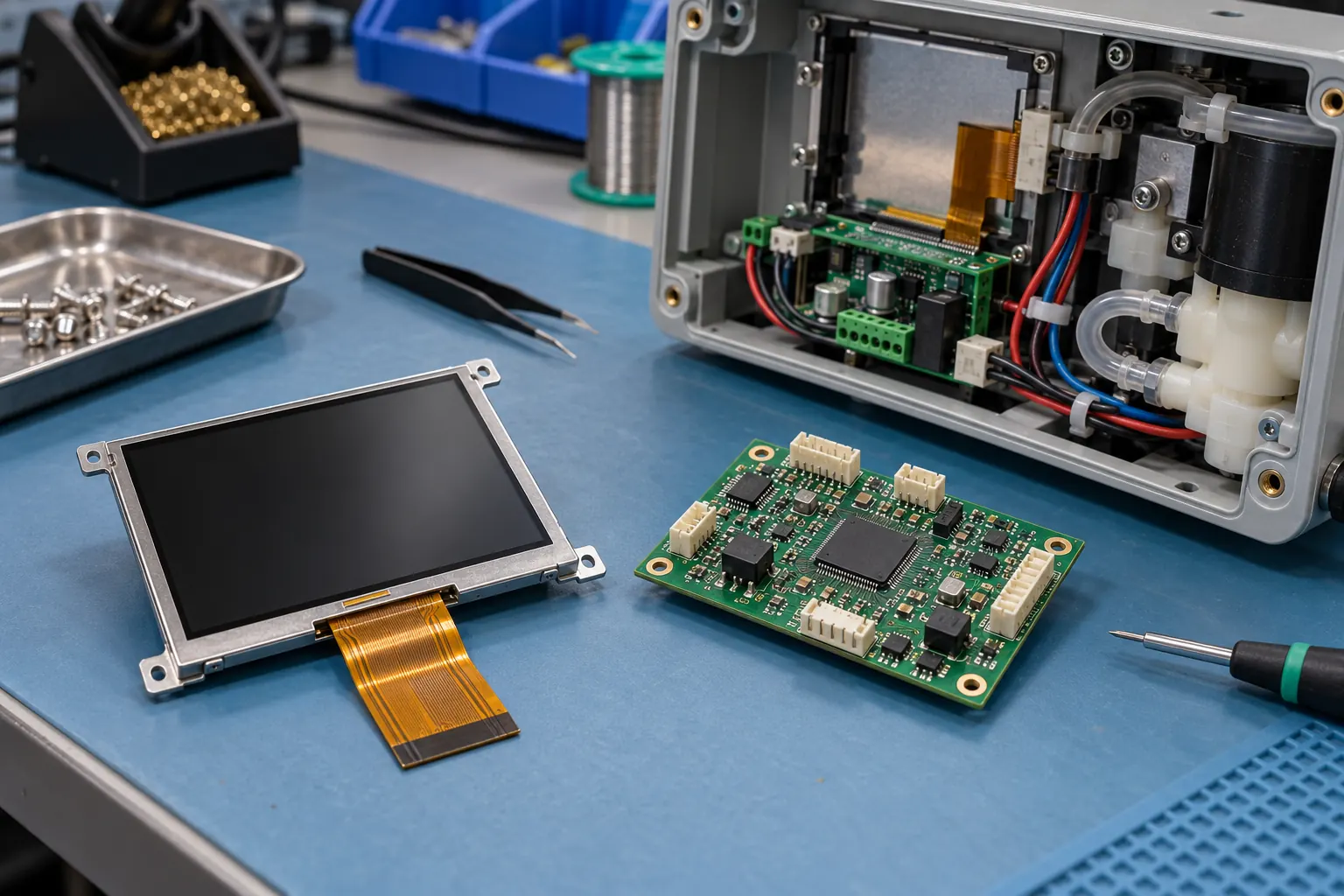 Check the module interface, cable clearance and enclosure together.
Settle the electrical interface before the cabinet drawing
Ask the controller team to identify the display output it can actually support, including timing, resolution, logic levels, initialization, and connector pinout. A matching connector pitch does not establish electrical compatibility. Keep the module drawing and interface specification tied to the exact sample revision.
Backlight power needs its own review. Confirm the required driver arrangement, supply behavior, dimming control, and startup sequence for the chosen module. Evaluate the lowest intended brightness setting as well as full brightness; a panel that looks comfortable in a bright workshop may be distracting in a dim plant room.
Route the display cable in the proposed enclosure while the motor-drive wiring is represented. Check bend clearance, connector retention, service access, and the grounding arrangement. These are integration questions for the whole controller. They should be examined with the drive operating through representative transitions, rather than inferred from a clean bench image.
Wet gloves change the control discussion
Choose the input method from the operating task. A rotary selector or dedicated buttons may suit frequently repeated actions, while touch can make configuration pages easier to navigate. Neither choice removes the need to test inadvertent input and clear feedback.
If touch is planned, send the supplier details of gloves, cover construction, expected moisture, and cleaning practice. Test those conditions on the complete assembly. Touch behavior depends on the selected sensor, controller, tuning, and installation; it cannot be guaranteed by the word capacitive on a component listing.
Keep safety functions within the machine's properly designed safety architecture. A normal touchscreen control or an alarm page should not be presented as a substitute for a safety function. For routine operations, distinguish viewing a setting, editing it, and applying it so that an operator can recognize when a change has actually taken effect.
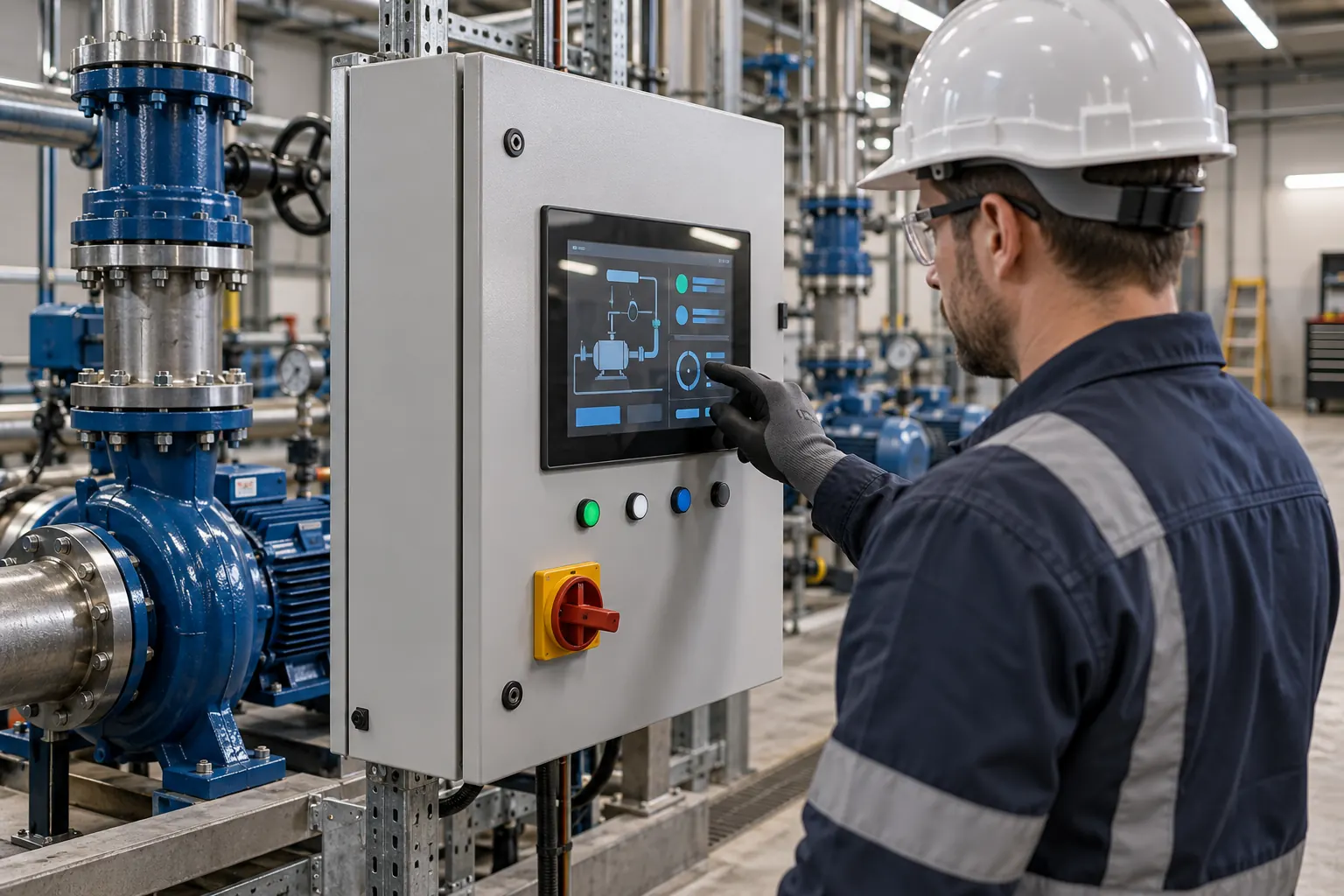 Evaluate control spacing and readability under representative working conditions.
Test the enclosure, not just the loose display
The temperature inside a running cabinet can differ from the surrounding room. Establish the expected internal conditions, then review the module's operating and storage limits separately. Include cold startup and warm operation in the validation plan where the installation calls for them. Do not extrapolate one sample's successful startup into an unsupported temperature rating.
Water resistance is also an assembly question. A front window, gasket, cable entry, and cabinet door form a system; installing a display behind glass does not establish an ingress rating. Have the responsible engineering team define the required enclosure tests and acceptance criteria.
During evaluation, record what an operator sees after a power interruption, controller restart, communication loss, and alarm recovery. Check whether the page clearly distinguishes initialization from normal operation. Save the firmware version, display revision, screen files, and test conditions with the results so that another sample can be evaluated consistently.
Give purchasing a specification it can maintain
An RFQ should connect the mechanical drawing to the electrical and visual requirements. Include the active area, outline, mounting details, interface, cable exit, viewing position, brightness control, and any touch requirements. Identify which values are fixed and which can change without redesigning the controller.
Agree on sample acceptance before ordering production quantities. Keep an approved reference assembly and define how display or backlight changes will be reviewed. Ask about change notification and replacement planning without assuming every mechanically similar module will be interchangeable.
For a new controller, share the cabinet drawing, representative screens, host interface, and installation conditions with Sunshine Display's engineering contact team. Those details make it possible to discuss suitable modules and the checks needed before a pump controller enters production.
