
An industrial machine can remain useful long after the display originally fitted to its operator panel becomes difficult to source. Replacing that display may look like a small maintenance project, especially when a new module has the same diagonal and resolution. The engineering work begins when the team asks what must remain compatible: the cabinet opening, host electronics, application software, touch controls, and the operator's familiar workflow.
A TFT display retrofit should start with evidence about the installed equipment. The aim is to recover dependable operation with a documented replacement path. A successful bench demonstration is an important milestone, but the final decision needs to account for assembly, service, and operation in the actual machine environment.
Recover the Baseline Before Comparing Parts
Collect the original module part number and revision, mechanical drawings, electrical specifications, host controller details, firmware version, and photographs of the complete assembly. Record the cable route and connector orientation before disturbing the installation. Where equipment records are incomplete, identify those gaps explicitly rather than assuming that another machine with a similar front panel contains identical hardware.
Keep a functioning reference unit where practical. Capture the normal startup sequence, brightness range, screen layouts, touch behavior, and recovery from a routine restart. Include infrequently used pages such as maintenance settings and diagnostic messages. These observations create a comparison point for the replacement and help separate existing behavior from a new problem.
Clarify the project's boundary. Replacing a display module is different from replacing an entire HMI terminal. If the host controller or application must also change, the scope expands beyond the panel. Agree who owns the hardware, software, machine integration, and acceptance decisions before requesting samples.
Compare Dimensions That the Diagonal Hides
Two panels with the same advertised size can have different outlines, thicknesses, active areas, mounting features, and connector locations. Compare the drawings against the actual enclosure, including clearances behind the panel. Check whether the existing window exposes the full active area and whether a new bezel would obscure important controls or information.
Review the cable arrangement with the enclosure closed. A connector that fits on an open bench may create an unsuitable bend or interfere with nearby hardware after assembly. Include strain relief, access for disconnecting the cable, and the required installation sequence. Obtain handling and mounting guidance for the selected module rather than adapting it by trial and error.
The Sunshine Display module portfolio can support an initial comparison of available formats. Treat that comparison as a shortlist. The final fit decision should use the specific module drawing and a representative assembly, not catalog photographs alone.
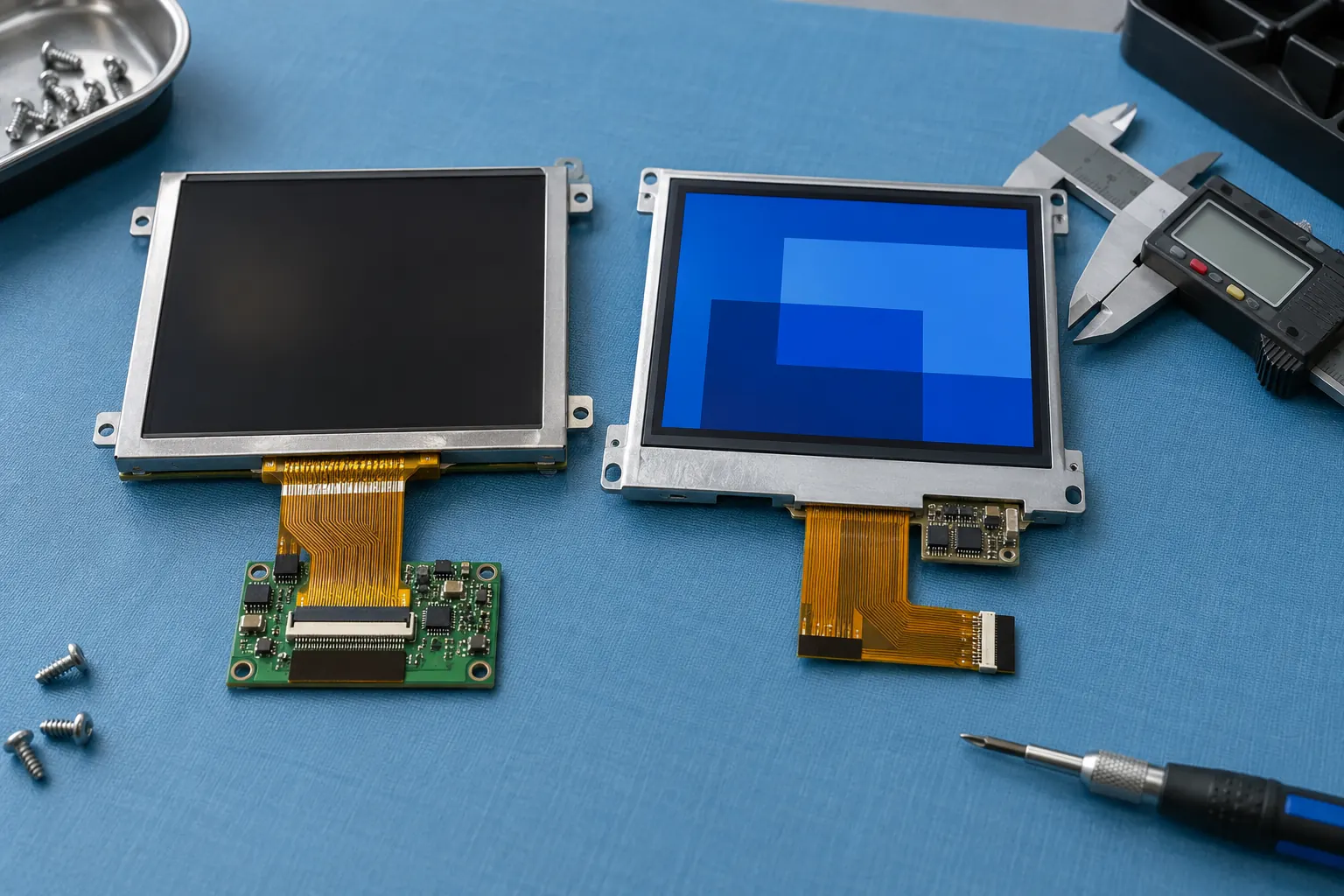 Compare module drawings and connector locations before ordering samples.
Establish Electrical Compatibility Before Connection
Matching connector shape does not establish matching pin assignments. Compare the documented supply requirements, signal assignments, interface characteristics, backlight arrangement, and sequencing requirements with the existing electronics. Have the responsible engineer resolve discrepancies before connecting a candidate module. Record any adapter or controller changes as part of the replacement design.
An interface name by itself may leave important details unresolved. Ask the suppliers to confirm the configuration required by the candidate panel and the capability of the host. Preserve those answers with the part revision so purchasing and service teams can distinguish the approved assembly from a similar-looking alternative.
If the replacement requires a new harness or adapter board, include it in the bill of materials and test plan. Consider how it will be supported mechanically, identified during service, and obtained for later repairs. A retrofit that depends on an undocumented workshop modification becomes harder to reproduce across an installed equipment fleet.
Preserve the Operator's Reading and Input Tasks
The new display should be assessed with the existing application rather than a demonstration image. Check small text, warning states, shaded controls, and content near the edges. A different optical response can alter the apparent contrast of a familiar interface even when its pixel dimensions remain unchanged.
When evaluating IPS TFT LCD options, compare samples at the machine's installed height and viewing positions. Include the protective window, overhead lighting, and the intended brightness settings. Document what an operator can actually read from those positions instead of treating a panel specification as a substitute for the assembled test.
Where touch is involved, review coordinate mapping, calibration, edge access, and the interaction between the sensor and its controller. Test complete tasks, including entering settings and confirming an action. A screen can look correct while its input behavior makes the machine awkward to operate. Preserve the original workflow unless a deliberate change has been designed and evaluated.
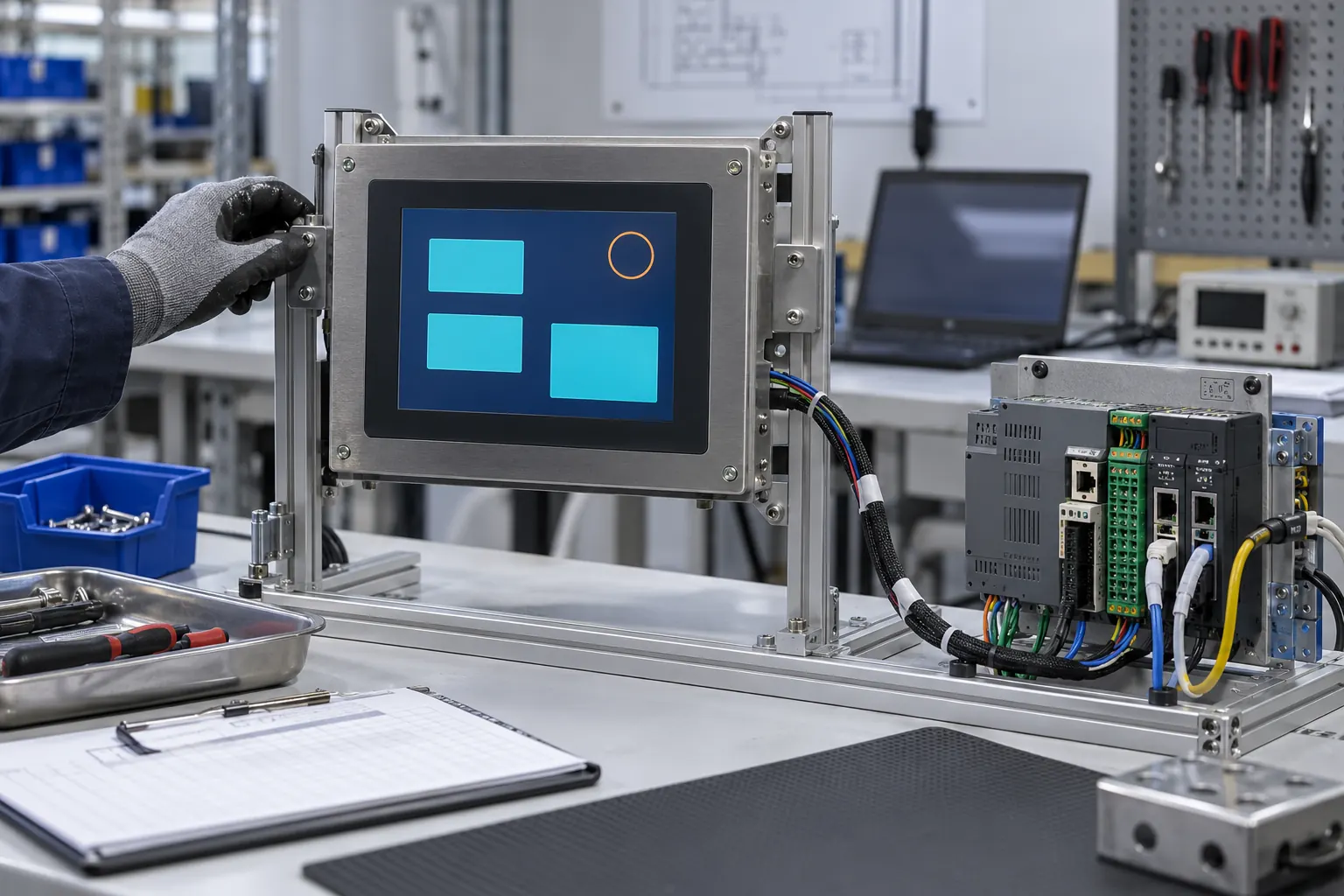 Validate the approved hardware and software configuration as one assembly.
Qualify the Replacement as a Complete Assembly
Build a representative sample with the proposed panel, controller configuration, cables, brackets, window, and enclosure. Start with controlled bench checks and progress to the equipment environment under the responsible engineering team's procedures. Record the configuration at each stage so a successful result can be repeated.
Include startup, normal operation, dimming, extended operation, shutdown, and recovery scenarios relevant to the equipment. Observe the display alongside the host system rather than testing it as an isolated visual component. Investigate intermittent behavior before releasing the replacement; a problem that appears only occasionally can be especially costly to diagnose after installation.
Review environmental and service requirements for the finished assembly. Changing a panel can affect internal spacing, heat distribution, or sealing details if the surrounding design is also modified. Determine which existing equipment evaluations need to be repeated with the appropriate engineering specialists. Do not assume that the old assembly's test evidence automatically covers every replacement configuration.
Release a Serviceable Replacement Package
The release package should identify approved part numbers, revisions, software settings, drawings, installation instructions, and the checks required after service. Include photographs that make connector orientation and cable routing unambiguous. Define which combinations are approved if more than one equipment revision exists in the field.
Plan the spare-parts position alongside the technical decision. Ask about expected availability, change notification, and how future substitutions will be reviewed. Keep enough information to evaluate another replacement later without repeating the initial investigation from scratch. A well-documented retrofit provides value beyond the first repaired machine.
For an industrial HMI replacement project, contact Sunshine Display with the original part information, enclosure drawings, host interface details, and operating requirements. This gives the module discussion a concrete starting point. The goal is an approved replacement assembly that fits, communicates, displays correctly, and can be serviced consistently throughout the remaining equipment lifecycle.
