
AI-generated concept illustration: Reusable display concepts can support different information needs within a common product family.
A personalized product is useful when its owner can change something meaningful without replacing the object. For an OEM developing a reusable badge, desk identifier, compact information tag, or branded accessory, an e-paper display can provide that changeable surface. The opportunity is not simply to shrink a familiar screen. It is to build a product whose information remains available between interactions, with an update process that people can complete reliably.
For 2026 product planning, the most useful discussion starts with a design brief rather than a prediction about market growth. Define the person using the device, the information they need, and the moment they change it. That brief should guide the display module, enclosure, software, and service model together. A small screen can be straightforward to demonstrate and much harder to turn into a repeatable customer experience.
Design Around a Change That Matters
Consider an illustrative employee badge program. The device might need a name, role, and temporary event identifier, but it does not necessarily need an entire staff profile. A desk identifier might show an assigned team or booking state instead. Each product should have one clear job that remains understandable when the user is away from the application used to configure it.
Write several realistic content examples before selecting the active area. Include long names, multiple languages, a missing photograph, and an organization logo with fine detail. Check the output at the physical size of the proposed screen. A layout that looks balanced on a laptop can become unreadable on a wearable object. Reserve room for the information people need most rather than filling every available pixel.
Separate personalization from authentication. A displayed name or image should not automatically be treated as proof that someone is authorized to enter a facility. If access control is part of the product, define the separate system that verifies permission and the relationship between that system and the visible badge. The display is an information surface, not a complete identity solution.
Make the First Update Easy to Finish
The first-use experience should be tested as carefully as image quality. Decide how a new owner finds the correct device, chooses a template, sends the content, and knows the operation is complete. Avoid leaving users to guess whether a command was merely sent or the displayed image actually changed. The app, controller, and screen need a shared definition of completion.
Test interruption deliberately. Move the device away during transfer, close the app, reconnect after a failure, and attempt to update the wrong device. Define the recovery path in each case. A good prototype demonstration usually follows a perfect sequence; a useful product evaluation includes the imperfect sequences that customers will encounter without an engineer nearby.
For an NFC-powered concept, ask for evidence from the complete proposed circuit and enclosure. Antenna placement, coupling, available energy, and the refresh operation must work together. Battery-free updating should be a validated architecture choice, not a promise inferred from the panel's ability to retain an image.
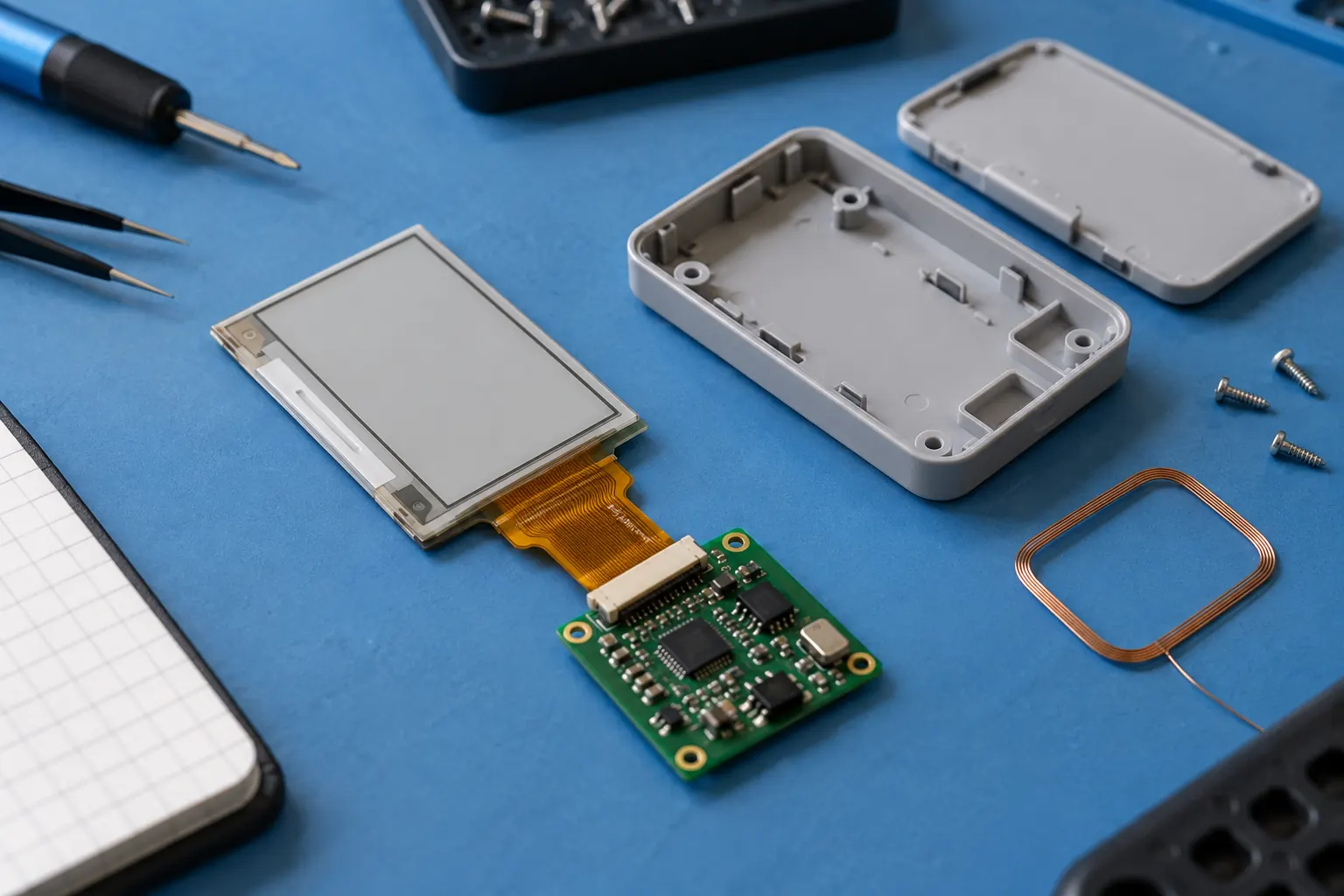 AI-generated concept illustration: Evaluate the module, controller, update method and enclosure together.
Choose the Image System Before the Housing Finish
Bistable e-paper can hold a completed image without continuous power to maintain that image. Communications, control electronics, and refresh operations still have their own energy requirements. Use that distinction when writing a battery estimate or comparing update methods. Request measurements for the selected electronics rather than extrapolating a finished product's operating life from the display alone.
Evaluate the content pipeline with the intended module. Photographs, monochrome symbols, colored accents, and fine line art may need different preparation. Check contrast and legibility using real customer assets, including poor source images. Give users a preview that reflects the target panel's practical limits instead of accepting files that cannot produce a useful result.
If the concept depends on animated feedback or a continuously changing interface, compare it with a powered display architecture. Sunshine Display's standard TFT LCD options can help frame that alternative. Make the choice from the interaction requirements, not from a general preference for one technology.
Treat the Enclosure as Part of the Interface
A badge gets handled, clipped, stored, and occasionally dropped. A desk product is viewed from different heights and may sit near a window. Specify those conditions before committing to a window material or attachment method. Evaluate how reflections, fingerprints, edge shadows, and mounting angle affect the actual content.
For a compact product, service access can be especially easy to overlook. Decide whether the battery, attachment, and display assembly are replaceable, and who performs that work. Ask the module supplier for handling and mounting guidance for the exact part. Do not assume a thin display tolerates bending simply because the finished accessory looks flexible.
Keep the module outline, viewing area, connector, and cable routing visible in the mechanical review. The Sunshine Display product portfolio is a starting point for discussing available formats; a catalog diagonal does not replace an enclosure drawing. Agree which customization belongs to the display supply and which belongs to the finished-device team.
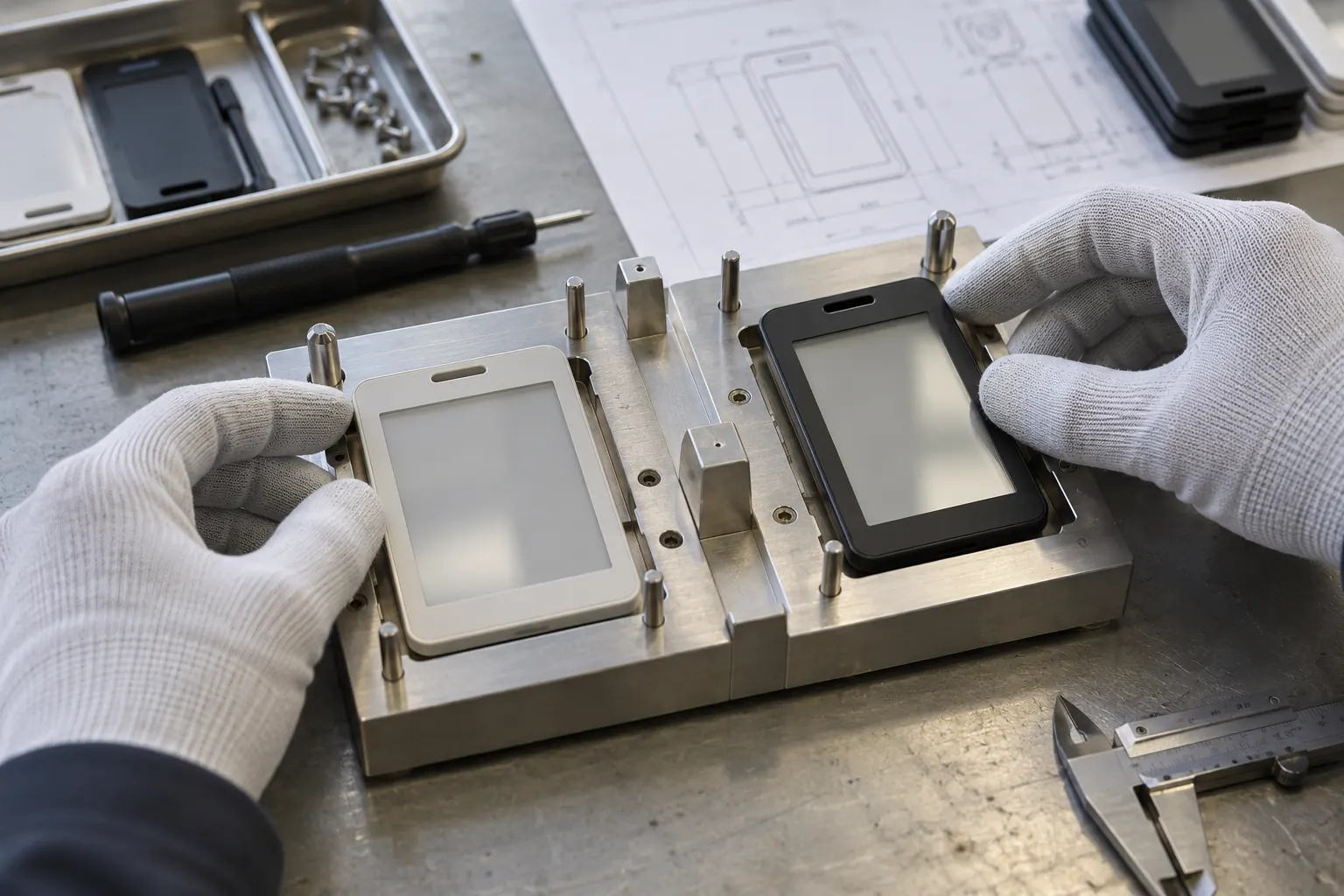 AI-generated concept illustration: Mechanical fit and service access belong in the pilot evaluation.
Plan Reassignment Before the First Shipment
Personalized hardware may change owners. Define how an organization clears old content, revokes update permissions, and assigns a device to a new user. A reset action in software should have an explicit visible result on the product. Retained information needs attention because removing power does not necessarily remove the last image.
Test these steps with a small pilot group using the intended onboarding materials. Measure successful first updates, repeated support requests, abandoned transfers, and reassignment time. Interview users about what they expected at each step. These findings can reveal a confusing interaction even when the underlying display hardware works correctly.
For production planning, keep an approved sample, content test set, firmware version, and enclosure revision together. That reference helps engineering and purchasing distinguish a cosmetic change from a change that affects the user experience. Establish how later component substitutions will be reviewed before they reach customers.
Sunshine Display can discuss e-paper module selection and custom OEM requirements as part of that process. Contact the team with the product concept, representative content, update workflow, and target quantity. The best personalized device is one that remains simple to use after its first demonstration, including when its content, owner, or operating conditions change.
