
Industrial printing HMIs bring registration, web handling, color settings, alarms, and production status into one operator interface.
Industrial printing equipment uses graphical interfaces to manage web tension, registration, speed, ink or coating stations, dryer settings, job recipes, alarms, maintenance, and production reporting. Operators may work beside moving rolls, reflective materials, vibration, electrical drives, ink mist, and regular cleaning procedures.
Selecting an LCD display for industrial printing equipment is therefore a system decision rather than a simple screen-size choice. The module must match the controller, graphics workload, viewing conditions, touch workflow, enclosure, environmental exposure, and expected machine lifecycle. Sunshine Display supplies industrial display modules for OEM equipment, including TFT LCD modules up to 32 inches and customized touch display assemblies.
Start With the Printing Workflow
A compact label printer may need job selection, speed, media status, and alarm pages. A multi-station flexographic, gravure, offset, or digital production line can require registration graphics, roll status, tension zones, color channels, drying parameters, inspection data, and detailed diagnostics.
Define what each user needs. Operators require fast access to production controls and alarms. Setup technicians may need registration, tension, and recipe parameters. Maintenance teams need drive status, sensor diagnostics, counters, and fault history. The interface should give primary information clear visual priority without crowding every page.
Representative UI screens should be used during display evaluation. Test fine registration lines, small values, channel colors, warning states, disabled controls, and trend graphs instead of relying only on a generic demonstration image.
Match Display Size to Viewing Distance
Screen size depends on the amount of information, console layout, normal viewing distance, and available processor bandwidth. Small modules can work on local station controls. Medium and larger displays can present complete production-line status, job previews, inspection data, and diagnostics on fewer pages.
Resolution should support the UI without adding unnecessary graphics load. Mechanical review should include the active area, outer dimensions, thickness, mounting points, cable exit, connector clearance, bezel opening, gasket, and service access.
Operators often view a printing console from standing, seated, and side positions. An IPS TFT LCD module can provide more stable contrast and color across wider angles than a narrow-viewing-angle panel.
Treat HMI Color as Operational Information
The operator screen does not replace calibrated color measurement or print inspection equipment. However, color stability still matters because the HMI may identify ink stations, process channels, registration states, alarms, and operating modes through color.
Evaluate the actual interface from realistic viewing positions and under production lighting. Confirm that adjacent colors remain distinguishable and that warning states are clear. Brightness should be considered with contrast, viewing angle, front-glass reflection, and surface treatment. Excessive brightness may add heat without solving glare from glossy media or metal machine surfaces.
Color-critical decisions should continue to use appropriate measurement systems. The HMI should present machine and process information consistently rather than promise proofing-grade color accuracy.
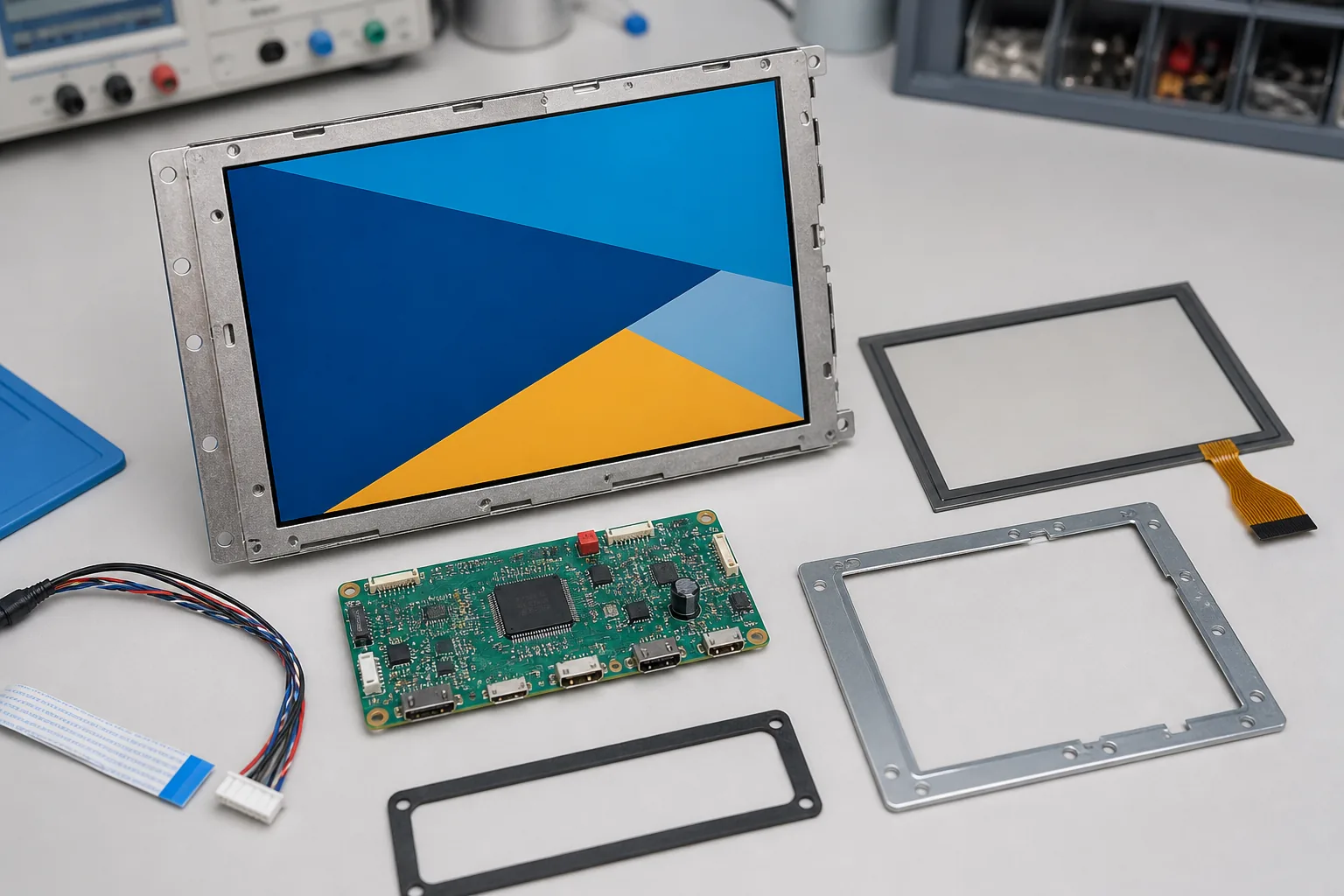 The TFT module, touch panel, controller, cable, bezel, gasket, and enclosure should be coordinated before operator-panel release.
Select Touch for Real Production Conditions
Touch interfaces can simplify recipe selection, station setup, trend navigation, and alarm review. A capacitive touch TFT LCD module can support modern graphical controls, but glove use, ink or solvent residue, front glass, grounding, and electrical noise must be tested together.
Large touch targets and adequate spacing reduce operating errors. Important production commands should have clear pressed and confirmation states. Emergency stop and other safety functions should follow the machine safety architecture rather than depend only on the graphical interface.
Cover-lens thickness, printing, bonding, gasket design, and enclosure grounding should be finalized before touch firmware is locked. Changes to the front stack can affect sensitivity and require repeat validation.
Plan the Interface and Controller Link
Printing HMIs may display live trends, roll diagrams, job previews, inspection images, and multiple station states. The controller must support the selected resolution, refresh rate, interface timing, and color depth while communicating with drives, sensors, cameras, and line controllers.
RGB, LVDS, MIPI, or another interface may be suitable depending on the architecture. Longer display cables need careful review of signal integrity, shielding, grounding, and connector retention. Keep display and touch links separated from motors, servo drives, heaters, corona treatment systems, and other switching loads.
Startup and recovery behavior are also important. After a power interruption or communication fault, the HMI should return to a known state and avoid showing outdated production parameters as if they were current.
Design for Vibration, Heat, and Cleaning
Rollers, unwinders, rewinders, pumps, and drive systems can transmit vibration into the operator console. The display mounting, connectors, FPC, and cables should tolerate normal machine operation and transport. Uneven mounting pressure can cause light leakage, mura, or touch instability.
Cabinet temperature can rise during long shifts, especially near dryers, UV systems, power electronics, and enclosed control cabinets. Evaluate the display and backlight at the expected temperature. For demanding installations, review wide-temperature TFT LCD modules together with brightness and backlight-lifetime requirements.
Cleaning materials must be compatible with the cover glass, printing, adhesive, gasket, and enclosure. The mechanical design should prevent liquid or ink residue from collecting around the display opening.
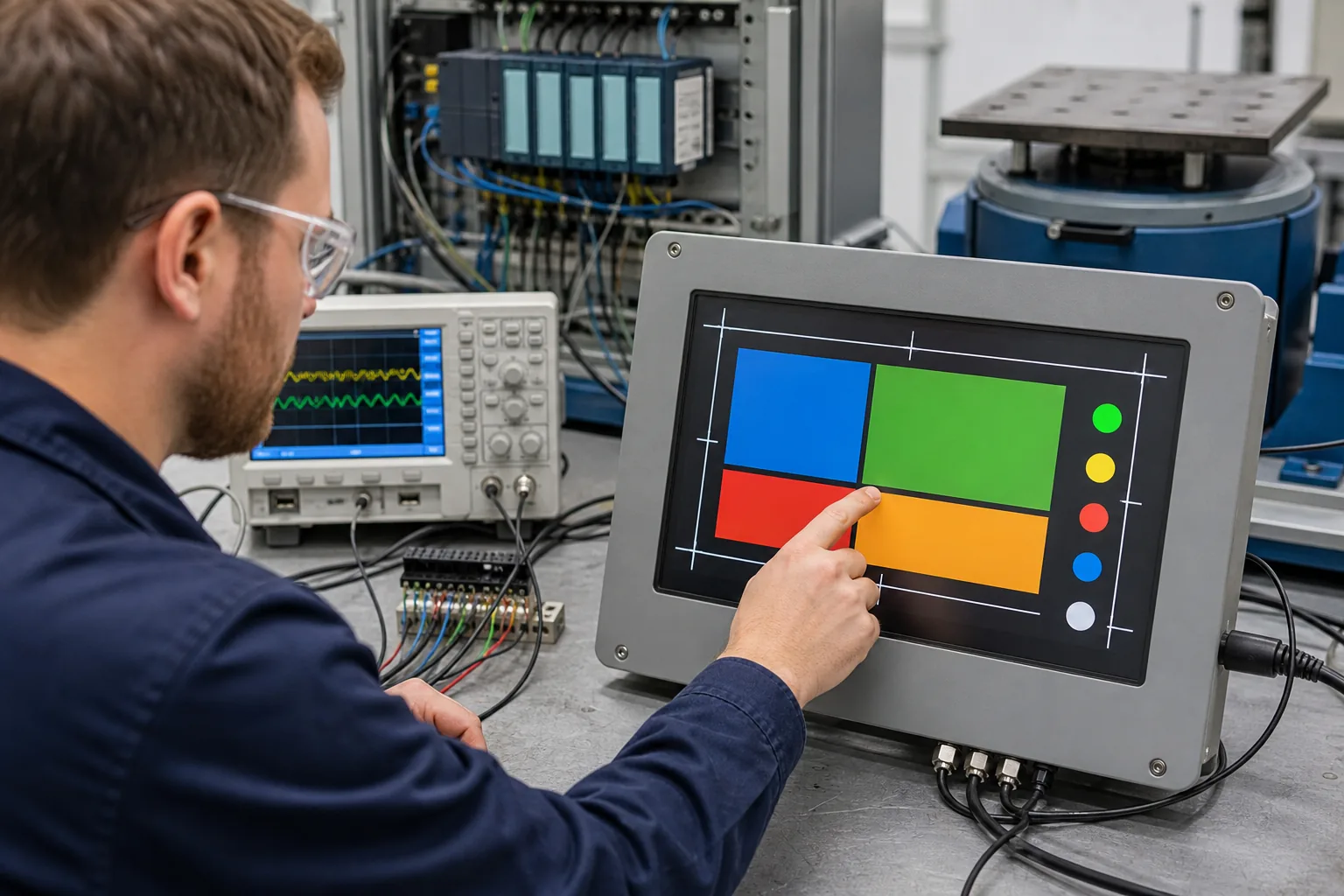 System validation should check color visibility, touch response, communication, vibration, electrical noise, and thermal behavior with production hardware.
Validate With Production Hardware
Begin with display samples connected to the production controller. Verify timing, image stability, color depth, brightness control, touch response, sleep behavior, and firmware recovery. Then install the assembly in the final console with production cables, grounding, drives, power supplies, and communication networks.
Run representative print cycles while changing pages and operating the touch panel. Check for flicker, false touch, delayed response, communication errors, or resets. Repeat tests under thermal limits, vibration, production lighting, glove use, and realistic cleaning conditions.
Production inspection should include display appearance, backlight uniformity, touch function, connector seating, key UI pages, and recovery after restart.
Practical RFQ Checklist
Provide the supplier with screen size, resolution, interface, brightness, viewing direction, touch requirement, cover-lens drawing, operating temperature, controller platform, cable length, annual volume, and expected machine lifetime. Include console drawings and representative HMI screens where possible.
Ask about module availability, backlight lifetime, change notification, compatible alternatives, touch firmware ownership, and customization options. Custom work may include cover glass, printing, bonding, FPC, connector, backlight, touch tuning, controller boards, and complete display subassemblies.
Sunshine Display can help OEM teams review optical, mechanical, interface, touch, environmental, and lifecycle requirements. Contact Sunshine Display to discuss an LCD module or custom display assembly for industrial printing equipment.
FAQ
What LCD technology is suitable for industrial printing equipment?
A color TFT LCD is suitable for registration, web handling, recipes, alarms, production data, and maintenance pages. IPS is useful when color and contrast must remain stable from different viewing positions.
Why does color consistency matter on a printing machine HMI?
The HMI is not a substitute for calibrated print inspection, but stable screen color helps operators distinguish status states, ink channels, warnings, and process graphics consistently.
Can capacitive touch work in a printing production environment?
Yes, but the system should be tested with gloves, ink or solvent residue, cover glass, grounding, cleaning procedures, and the final enclosure.
