An OLED module selection for industrial equipment should begin with the operating pattern, not the visual impact of a new sample. Fixed logos, persistent status marks, bright elements, and long on-times can create a different engineering question from a display that changes its content frequently. The responsible team needs to define what remains on screen, how often it changes, how brightness is managed, and what lifetime expectation applies to the finished equipment.
Evaluate static-content patterns and dimming behavior with the actual intended use case.
Map static and changing content
List every element that can remain visible for long periods: a brand mark, fixed border, alarm field, navigation icon, process value, or unchanged background. Then identify which of those elements are high-contrast or bright. This content map gives the software and hardware teams a concrete basis for discussing movement, layout variation, dimming, sleep behavior, and acceptance criteria. It is more useful than a general statement that the product will show a dashboard.
Avoid claiming that a design choice removes all aging or image-retention risk. Instead, review the intended content and duty cycle with the module supplier and the engineers responsible for the application. A product that runs a static screen for much of each shift should be assessed differently from an instrument that wakes briefly for a changing service view.
Make dimming part of the product behavior
Dimming is not only an appearance setting. It can affect readability, power, heat, operator response, and the long-term operating pattern. Define when brightness changes, who controls it, what the operator sees after wake-up, and whether a critical state remains legible under the selected condition. Test the actual graphics, including alarm states and fine labels, rather than an empty screen.
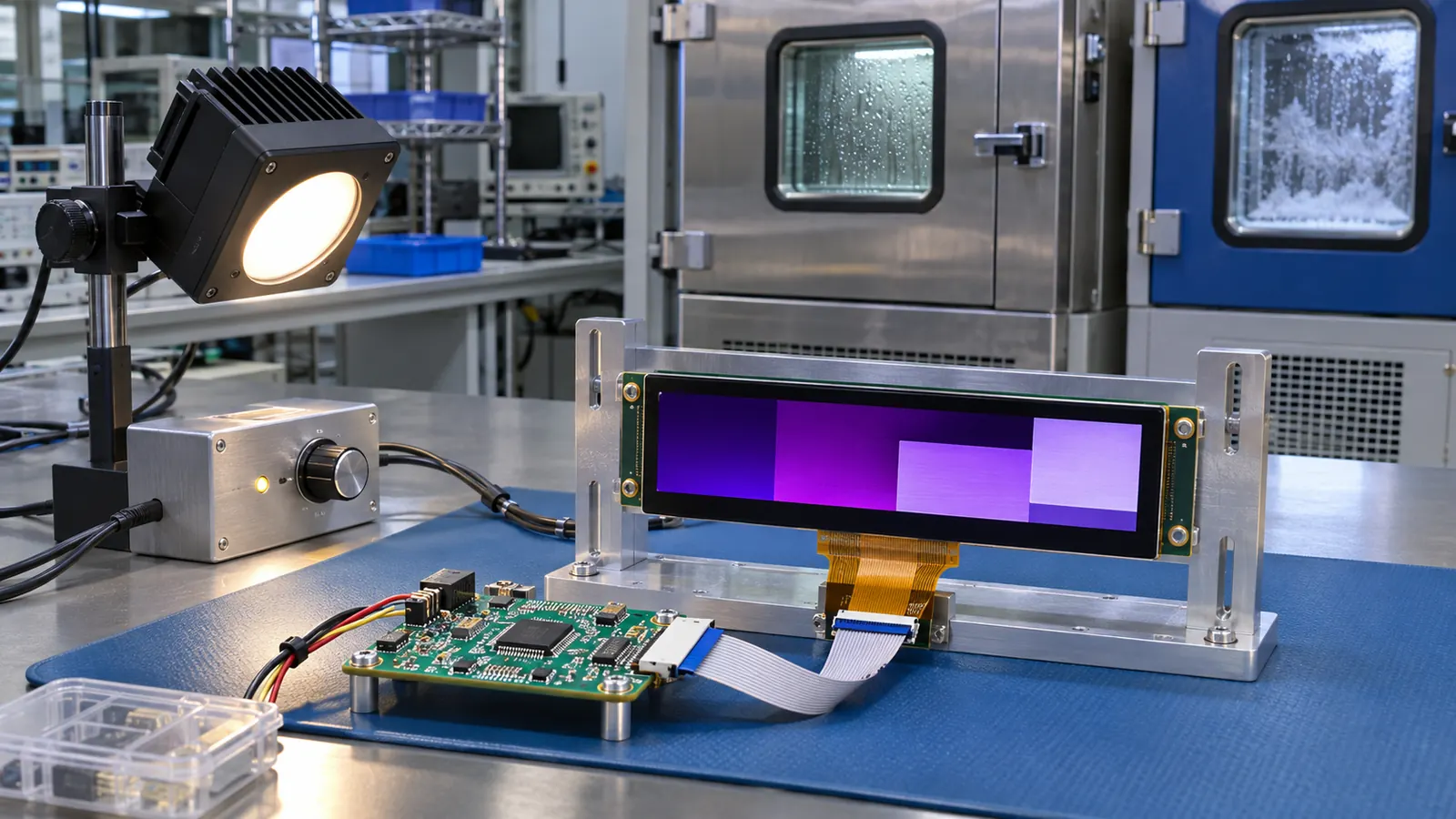 Review the module, controller, operating pattern, and enclosure conditions together.
The enclosure matters too. A cover lens, gasket, bezel depth, nearby heat, and ambient light can change the practical viewing result. Build a representative assembly and check the display from normal operator positions. If the team concludes that a TFT approach better fits the optical, operating, or lifecycle requirements, Sunshine Display’s industrial TFT LCD options can be reviewed as an alternative; this article does not imply that Sunshine Display supplies OLED modules.
Define validation around the actual use
Use an engineering sample to exercise the intended content cycle, brightness behavior, startup and recovery sequence, and installed environment. Record the module identity, controller revision, image set, dwell times, operating conditions, and mounting stack. This creates a baseline for deciding whether a later content change or enclosure change requires another review.
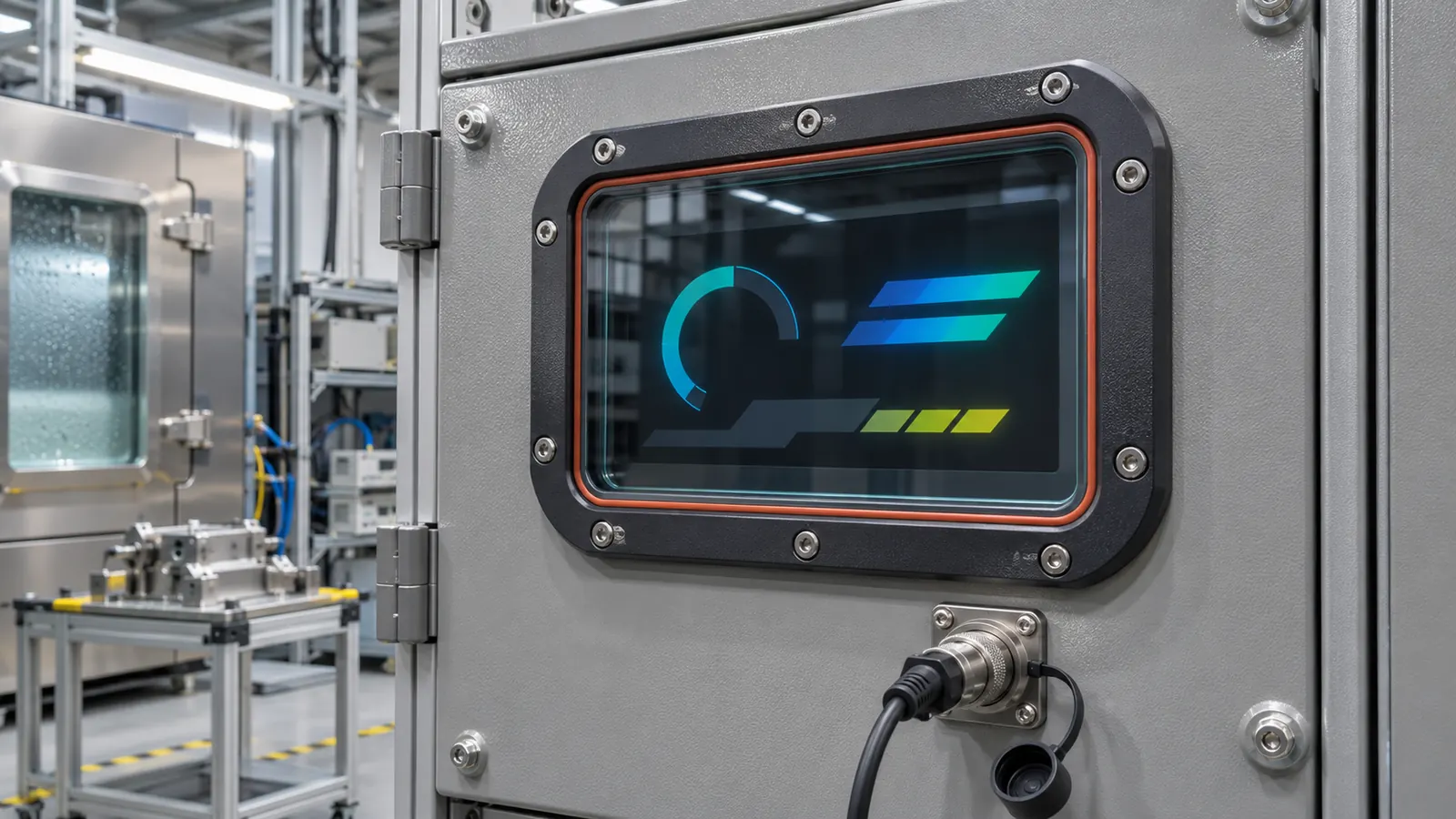 The installed window, mounting, and service plan remain part of the technology decision.
The most defensible technology decision is one that connects the display type to the equipment’s operator task, content pattern, environment, service plan, and lifecycle. Treat OLED as a system choice that needs evidence from the finished application, not a standalone screen specification.
Connect the content policy to the firmware plan
Static-content management requires ownership. Decide who can add a persistent logo, change a background, alter a brightness rule, or add a new always-visible status mark. Treat those changes as product changes, not decorative adjustments. A content review that includes the equipment engineer, UI owner, and lifecycle owner is more likely to identify an avoidable long-duration pattern before release.
Test dimming transitions and wake behavior using the real operator task. If a machine is normally viewed at a low setting but needs an alarm to be clear immediately, document that sequence and the actual graphics. The result should be a predictable product behavior rather than a brightness control that varies with untested conditions.
Keep alternatives in the engineering decision
Display technology should remain linked to the product requirement. If the expected static pattern, operating duration, environment, or sourcing plan changes, revisit the technology choice rather than assuming the original preference still fits. A controlled comparison with an industrial TFT assembly can give the team an evidence-based alternative without making unverified assumptions about module availability or performance.
Validate the finished assembly
Bench approval should not be the final decision. Build a sample with the intended module, controller, cable, mounting method, front lens or bezel, and representative firmware. Check the screen from the positions available to operators, then repeat the checks after a restart, a power interruption, and a service-access exercise. Record what was tested rather than relying on a general impression that the display looked acceptable.
Document the part number, active area, outline, interface, display orientation, host software revision, backlight or drive setting, mounting details, and screen examples used during the review. When a display, enclosure, controller, or cable changes later, that record gives engineering and purchasing teams a meaningful baseline for deciding whether another sample review is needed.
Make the RFQ support the product lifecycle
An OEM request should describe the operator task and equipment environment alongside size and resolution. Include available space, viewing position, interface, expected operating conditions, service access, annual demand, lifecycle expectations, and the validation build. A clear brief helps identify mechanical and electrical questions before a housing or firmware is locked. Sunshine Display can help teams compare industrial display modules against an enclosure and integration plan through the contact page.
Before releasing the design, define the acceptance sample and the evidence that accompanies it. That can include the module identification, installation drawing, image or screen set, test conditions, observations, and the responsible reviewer. Keep the approved reference assembly available where practical. It is often the fastest way to understand whether a later change in material, controller, cable, display orientation, or enclosure has altered the result that the team originally accepted.
Avoid treating a display as a cosmetic item after the first prototype works. The screen is an operator interface, an electrical load, a mechanical component, and a service item at the same time. A short cross-functional review between mechanical, electrical, firmware, quality, and purchasing teams can expose a gap before it becomes a field issue.