The question is not whether a character LCD or a graphic LCD is more advanced. The useful question is what an operator must recognize, enter, and confirm on the equipment. A stable short message, a few values, and a limited menu can call for a different format from a screen that needs custom symbols, diagrams, trend information, or changing page layouts.
Choose the format from the operator task and content rather than from a familiar module type.
Start with the operator’s reading task
List the information required at the machine. Include the normal operating view, warnings, setup actions, service prompts, and any language or symbol requirements. If the equipment primarily presents fixed short fields, a character approach may be appropriate. If the interface needs flexible placement, icons, simple graphics, or custom layouts, a graphic module may provide more freedom. Neither choice removes the need for a readable hierarchy.
Test the smallest critical label and the most important warning with representative content. A generic demo screen does not show whether operators can distinguish a normal state from a fault, find a parameter, or read the screen at the required distance. Do not depend on color alone for a state that needs a clear operational response.
Consider the controller and software together
The display format affects how the host creates and transfers content. A character display can simplify some fixed-format messages, while a graphic display can require a different approach to images, fonts, page layout, and update logic. Specify the controller resources, interface, and development ownership early so the display selection supports the software plan rather than forcing a late rewrite.
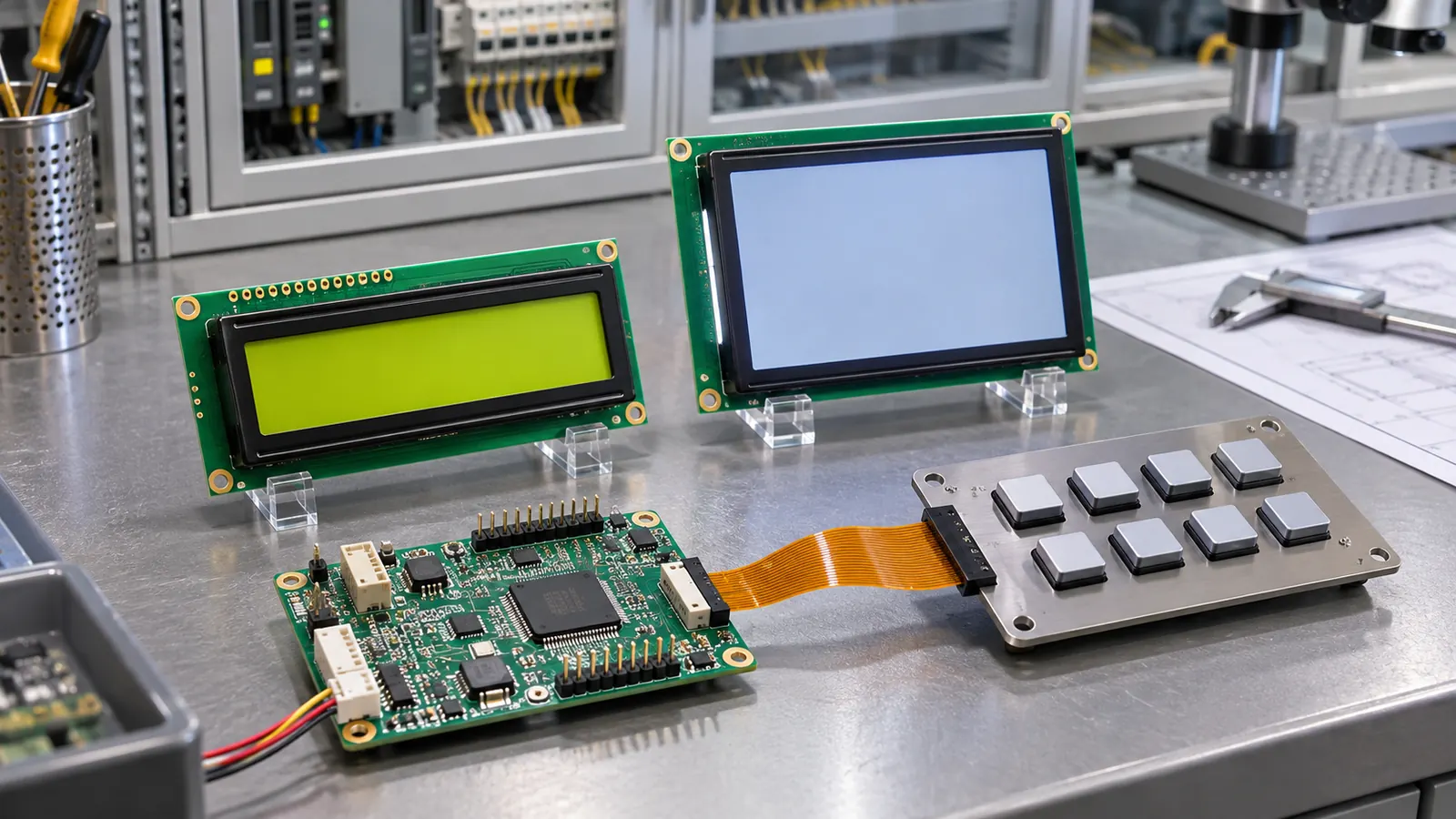 Test representative content with the intended controller and physical controls.
Use a realistic host or evaluation fixture when comparing modules. Check startup behavior, recovery after power interruption, contrast or backlight settings where applicable, and physical key navigation. The Sunshine Display product range is useful for comparing industrial display categories, but selection should follow the product’s actual information workflow.
Keep the panel serviceable
Whether the display is character or graphic, the mechanical questions remain. Confirm the active area, outline, bezel opening, mounting support, cable direction, and connector access in the intended enclosure. A graphic layout cannot fix a lens that clips the first row of information, and a compact character module is not a solution if it cannot be replaced without dismantling the front panel.
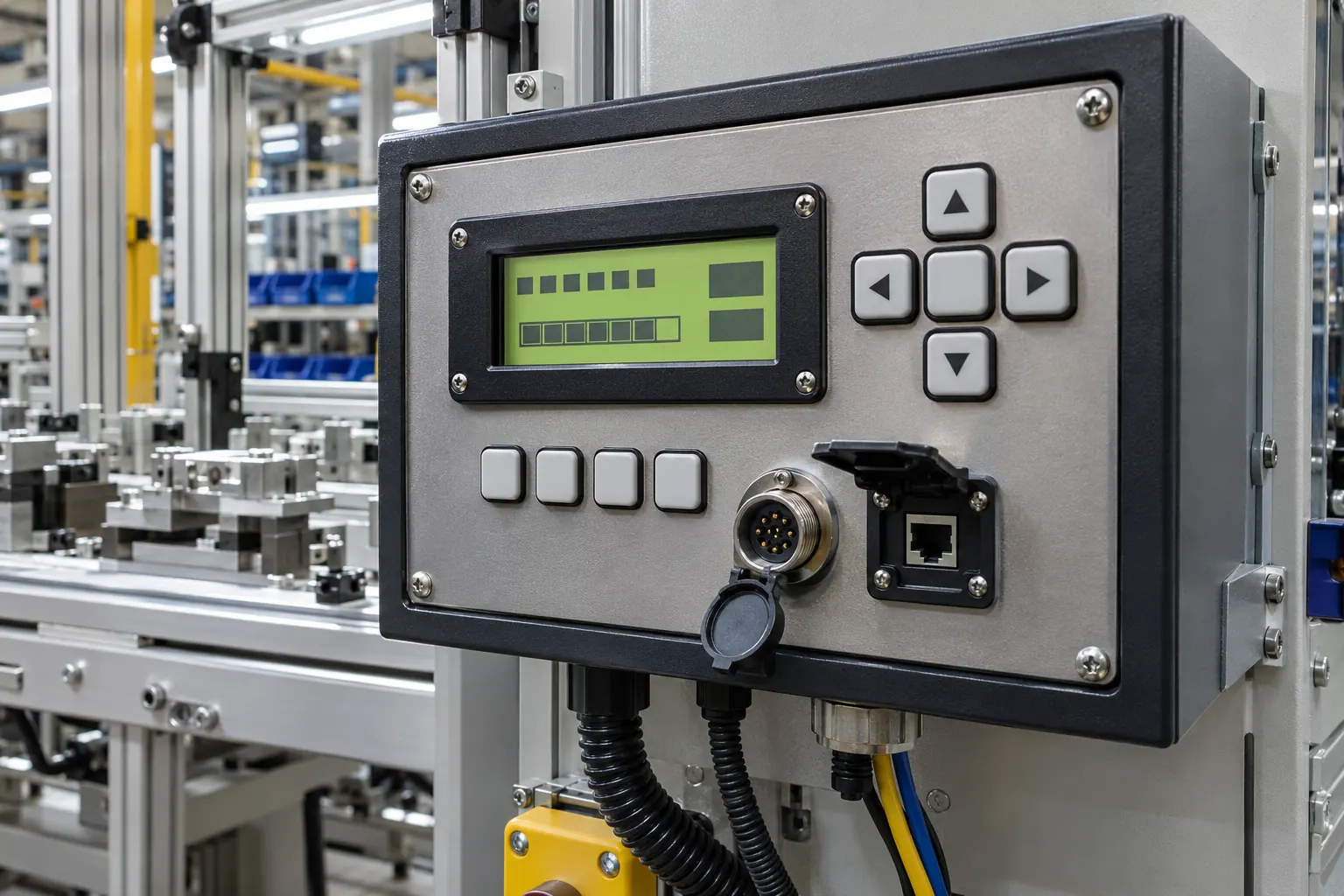 Review the selected display in the enclosure where it will be read and serviced.
Evaluate the final stack with the production-intent lens or window, representative lighting, and the actual operator approach. If the panel is read from varying angles, compare optical behavior with final content. The best format is the one that keeps the right information understandable while remaining practical for the host, enclosure, and lifecycle.
Design the information hierarchy before the artwork
Make a list of the messages that must be readable without navigation and the information that can sit behind a menu or secondary page. This often clarifies whether a fixed character layout is enough or whether a graphic format is genuinely needed. It also prevents an overfilled graphic screen from reproducing the same usability problem in a more flexible technology.
Review language, symbols, units, and localization needs before approving the controller plan. A product that may need different character sets, custom indicators, or changing layouts should have those needs established early. Conversely, a stable set of short operational messages may benefit from a simpler, strongly defined format.
Test controls and display together
An operator does not evaluate the screen separately from the keys, encoder, or touch interface. Build the representative front panel and ask users to complete normal and exceptional tasks. Observe whether the current page, selection state, and warning are clear after a restart or navigation error. Those findings can be more valuable than a feature list when choosing the format.
Validate the finished assembly
Bench approval should not be the final decision. Build a sample with the intended module, controller, cable, mounting method, front lens or bezel, and representative firmware. Check the screen from the positions available to operators, then repeat the checks after a restart, a power interruption, and a service-access exercise. Record what was tested rather than relying on a general impression that the display looked acceptable.
Document the part number, active area, outline, interface, display orientation, host software revision, backlight or drive setting, mounting details, and screen examples used during the review. When a display, enclosure, controller, or cable changes later, that record gives engineering and purchasing teams a meaningful baseline for deciding whether another sample review is needed.
Make the RFQ support the product lifecycle
An OEM request should describe the operator task and equipment environment alongside size and resolution. Include available space, viewing position, interface, expected operating conditions, service access, annual demand, lifecycle expectations, and the validation build. A clear brief helps identify mechanical and electrical questions before a housing or firmware is locked. Sunshine Display can help teams compare industrial display modules against an enclosure and integration plan through the contact page.
Before releasing the design, define the acceptance sample and the evidence that accompanies it. That can include the module identification, installation drawing, image or screen set, test conditions, observations, and the responsible reviewer. Keep the approved reference assembly available where practical. It is often the fastest way to understand whether a later change in material, controller, cable, display orientation, or enclosure has altered the result that the team originally accepted.
Avoid treating a display as a cosmetic item after the first prototype works. The screen is an operator interface, an electrical load, a mechanical component, and a service item at the same time. A short cross-functional review between mechanical, electrical, firmware, quality, and purchasing teams can expose a gap before it becomes a field issue.