
Refrigeration HMIs bring temperature zones, alarms, compressor state, defrost, and service information into one durable operator interface.
Industrial refrigeration systems serve cold stores, food processing, pharmaceutical storage, logistics hubs, process cooling, and many other temperature-controlled facilities. Operators need clear information about zone temperature, compressors, fans, defrost cycles, alarms, setpoints, and service conditions. A suitable industrial display for refrigeration HMIs must remain readable and dependable around cold surfaces, temperature changes, condensation risk, electrical cabinets, and routine maintenance.
For OEM teams, the HMI is more than a display. The TFT LCD module, touch technology, controller, sensor interfaces, front cover, enclosure, gasket, and wiring should be designed together. Sunshine Display supplies industrial display modules for OEM equipment, including TFT LCD modules up to 32 inches and custom display assemblies.
Start With the Operator Workflow
List what a person needs to know at the refrigeration panel. A compact controller may show one or two temperatures, a setpoint, fan state, defrost state, and an alarm. A larger rack or facility controller can show multiple zones, compressor staging, suction and discharge conditions, energy trends, door status, alarm history, and maintenance diagnostics.
Separate normal operating information from configuration and service pages. During a shift, a user should quickly see whether the system is cooling normally, whether a zone needs attention, and whether an alarm requires immediate action. Technicians need sensor values, relay states, communication status, and controlled access to parameters.
Use representative UI screens while evaluating samples. Test small temperature values, warning colors, trend graphs, alarm priorities, disabled controls, and real service pages. A general demo image does not confirm that the installed interface works under refrigeration-room conditions.
Match Display Size to the Installation
Display size depends on viewing distance, cabinet door space, information density, and the controller's graphics capability. Compact modules may suit local evaporator panels, small condensing units, or service interfaces. Medium and larger displays can reduce page switching on rack controllers, chiller systems, and multi-zone cold storage installations.
Review active area, outline dimensions, thickness, mounting holes, bezel opening, FPC bend radius, connector clearance, and access for future replacement. Cabinets near cold rooms can be opened often during service, so cable retention and mechanical strain relief deserve attention.
An IPS TFT LCD module can help maintain contrast and color when users view a panel from standing, seated, or side positions. Confirm viewing performance with the intended front cover and the lighting used around the equipment.
Protect Readability From Glare and Moisture
Refrigeration plants often combine bright service lights, reflective stainless surfaces, frosted windows, wet floors, and shadowed machinery. Brightness alone is not the solution. Evaluate contrast, viewing angle, front-window reflection, and surface treatment under the actual lighting environment.
Condensation needs a complete mechanical response. Temperature transitions can create moisture on enclosure surfaces and around cable entries. The front lens, gasket, housing, and mounting details must prevent water from reaching the display stack, touch sensor, or controller area. Cleaning methods and chemical exposure should be defined before the enclosure design is released.
Use visual hierarchy that remains useful in imperfect lighting. Do not rely on color alone for critical alarms; combine color with position, symbol, or text so an operator can recognize the state quickly.
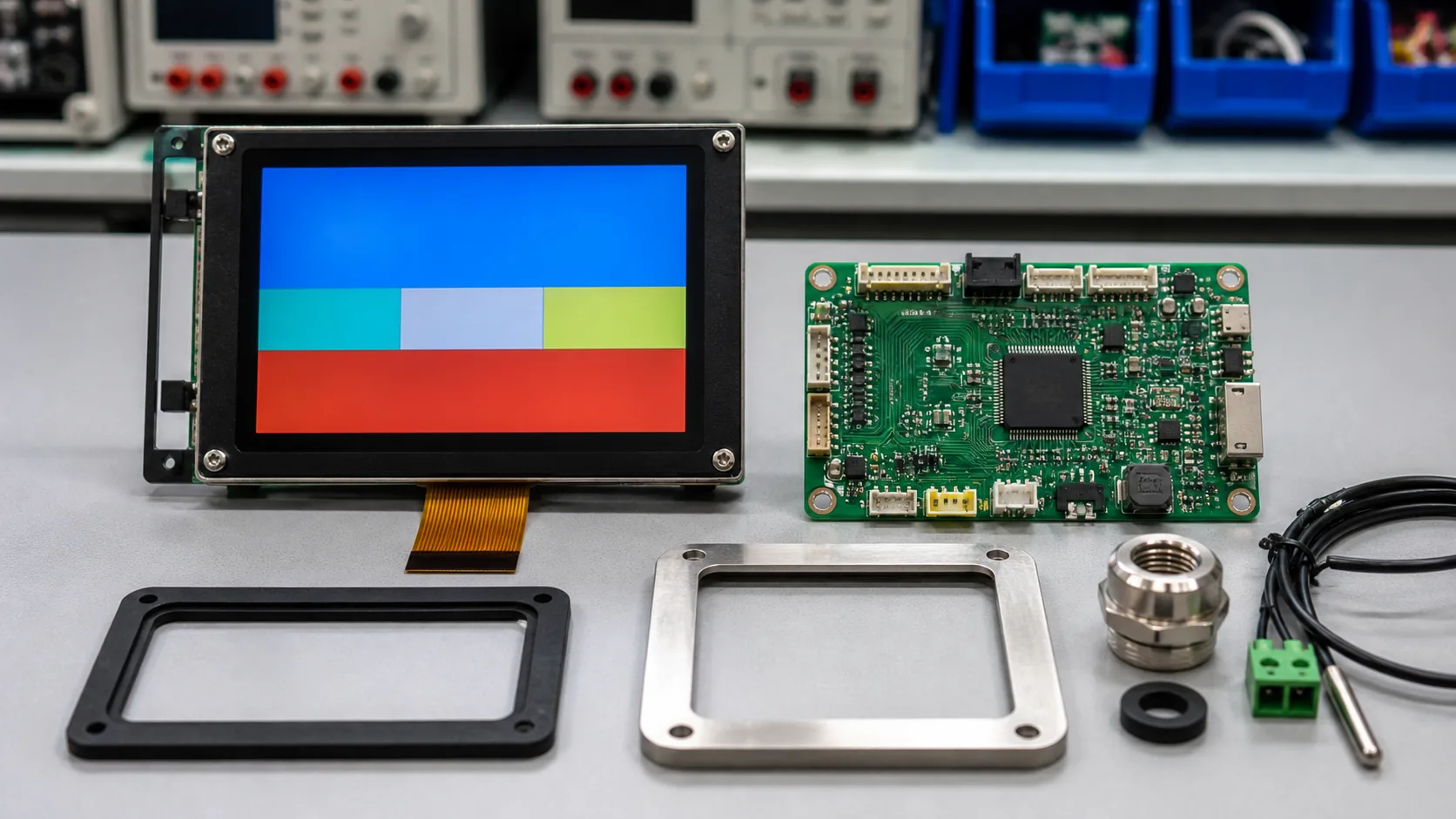 The display, controller, temperature interfaces, cable entry, front cover, and sealing details should be engineered as one refrigeration control product.
Design Touch and Controls for Service Use
Touch can simplify setpoint changes, alarm acknowledgement, trend review, and service diagnostics. A capacitive touch TFT LCD module provides a sealed front surface, but it must be tested with gloves, moisture, condensation, cleaning residue, grounding, and the final cover glass.
Large touch targets and clear confirmation states reduce operating mistakes. Use access control for consequential actions such as changing a temperature setpoint, disabling an alarm, forcing a relay, or entering commissioning settings. Some systems also benefit from physical buttons for fast, deliberate actions in gloves or wet conditions.
The touch panel, decorative printing, bonding method, gasket, and metal enclosure all affect response. Finalize the front stack before firmware validation, because mechanical changes can alter capacitive-touch behavior.
Coordinate Electrical Design and Controller Links
Refrigeration control panels can include compressors, variable-speed drives, contactors, relays, solenoids, heaters, sensors, and networking hardware. The display and touch links should be routed carefully around high-noise power paths. Review grounding, shielding, connector retention, cable length, and the return-current path with the full controller design.
Choose the display interface around resolution, graphics workload, controller support, and cable distance. RGB, LVDS, MIPI, or another interface may be suitable depending on the architecture. After a power interruption or communication loss, the HMI should return to a known state and avoid presenting stale temperatures as current values.
Plan for Temperature Range and Long Service Life
The display may be installed outside a cold room while sensors and equipment experience much lower temperatures, or it may be placed in a chilled area itself. Define the actual temperature range at the HMI location, including startup conditions, cabinet heat, door opening, and seasonal ambient changes. For demanding sites, review wide-temperature TFT LCD modules together with brightness and backlight-lifetime requirements.
Ask early about display lifecycle, controller availability, approved alternatives, product-change notification, and configuration control. Refrigeration equipment often has a long service life, so a stable module plan matters after the initial production run.
 Field validation should include real operating temperatures, alarm sequences, condensation exposure, glove use, and service access.
Validate on the Finished Equipment
Bench testing proves basic function. Installed-equipment testing checks the actual risk: moisture, reflections, vibration, cabinet heat, cold ambient conditions, glove use, wiring noise, cleaning, and service access. Test representative alarms, defrost events, power interruption, sensor faults, and communication recovery with the final software image.
Observe operators and technicians as they use the HMI. They should be able to find the current zone state, distinguish an alarm, reach diagnostics, and return the equipment to normal operation without unnecessary screen navigation. Capture confusing states before pilot production, while firmware, mechanics, and layout can still change together.
Practical RFQ Checklist
Provide the refrigeration application, screen size, active area, resolution, brightness target, viewing direction, interface, touch requirement, cover-lens concept, operating temperature, enclosure drawing, mounting, annual quantity, and lifecycle requirement. Representative screens and cable constraints help define the right module or assembly.
Sunshine Display can review TFT LCD modules and HMI display assemblies for industrial refrigeration equipment. Contact Sunshine Display to discuss a compressor controller, cold-room panel, chiller display, or custom industrial HMI project.
FAQ
What should an industrial refrigeration HMI show?
Typical screens show zone temperatures, setpoints, compressor and fan state, defrost condition, alarms, pressure information, energy data, and service diagnostics.
Why is condensation important when selecting a refrigeration display?
Condensation can affect the front cover, gasket, touch response, connector area, and enclosure. The whole assembly should be designed and tested for its temperature transitions and cleaning process.
Can a capacitive touch HMI be used in refrigeration equipment?
Yes, but touch performance must be validated with gloves, moisture, condensation, the final cover glass, grounding, and the actual operating and cleaning conditions.
