
Industrial Compressor LCD Modules: Key Selection Points
Industrial compressors, pump stations, air treatment systems, and utility-room control cabinets need displays that stay readable during daily operation and maintenance. The LCD module may show pressure, temperature, operating mode, alarm state, service interval, runtime, fault codes, and configuration menus. For OEM engineers and buyers, this is not the same requirement as a phone, tablet, or TV screen. The display is part of an industrial control interface, where long service life, stable supply, and dependable readability matter more than consumer-style visual effects.
Sunshine Display supplies LCD display modules up to 32 inches for industrial and OEM applications, including color TFT LCD modules, IPS TFT options, capacitive touch structures, and wide-temperature solutions. For compressor controllers, the right choice depends on the enclosure, electrical environment, operating temperature, UI density, and production lifecycle.
Industrial compressor panels need LCD modules that remain readable near motors, cabinets, alarms, and service controls.
Start With the Real Operator Workflow
Before choosing a display size or resolution, define how the compressor panel will be used. A small cabinet display may only need pressure values, running status, alarm codes, and a few menu pages. A larger industrial HMI may need trend curves, maintenance logs, configuration screens, and multi-language prompts. The screen should match the operator's distance, viewing angle, and response time.
If the panel is installed in a machine room, operators may glance at it while standing, holding tools, or checking multiple devices. Large values, clear status colors, and simple icon hierarchy are often more useful than a dense interface. When the UI must show more information, a larger module or higher resolution can reduce mistakes and make service work faster.
For OEM teams comparing available sizes, Sunshine Display's LCD display module product range is a useful starting point for reviewing standard and customized options.
Match Display Technology to Viewing Conditions
Compressor control cabinets are usually indoor, but the viewing environment can still be difficult. The display may sit behind a smoked window, cover lens, membrane panel, or protective door. Lighting can vary from bright factory floors to dim utility rooms. Surface glare, poor contrast, or narrow viewing angle can make alarms harder to read.
For operator-facing control panels, IPS TFT LCD modules can help maintain contrast and color stability from wider angles. For controlled indoor cabinet interfaces, standard TFT LCD modules may still be suitable. The practical decision should come from testing the real UI behind the final front panel, not only from viewing the bare display on a desk.
Brightness should also be selected carefully. Too little brightness reduces readability; too much brightness can increase power use, heat, and backlight stress. For many indoor compressor panels, a balanced brightness target with good contrast is better than chasing the highest number on a datasheet.
Review Touch, Buttons, and Front Panel Structure
Some compressor products use physical keys because they are easy to operate in service environments. Others use capacitive touch for a sealed front surface and richer menu navigation. The best input method depends on gloves, moisture, dust, cleaning, service habits, and safety requirements.
If the project uses touch, the display supplier should review cover glass thickness, bonding method, touch controller tuning, grounding, cable layout, and electromagnetic noise. Sunshine Display's capacitive touch TFT LCD modules are relevant when OEM teams want an integrated display and touch solution rather than sourcing panel, touch, and cover structure separately.
Mechanical fit is just as important. Check the active area, viewing area, bezel overlap, FPC exit, connector height, screw locations, gasket compression, and cable clearance. Small tolerance errors can create pressure marks, assembly stress, or a display that looks misaligned after final production.
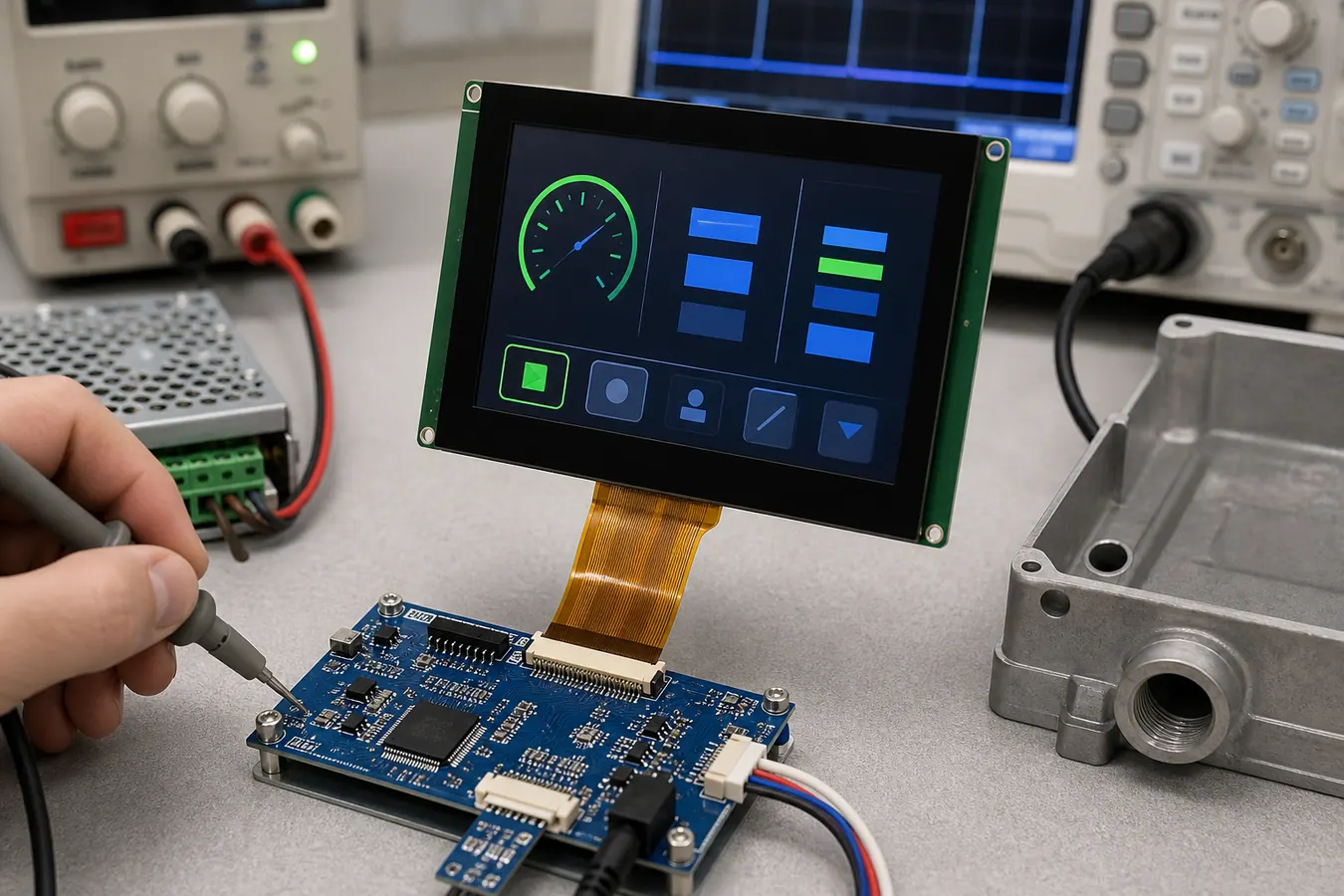 Bench validation should check display interface, FPC routing, power rails, backlight current, and real UI readability.
Validate Electrical and Thermal Conditions Early
Industrial compressor systems can include motors, contactors, relays, fans, switching power supplies, long cables, and metal cabinets. These elements can create electrical noise and heat that affect the LCD module, backlight, touch panel, and communication interface.
Engineers should test the display with the real controller board, not only a lab adapter. Confirm logic voltage, backlight current, reset timing, interface cable length, grounding, ESD protection, and power ripple. If the display uses a touch panel, test false touch behavior during motor startup, relay switching, and cabinet grounding changes.
Temperature is another common risk. A compressor cabinet may run warm during long operation, especially near power components or in poorly ventilated rooms. For harsher environments, review wide temperature TFT LCD modules and validate the full product at high and low temperature, including backlight brightness and touch response.
Plan for Lifecycle and Service Support
Industrial equipment often stays in production for years and remains in the field even longer. A display change can affect drawings, enclosure tooling, cable length, firmware timing, inspection procedures, service manuals, and spare parts. Buyers should ask about lifecycle status, change notification, alternative modules, packaging, quality inspection, and forecast planning before approving mass production.
For compressor panels, it is also helpful to keep the UI and mechanical design flexible. If a future module replacement is needed, similar size, interface, brightness, connector position, and mounting structure can reduce redesign cost. This is especially important for OEMs building families of equipment with different power ratings but shared control-panel architecture.
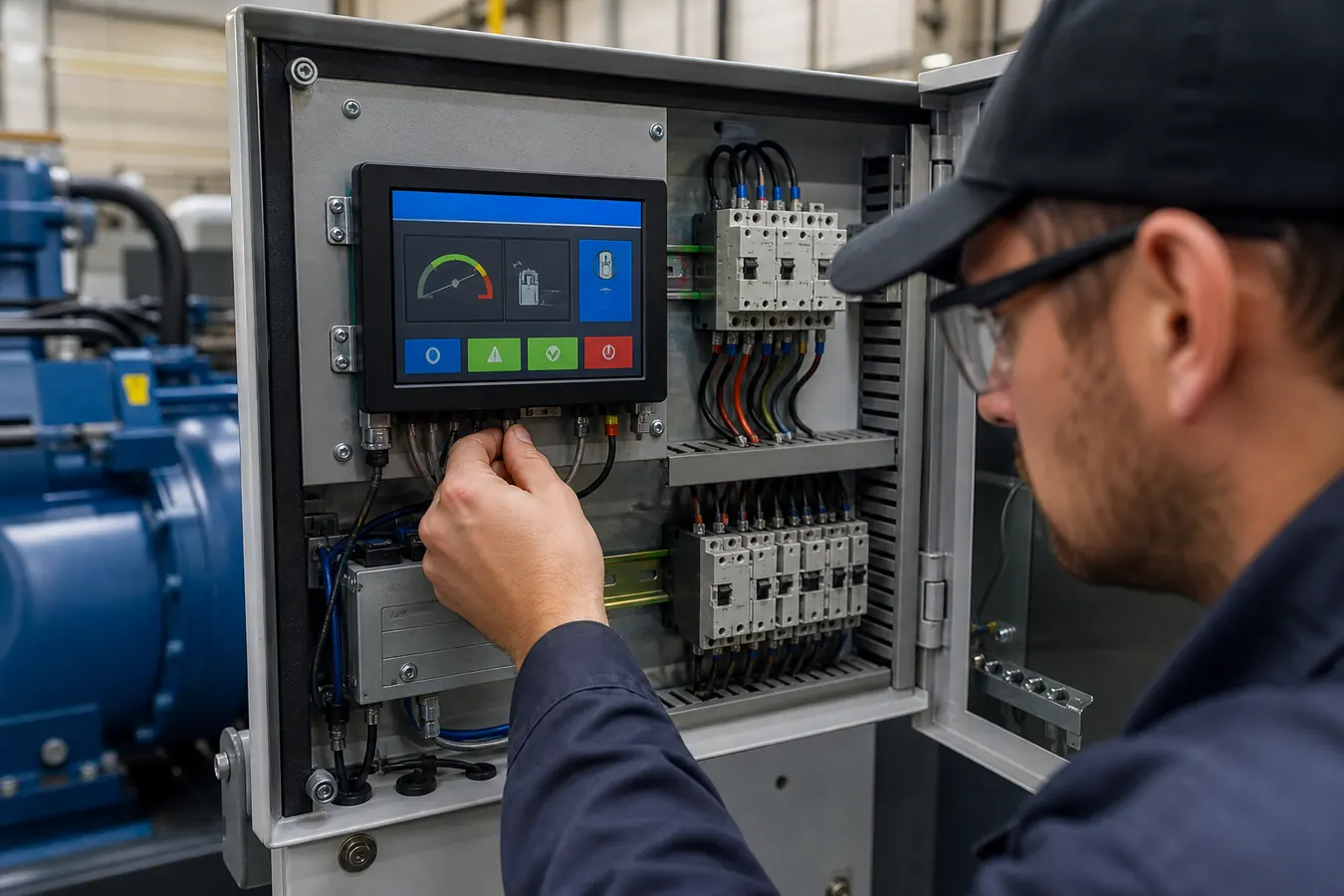 Final cabinet testing helps reveal thermal, wiring, grounding, and service-access issues that bench tests may miss.
Practical Buying Checklist
When sourcing an LCD module for an industrial compressor controller, prepare the screen size, target resolution, interface type, brightness requirement, viewing direction, touch or keypad preference, cover lens design, operating temperature, power budget, mounting method, connector position, cable length, and expected annual volume. Share the real application conditions with the supplier as early as possible.
Sunshine Display can support OEM teams reviewing LCD module selection, touch structure, mechanical drawings, optical requirements, and validation risks for industrial compressor and pump-control applications. To discuss your project, contact Sunshine Display with your target size, interface, enclosure constraints, and expected operating environment.
FAQ
What LCD size is suitable for an industrial compressor panel?
It depends on the UI density, operator distance, enclosure size, and service workflow. Compact panels may use small or medium TFT modules, while larger HMIs may need more screen area for menus, trends, and alarms.
Is IPS always better for compressor control panels?
IPS is useful when operators view the screen from different angles, but standard TFT can be suitable for controlled viewing positions and cost-sensitive designs. Testing with the final front panel is important.
Should compressor equipment use capacitive touch or physical buttons?
Both can work. Capacitive touch supports sealed and modern interfaces, while physical buttons may be preferred for simple service workflows, gloves, or safety-critical operation.
Why test the LCD inside the final cabinet?
The final cabinet reveals heat, grounding, cable routing, vibration, glare, and electrical noise conditions that may not appear in a bench setup.
How can OEM buyers reduce long-term display risk?
Confirm lifecycle, approved drawings, change notification, alternative options, packaging, inspection criteria, and forecast planning before volume production.
