
E-paper modules can give a picking rail a stable, low-power visual state between warehouse updates.
Industrial warehouses have a simple display problem that becomes difficult at scale: a location label must remain clear, truthful, and serviceable when the aisle is busy, power is limited, and the picking process changes. An e-paper display module is not a consumer screen repurposed for a shelf. In an OEM picking system, it is one element in a physical workflow that connects a warehouse-management event, an edge controller, a mounting rail, a bin location, and an operator’s decision.
For low-update tasks such as location identity, replenishment state, batch status, route confirmation, or exception marking, e-paper can be a useful fit. Its image remains visible without continuous power, which can simplify an installation where wires, battery service, and heat all compete for attention. The important qualification is that the display technology must match the work. If the station needs fast animation, frequent live values, or bright color alerts, another interface may be more appropriate.
Start With the Picking Event, Not the Screen Size
The first buying question is not “Which diagonal?” It is “What action must this location prompt?” A small-parts rail may need only an identifier, quantity cue, and confirmation marker. A kit-building rack may require a larger layout with order state, pick sequence, and a concise exception signal. Define the reading distance, lighting, update frequency, viewing direction, and the consequences of a missed update before selecting the module.
This exercise often changes the hardware brief. A readable module in a quiet engineering lab can be hard to scan when it sits below eye level on a deep rack, beside reflective packaging, or behind a protective window. Consider the final bezel, overlay, anti-glare treatment, rail angle, and operator sightline as one optical system. The Sunshine Display product range is a practical starting point when OEM teams need to compare display formats around a real enclosure and workflow.
Treat Refresh Behavior as a System Requirement
E-paper is most compelling when the content can stay stable for meaningful periods. That does not mean refresh behavior can be left to firmware after the mechanical design is complete. Define what happens when a pick is cancelled, a network message arrives twice, power is interrupted during an update, or an aisle controller restarts. The system should give operators a predictable state, not an ambiguous partially changed image.
Ask the controller team to document update timing, retry rules, image-transition method, and the fallback presentation if a transaction is incomplete. The display module, driver electronics, and host software need a shared definition of “current.” This is especially important for replacement labels and offline-capable zones, where a retained image can be useful only when the underlying status is governed carefully.
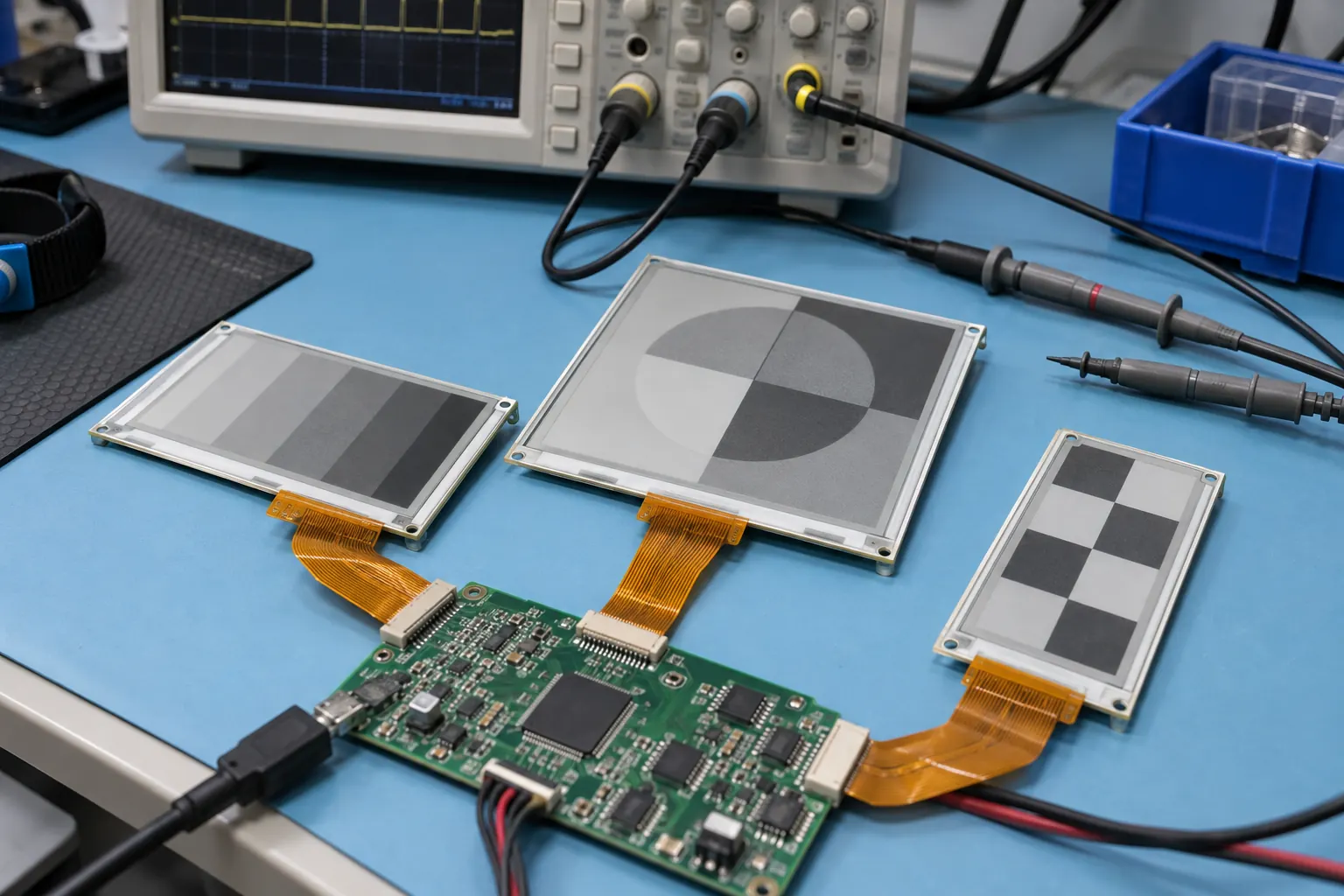 Bench work exposes connector routing, refresh behavior, supply sequencing, and controller integration before a pilot build.
Validate the Module at the Rail Level
An exposed e-paper module and an installed shelf label are different assemblies. In a rail pilot, check not just readability but also bracket stiffness, fastener access, connector strain relief, cable bend radius, bin impact, wipe-down cleaning, and the time required to swap a damaged unit. A small connector choice can determine whether a field technician needs to remove an entire rail to replace one label.
Where the display shares a rail with LEDs, buttons, or sensors, review noise and power behavior together. Verify supply sequencing, brownout recovery, ESD protection, and cable routing with the actual controller board and harness length. For functions that genuinely need a fast, active color interface at a workcell, it can be useful to contrast the requirements with standard TFT LCD modules rather than forcing all tasks into one display technology.
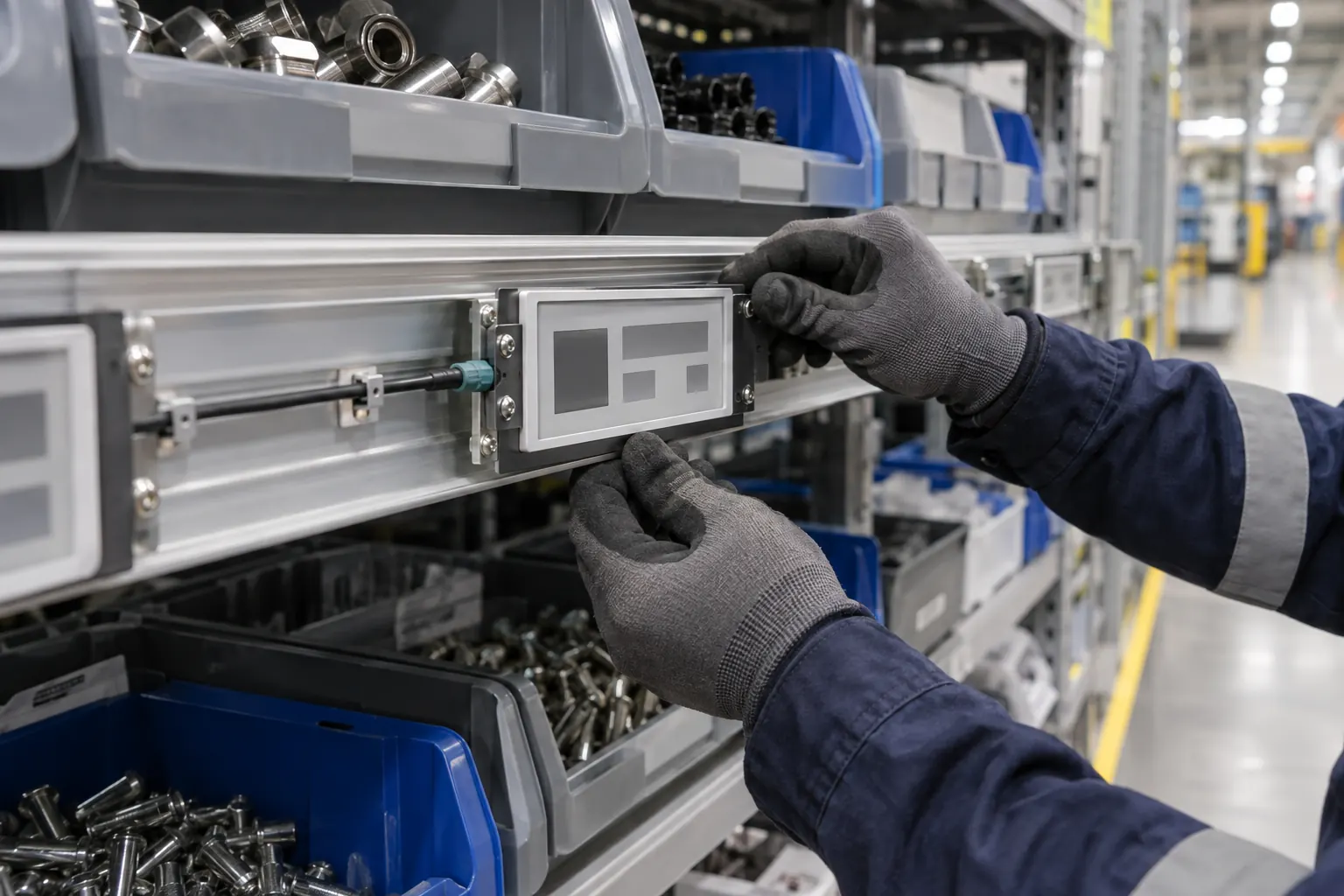 A rail-level pilot checks bracket tolerances, cable protection, sightline, service access, and operator reach together.
Design for Warehouse Abuse and Maintenance
Industrial picking areas bring vibration, incidental contact, dust, variable temperatures, rolling equipment, and changes in shelving layout. A module’s bare-panel specification is only one input. The finished label needs the right protective lens, gasket strategy, housing material, mounting method, and service plan for the actual aisle. If the label faces regular impact or wash-down-adjacent cleaning, make those test conditions explicit before tooling.
Temperature deserves early attention as well. A cold-store transition zone, a loading bay near an open door, and a warm mezzanine can behave very differently. Check the display, battery or supply design, enclosure, and adhesive system as a set. OEM teams handling demanding thermal conditions elsewhere in the product line can also review wide-temperature TFT LCD modules for a useful comparison of broader display-environment tradeoffs.
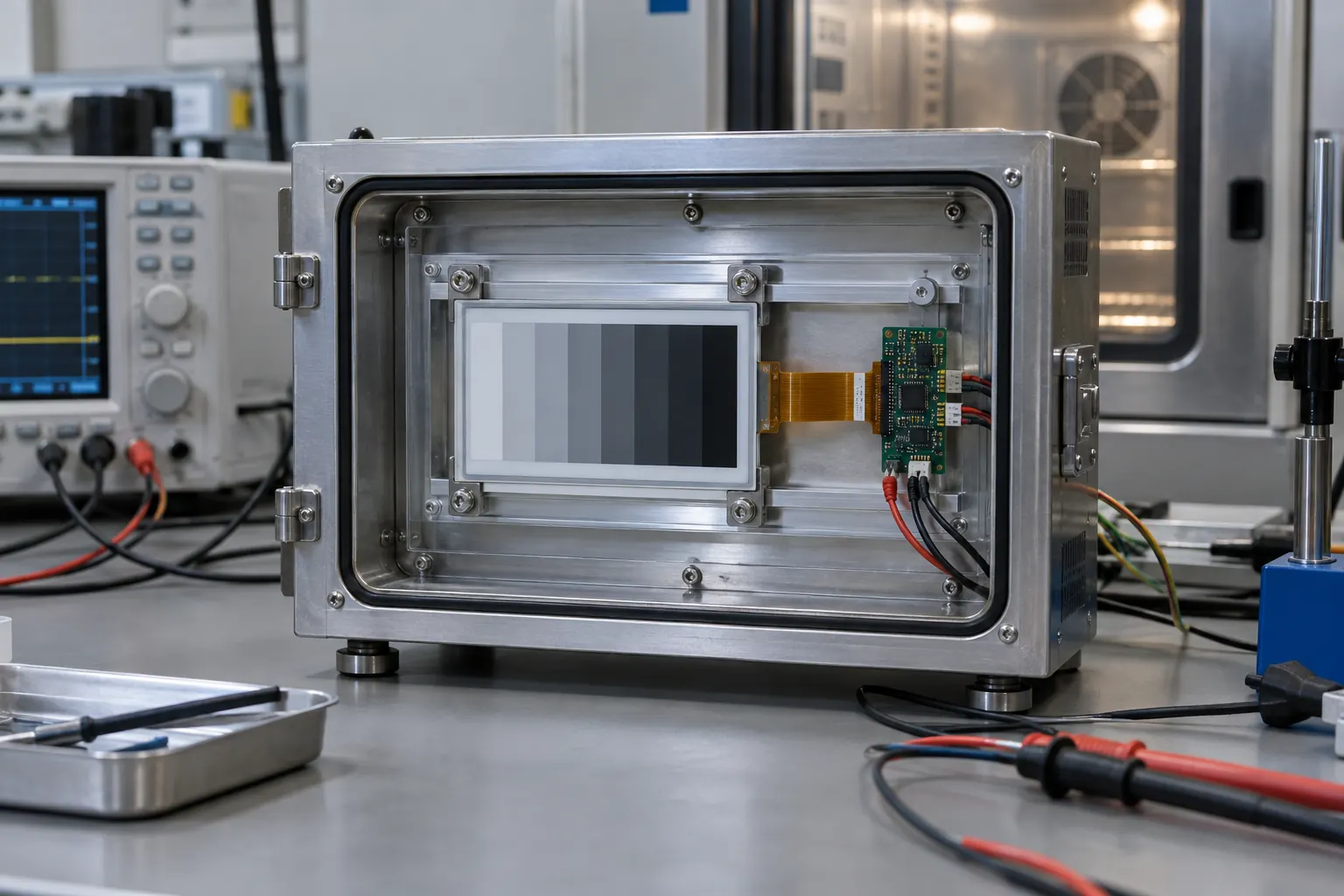 Validation fixtures help OEM teams evaluate the module assembly in the conditions their warehouse hardware must tolerate.
Build a Pilot That Produces Buying Evidence
Before a warehouse-wide purchase, instrument a focused pilot. Use representative SKU density, real shelf geometry, normal shift lighting, actual radio traffic, and the people who replenish and pick every day. Record update completion, mis-picks, label replacement time, line-of-sight issues, battery or power observations, and operator feedback. A pilot should answer whether the display is improving the process—not merely whether it can show an image.
For sourcing, prepare the target active area, module outline, interface, update pattern, monochrome or color requirement, front-lens stack, operating range, mounting envelope, anticipated annual volume, and lifecycle expectation. Early drawings and sample validation help prevent late changes to housings, rails, firmware, and service instructions. Sunshine Display supports industrial OEM teams with display-module selection and integration review; contact the team with the rail concept, target environment, and your first pilot criteria.
The best industrial e-paper shelf label is the one that makes the next correct warehouse action easier while remaining practical to manufacture, validate, and maintain.
