
Place the current job information where operators can read it without leaving the fixture.
A new order reaches an assembly bench, but the card beside the fixture still belongs to the previous batch. The parts look similar. The difference is a fastening sequence or an inspection step that cannot be spotted from the tray alone. Replacing a printed card with a screen helps only if the right revision reaches the right station before work starts.
E-paper job cards suit production information that stays in place for a batch or an operation. For an OEM building a workstation terminal, the difficult decisions are often outside the display glass: how jobs are assigned, who releases a revision, and what the operator sees when an update fails.
Decide what belongs at the bench
A job card should answer the questions someone asks while standing in front of the fixture. Which job is this? Which part and revision? What operation comes next? Is the station waiting for release? Put those answers ahead of scheduling details that only a supervisor needs.
Start with actual documents from the intended process. Take the longest part number, the most crowded instruction, and an operation that needs a small drawing. Lay them out at the proposed display size. If the operator must lean forward to read a revision suffix, a larger panel or a simpler page may be necessary.
Avoid shrinking an entire work instruction onto one screen. A compact card can identify the controlled document and its revision while directing the operator to the full instruction through the approved workflow. A code on the display is useful only if the available scanner can read it through the installed window at a comfortable distance.
A retained page can become an old instruction
Bistable e-paper can retain an image without power being supplied to the panel. That makes a job assignment visible between updates, but it also means a disconnected terminal may continue showing a convincing old page. The controller, communications and any lighting still need their own power budget.
Include a revision identifier and the time of the last completed update in the page design. Do not rely on a static connection symbol to prove that a terminal is currently online: the symbol can remain visible too. Decide how the production process identifies a stale card, especially across shift changes or extended shutdowns.
For example, a station could require a fresh job confirmation before a new batch begins. The details depend on the host system and operating procedure. A timestamp by itself does not stop someone from using old instructions, and the display should not be treated as a machine safety interlock.
Treat a changeover as a transaction
Sending a page from the server is different from completing an update at the station. Keep track of the job assigned, the revision received by the terminal, and the display update result available from the selected controller. Define exactly what each acknowledgment proves; a transmission receipt does not prove that an operator has seen the page.
Consider a change from Job A to Job B interrupted by a network outage. Should the terminal retain Job A, show a waiting state, or request a supervisor check? Choose the behavior before building the screen layout. It should be obvious whether work can proceed under the site's procedure.
Operator acknowledgment adds another event. If a physical button confirms receipt, record which job revision was displayed when it was pressed. Repeated presses and delayed messages must not accidentally confirm a later revision. These are application requirements to discuss with the system integrator, rather than features to assume are included with a display module.
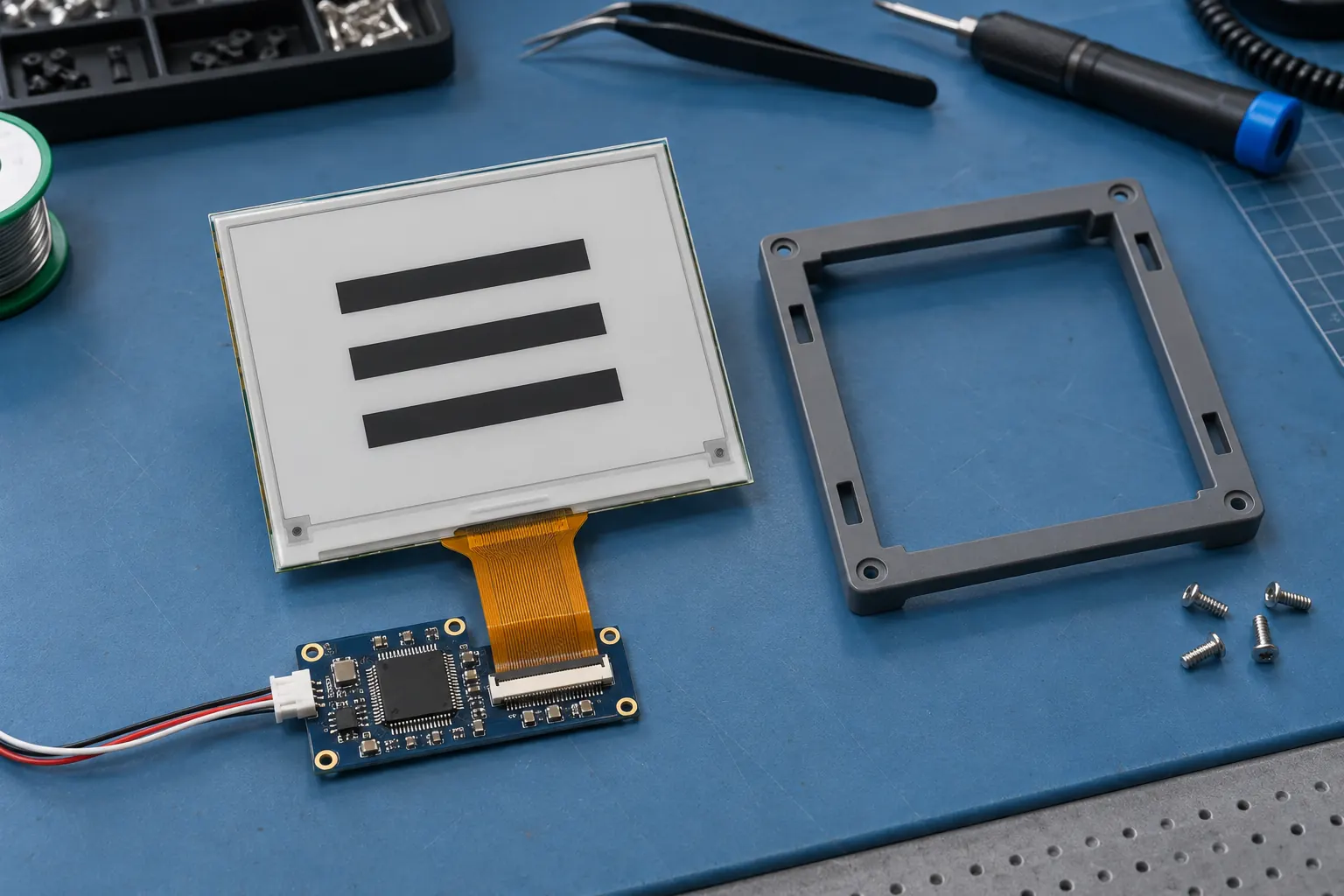 Evaluate the panel, controller and enclosure with representative page layouts.
Select the module around the content
Compare candidate display modules using the final page layouts. Active area determines the physical space available; resolution determines how much detail can be rendered within it. Neither a diagonal measurement nor a screenshot alone tells you whether a small drawing is readable at the bench.
Ask for the module's interface documentation, supported update modes, temperature limits and controller requirements. Evaluate refresh behavior with representative pages at the expected operating temperatures. Test dark headings, thin drawing lines and changes between dense and sparse content. Do not select a panel from a best-case update demonstration alone.
E-paper is a sensible candidate for relatively stable job information. A terminal that must show animation, rapidly changing measurements or frequent interactive navigation needs a different assessment. Compare an IPS TFT LCD option if those functions are central to the workstation, and budget for its power and illumination needs.
Fit the card to the workstation
Locate the display where it remains visible with the fixture, bins and tools in their normal positions. A mount that looks clear on an empty bench may be hidden as soon as an operator loads a large assembly. Check both seated and standing use if the station supports them.
The protective window deserves its own trial. Reflections, surface wear and cleaning residue can make small text harder to read. Evaluate the assembled terminal under task lighting, including the angles from which workers actually approach it. Confirm cleaning compatibility with the enclosure and window suppliers instead of assuming every clear cover tolerates the same chemicals.
Leave room for the flexible cable, connector access and replacement work. A panel should not need to bend while the enclosure is tightened. If the terminal mounts on an extrusion, check bracket clearance and cable protection through the full adjustment range.
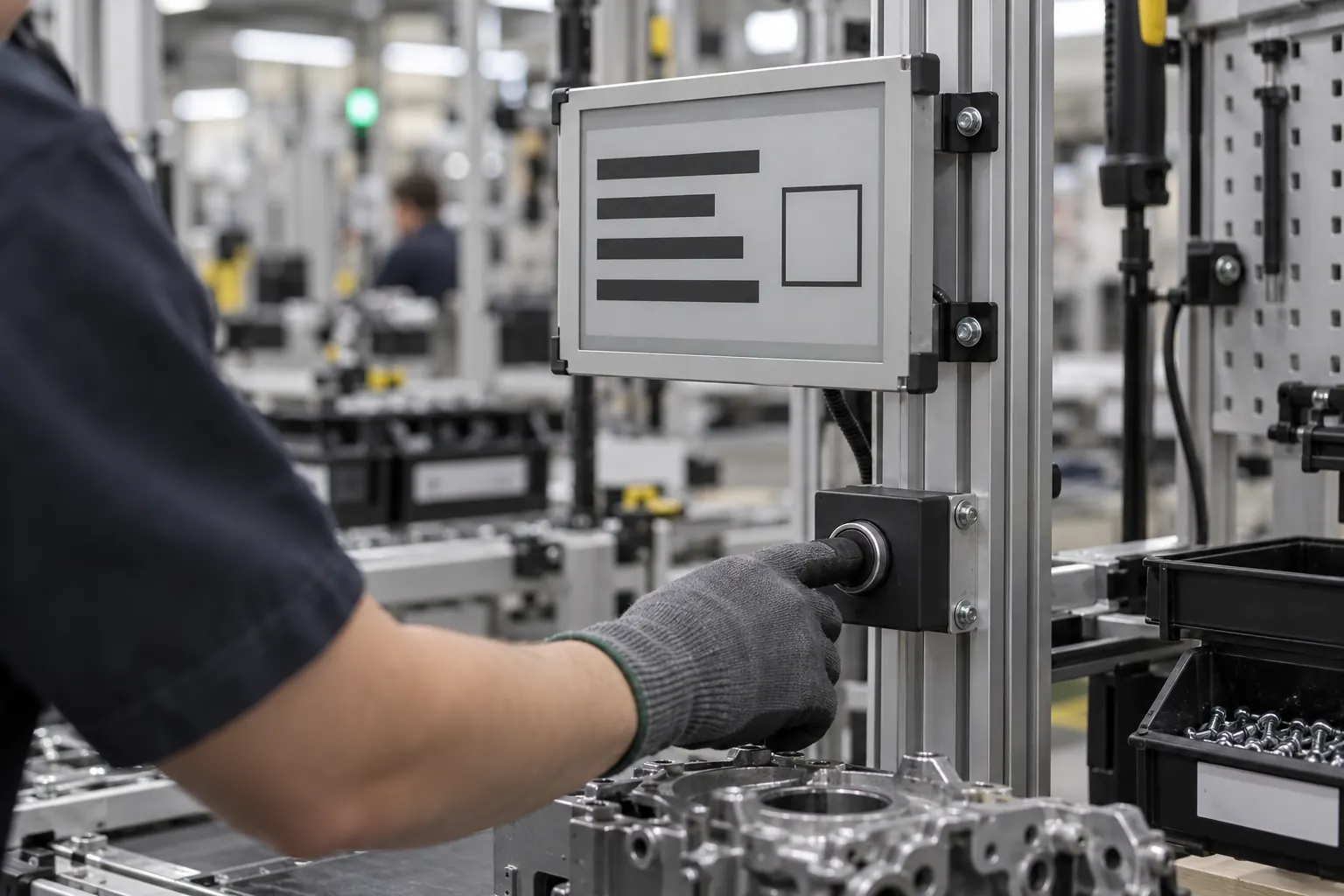 Link each acknowledgment to the job revision shown at the station.
Run a changeover trial before ordering volume
Use two deliberately similar jobs in the pilot, with different revision suffixes and one changed instruction. Ask operators to identify the active job and the changed step. Their hesitation often reveals more about the layout than a desk review does.
Then interrupt the sequence: disconnect communications, restart the controller, repeat a confirmation and restore power with an old page still visible. Compare the host record with the terminal state after each event. Record the expected response in advance so the team can distinguish a failure from an undocumented design choice.
For a module discussion, send the screen artwork, mounting drawing, viewing distance and update sequence together. Contact Sunshine Display with those materials to discuss module selection and OEM integration. They give the supplier a concrete starting point for sample evaluation and give your team something measurable to approve.
