A display on an industrial instrument has completed an update, but a pale outline from the previous screen is still visible behind the new reading. That residual image may be harmless in one use case and distracting in another. OEM teams should decide how much carryover the interface can tolerate before they choose a module, controller, refresh pattern, and update policy.
Check how a new e-paper image appears after a change in the screen content.
Distinguish normal transition from a persistent artifact
E-paper changes image through controlled transitions in the display media. Depending on the module and update mode, the screen may briefly invert or flash while changing. A partial update may reduce visible flashing, but some combinations can leave more residual content than a full-screen refresh. The exact behavior depends on the panel, driver, waveform data, temperature and firmware implementation. It should be confirmed against the selected module’s documentation rather than treated as a universal property of every e-paper display.
Ghosting is easiest to notice when a dark shape remains where the next image expects a clean background, or when repeated updates leave the screen looking increasingly gray. Do not judge a sample from a single transition. Run a sequence that resembles the equipment’s real duty: update a value, move a status block, clear an alarm, change a bar or icon, and return to a known screen. Photographing the same area after each step can help engineering compare the progression, but a fixed camera exposure and viewing setup are needed for useful records.
For orientation, the Sunshine Display e-paper range includes modules for different sizes and formats. The specific part and driver combination determines which refresh methods are available and how the team should evaluate them.
Build a test sequence around the interface
Prepare test content before evaluating samples. Include large solid black and white areas, thin lines, small text, gray patterns where supported, and the interface elements most likely to move. A machine that mainly changes a numeric reading has a different visual workload from one that frequently replaces icons, bars, and dense status panels. Use the intended fonts and layout; a generic test picture will not reveal whether the product’s actual screen leaves trails in important places.
Run the pattern through the intended host board and firmware. Record the controller version, waveform or display configuration, update mode, temperature conditions, and time between updates. If a screen is staged in multiple regions, test overlapping updates and changing content near region boundaries. Verify that clearing a value replaces the old pixels rather than only drawing over the parts that changed.
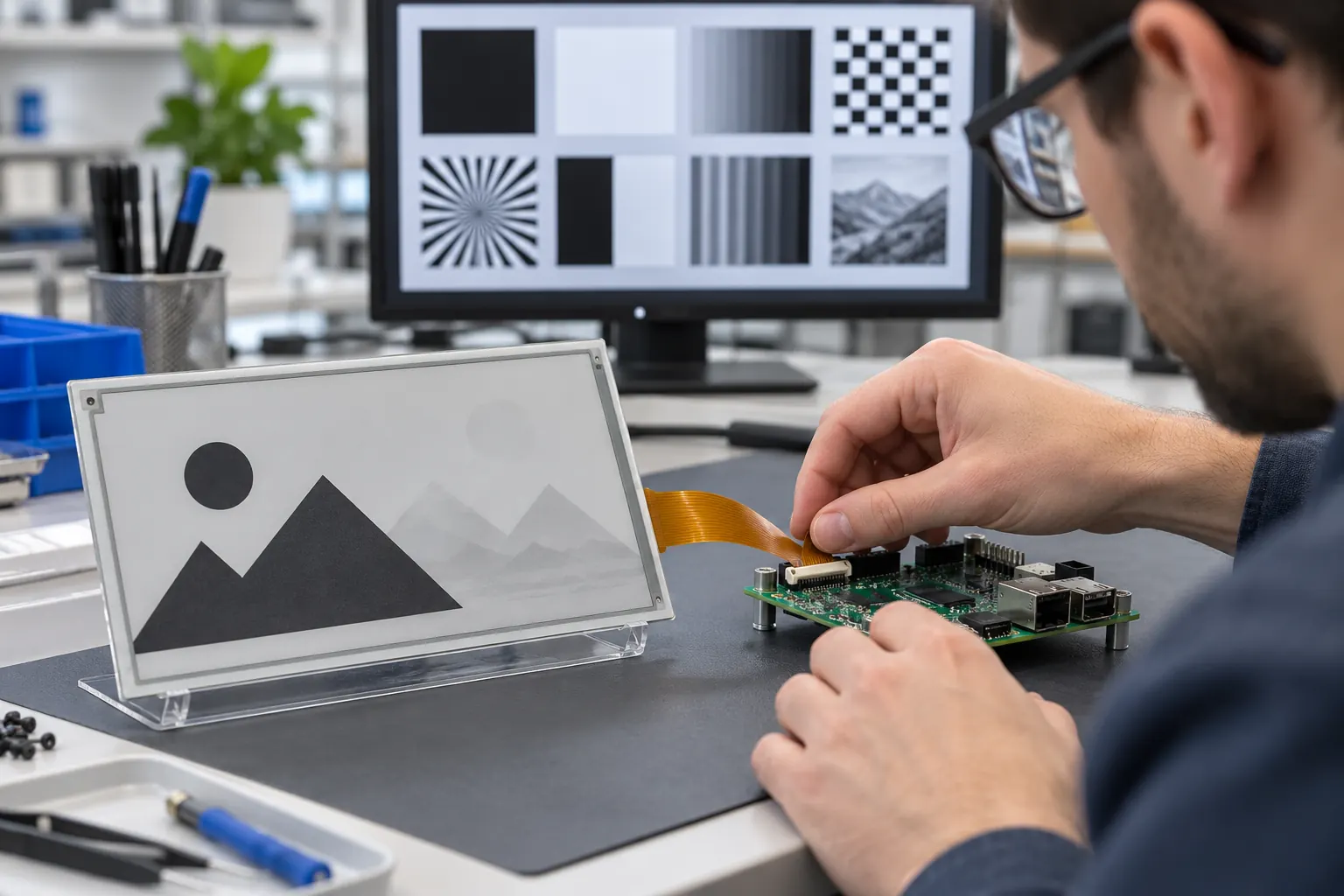 Use representative patterns and the intended controller when evaluating refresh behavior.
Next, test recovery. Interrupt power during a transfer if the product could realistically lose power at that moment, restart the host, and confirm what the operator sees before the next valid update. Check that the controller initializes the display correctly and that a failed or incomplete update does not leave a misleading mixture of old and new information. Follow the selected module maker’s instructions for full refreshes, sleep, power sequencing, and temperature-dependent settings. There is no single refresh count or interval that should be copied across unrelated panels.
Decide where partial updates are acceptable
Partial refresh can be helpful when a device changes only a small portion of its screen and visible flashing would distract the user. It is not automatically the best choice for every transition. Ask which information changes often, which areas must stay visually clean, and how much residual image can be tolerated before the screen is refreshed fully. A critical alarm, for example, should remain distinct from a faint artifact left by an earlier state.
During a pilot, compare the screen immediately after repeated partial updates and again after the full refresh method specified for that module. Record the visible result and the time needed for each operation. If the product will operate over a wide temperature range, repeat the sequence at representative conditions because refresh behavior and timing may vary with temperature. Do not promise an update cadence from a bench demonstration alone; validate it with the final firmware, content and operating profile.
A module such as Sunshine’s 2.8-inch black-and-white e-paper display can be considered for a design brief, but its published interface and environmental details are only a starting point. Confirm the exact operating conditions, waveform support, controller compatibility, and refresh behavior for the intended application before freezing the hardware.
Keep the controller and waveform tied to the approved sample
Display behavior depends on more than the visible panel. The controller, waveform data, firmware, power supply, and temperature inputs all affect the transition. A panel substitution or driver update can change results even when the outline and pixel dimensions stay the same. For sample approval, record the module part number and revision, controller and firmware versions, waveform source, and the image sequence used for evaluation.
Ask the supplier how any approved module or driver change will be communicated. When receiving a new sample or production lot, rerun a short reference sequence rather than relying only on a static screen check. Keep a known reference image and a record of acceptable appearance so quality and engineering teams can compare changes against the same baseline.
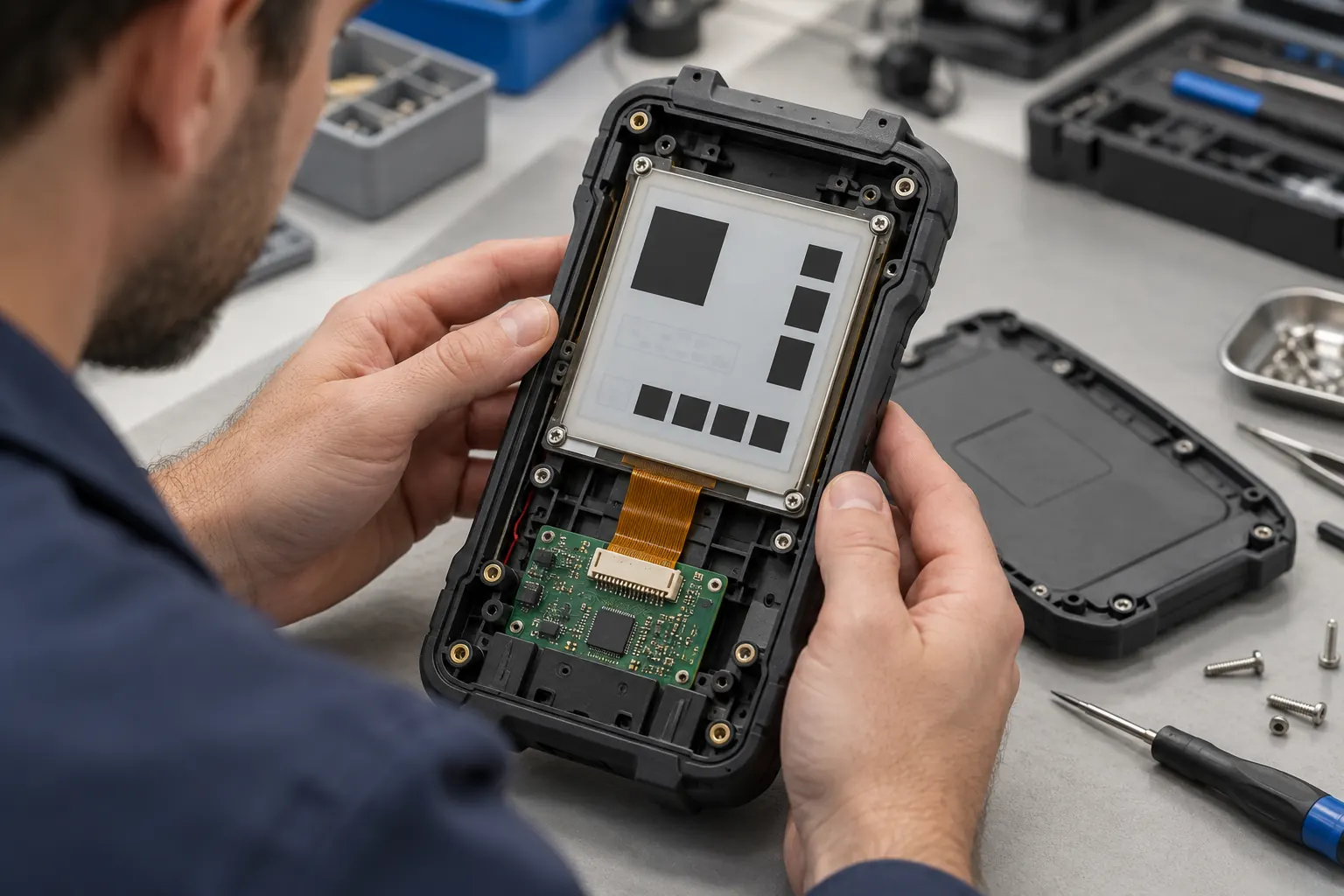 Review the display with the enclosure, connector, and host electronics in place.
Design the interface for a retained image
Because e-paper can keep the last image visible between refreshes, layout decisions should account for both the current state and what may remain visible during a transition or interruption. Avoid placing a new alarm directly over an old instruction if incomplete refreshes could make both appear active. Give important states clear position and shape, and use text labels where color alone cannot communicate the difference. If a warning must disappear immediately, verify that the product’s update behavior can support that requirement in the actual environment.
Review the screen at its installed viewing distance and under the lighting expected in service. Test the enclosure, mounting pressure, connector routing, and front surface as part of the same build. A bare module that looks acceptable on a desk may be harder to assess after it is recessed behind a bezel or assembled into a handheld instrument.
Put refresh behavior in the OEM brief
When requesting samples, send the intended update interval, examples of the most frequent screen changes, the host and controller details, temperature conditions, power-interruption scenarios, and any limits on flashing or transition time. Ask the supplier to confirm supported update modes and provide the applicable module documentation. Set acceptance criteria around the finished interface, not an assumed refresh count.
This makes image quality a repeatable engineering decision instead of a subjective surprise late in development. Share your screen examples and operating profile with Sunshine Display when assessing e-paper modules for an industrial OEM product.