The machine lost power overnight, but the e-paper panel still shows yesterday’s production state. That is normal for a bistable display: the image can remain after the display is no longer being updated. The risk is that an operator may read a retained image as current. An industrial product should make both the information and its age clear.
A retained e-paper image needs clear context when it can no longer be refreshed.
Separate image retention from data validity
An e-paper module can preserve the last displayed image without continuously driving the pixels. That behavior can suit equipment where information changes occasionally. It does not tell the user whether the controller, sensor, network, or source record is still healthy. The screen can look complete even when the data behind it stopped changing hours ago.
Start the interface design by listing which values remain meaningful after a power interruption and which become unsafe or misleading when stale. A machine identifier may remain useful for days. A pressure reading, job assignment, calibration result, or active alarm may need a visible age or a “not current” state. Treat each item according to the decision an operator might make from it.
This distinction should reach the OEM requirements document. Specify the data source, the event that makes an update necessary, and what the display should show if that update cannot be confirmed. Selecting an industrial e-paper module is only one part of the design; freshness behavior also depends on the host controller, firmware, communications path, and user interface.
Put age and state where the eye goes first
A timestamp hidden in a settings screen will not help someone making a quick decision. Show the last successful update close to the value or status it qualifies. Use plain language such as “Updated 14:32” or “Data may be outdated” when those messages fit the product’s vocabulary. If the device has a trusted clock, show a useful time. If it does not, an elapsed-time indicator or a simple “update confirmed” state may be more honest than a guessed timestamp.
Avoid relying on color alone. E-paper products may use monochrome or limited color, and visual appearance varies with the selected module and content. Combine text with position, shape, or a clear icon only when the icon is familiar to the intended operators. Test the smallest labels on the actual module at the intended viewing distance; a concept that looks obvious on a laptop may not survive a smaller display layout.
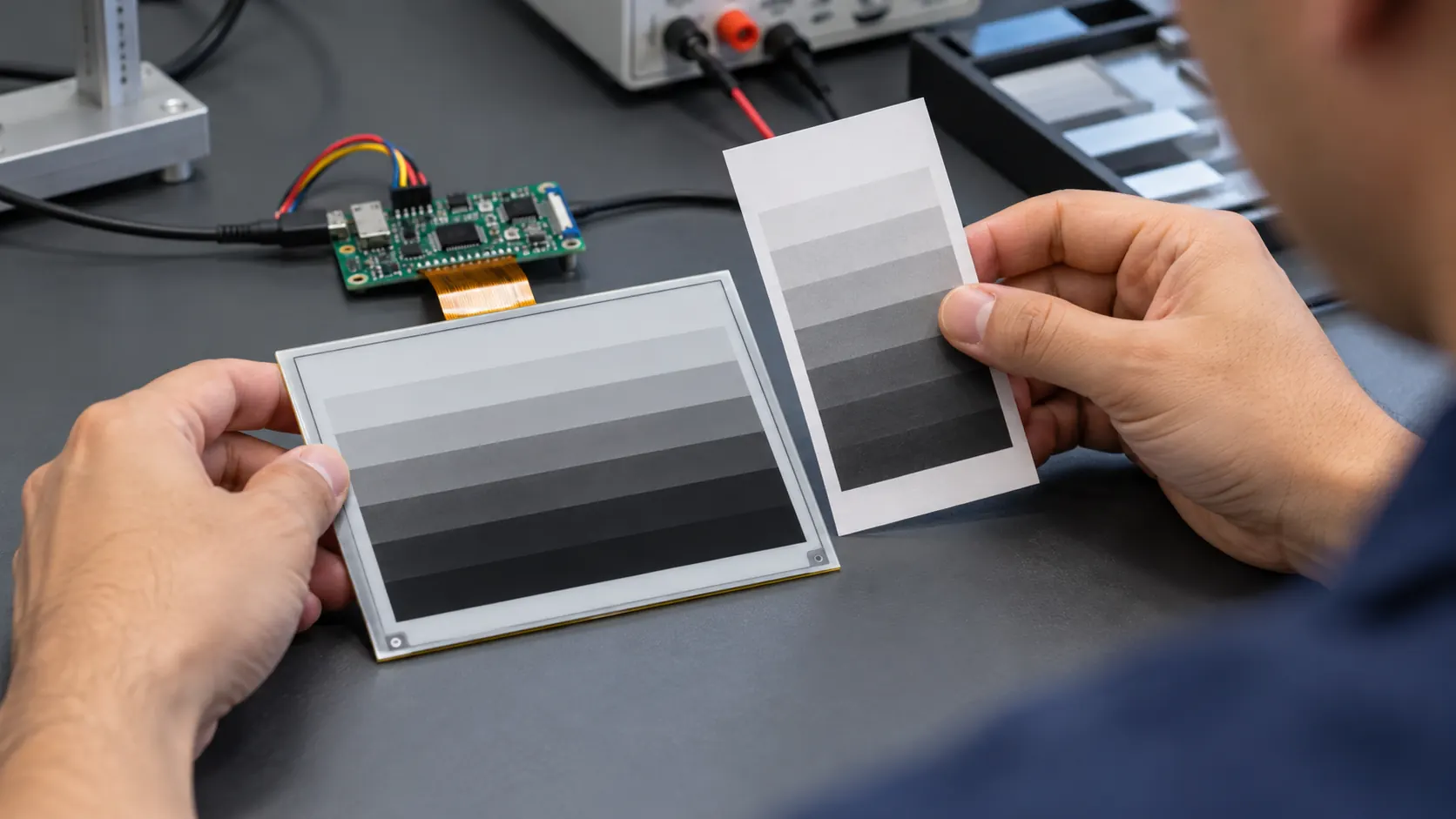 Review sample content and update behavior with the module and controller together.
For important values, distinguish three cases in the interface: current data, a pending update, and an update that failed or became too old. The wording should explain what is known. “Update pending” is different from “update failed,” and both differ from a controller that has not reported since startup. Keep that distinction consistent across the display, logs, and service tools so that support staff can diagnose the same event the operator saw.
Confirm the whole update path
An update command is not proof that the new image reached the panel. The host may queue a refresh, the communication link may fail, or the controller may restart midway through a sequence. Decide what counts as acknowledgement at each boundary: source data received, display content prepared, update command accepted, and refresh sequence completed. The product may not expose every stage to the operator, but firmware and service records should distinguish them where practical.
Test normal changes as well as interruptions. Power-cycle during an update, remove or restore the communication link, send an incomplete record, and restart the host while the panel is being refreshed. Then check what remains visible, how the controller detects the interruption, and when the interface changes to a stale or recovery state. Do not assume that the module itself knows whether the upstream measurement is valid; that policy belongs in the system design.
If a product uses a battery, compare update frequency and recovery behavior against the energy budget for the entire device. A static image may need little display activity between updates, but the controller, clock, sensor, and radio can still draw power. Avoid basing a battery estimate on panel behavior alone. Define which subsystem wakes, what it reports, and how the device handles an update that starts near a low-voltage cutoff.
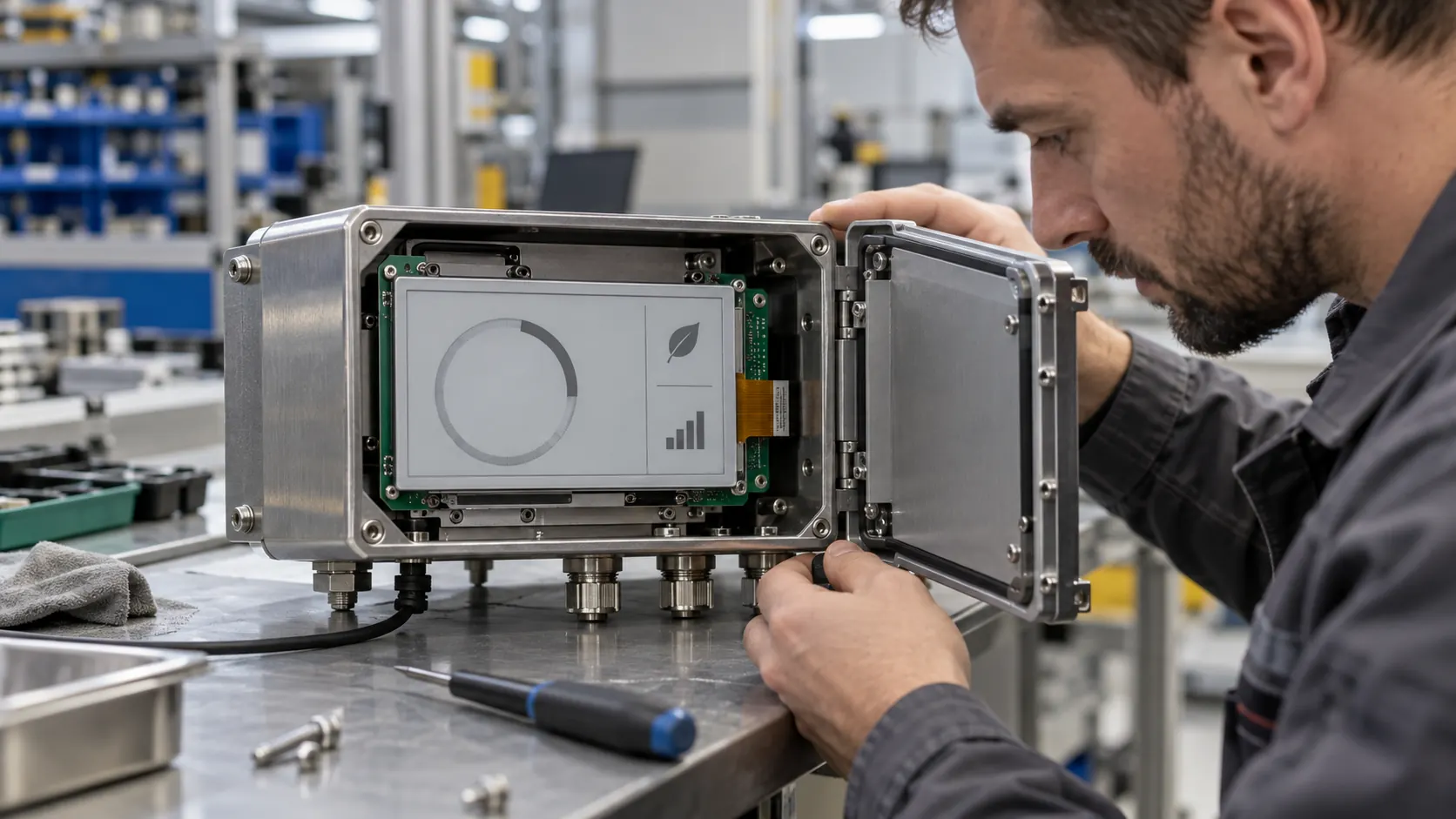 Plan recovery behavior with the display installed in the intended equipment.
Make recovery visible and repeatable
After a reset or prolonged outage, the first refreshed screen should establish what is current before presenting operational detail. That may mean showing a short initialization state, verifying the source record, and then replacing the retained information. If a valid update is unavailable, preserve useful identification while clearly marking time-sensitive values as unavailable or stale. Do not leave an old alarm or instruction on screen without context if users could interpret it as active.
Create sample tests around realistic operating sequences. Use the intended host controller and firmware, representative messages, the final enclosure, and the planned power source. Record the initial image, update trigger, acknowledgement, interruption, restart, and final visible state. Repeat the sequence with a known good update and with a deliberately rejected or missing update. These checks help engineering and quality teams agree on behavior before production release.
The visual review should include content density and the time marker itself. Ask a technician to identify the current state, say when it was last confirmed, and explain what action is appropriate when the screen reports an old value. If that answer depends on training that the product never provides, revise the interface. A range of Sunshine Display modules can be reviewed alongside the intended information hierarchy and update workflow.
Include freshness in the OEM brief
When requesting samples, share the expected update interval, data source, interruption scenarios, host interface, enclosure constraints, viewing distance, and any battery or service requirements. Bring examples of current, pending, failed, and recovered screens. Ask the engineering team to agree on the visible state after a restart, not only the preferred image under normal operation.
E-paper can be a good fit when a device needs to keep selected information visible between updates. For industrial equipment, the retained image must never be mistaken for live confirmation when the system cannot provide it. Define that distinction in firmware, copy, and validation, then review the module and integration details with Sunshine Display through the contact page.