Evaluate the reader and installed display together.
An e-paper sample scans successfully on a desk, but the same page becomes awkward to read after installation behind a protective window. Operators move the scanner closer, change its angle, and try again. The code may contain the right information while the complete display assembly still fails the intended workflow.
E-paper barcode readability should be evaluated with the actual reader, payload, mounting position, and enclosure. A successful scan is a useful observation, not a complete acceptance result. For OEM equipment, the test needs to show that the right record can be read consistently under the conditions in which staff will use it.
Settle the data before sizing the screen
Agree on the barcode symbology and payload with the system receiving the scan. Decide whether the symbol identifies an asset, opens a record, or carries a longer structured message. Test realistic data, including the longest permitted identifier. A short demonstration string may occupy much less space than the production payload.
For a chosen symbology, preserve the required clear space around the symbol and follow its applicable sizing rules. Do not allow headings, borders, or status graphics to invade that space. Requirements differ between symbol types, so there is no universal margin that can be copied into every design.
Keep a human-readable identifier nearby. It gives an operator a way to compare the physical equipment with the decoded record and supports an exception process when scanning is unavailable. Make sure the printed text and encoded value come from the same approved data source rather than being edited independently.
Treat pixels as part of the symbol design
Generate the symbol for the display's native pixel grid. Review the exported bitmap at its final dimensions instead of judging a scaled preview on a computer monitor. Avoid accidental resizing, smoothing, or clipping during the application's image pipeline. Confirm that the displayed symbol remains the one the software intended to generate.
The useful comparison is the complete page on the candidate module. Reserve room for the symbol, its clear area, and the surrounding information before deciding that a particular diagonal is sufficient. A larger payload or longer equipment name may require a revised layout, not a smaller version of every element.
Use the Sunshine Display product catalogue to discuss candidate modules with the page artwork attached. Ask for the selected module's active area and resolution, then evaluate samples at that resolution. Do not infer scan performance from the panel size alone.
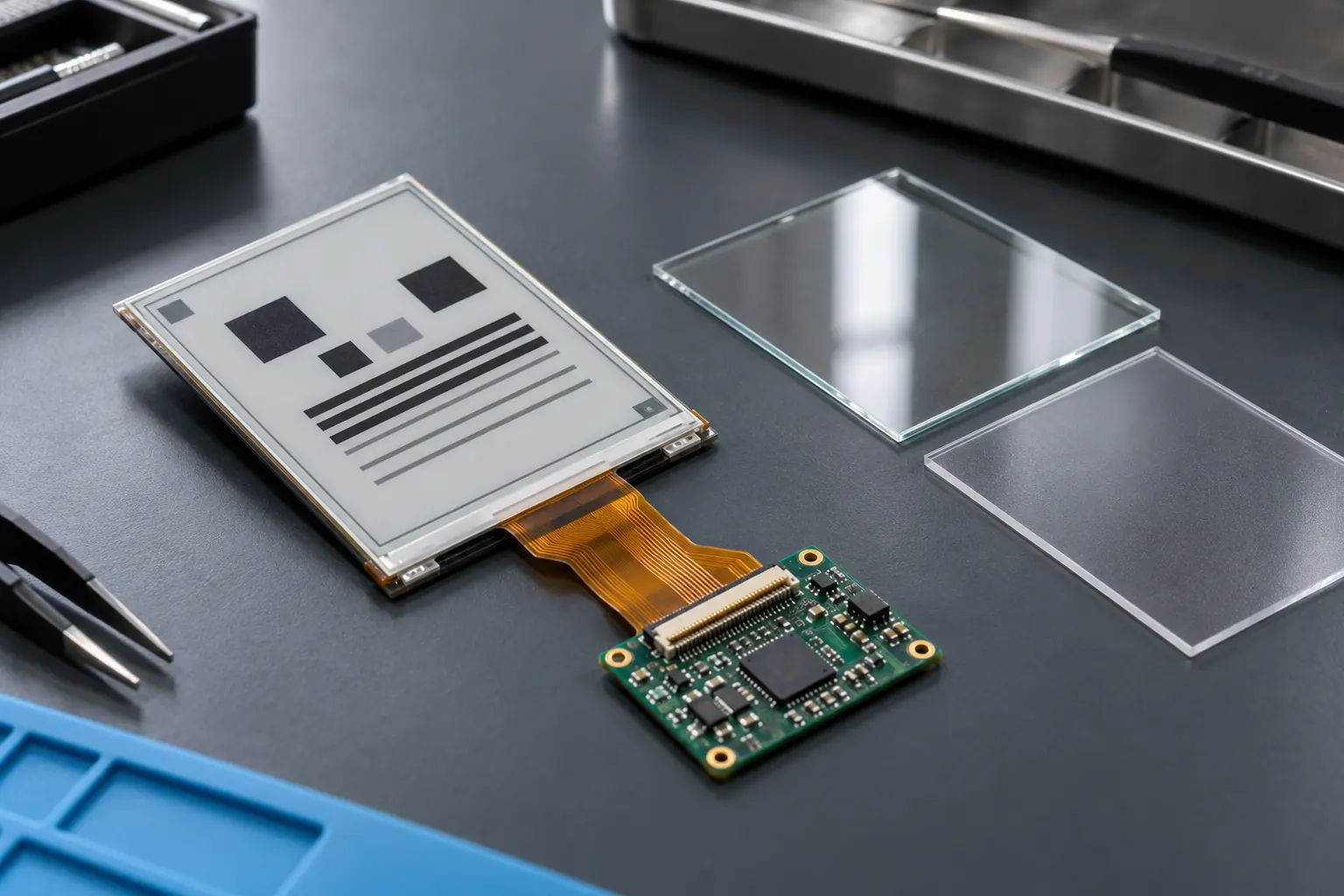 Include the production window in the sample evaluation.
Put the production window in the test
Test the display with the intended protective window, bezel, mounting angle, and illumination. A bare module on a flat bench does not represent a screen recessed into equipment or viewed beside reflective metalwork. Keep the window material and surface treatment identified in the test record.
Inspect reflections from lights near the installed position. Try the distances and angles operators can actually reach, including access constrained by guards or pipework. If the only successful position is physically inconvenient, reconsider the mounting arrangement before attempting to solve everything through software.
Also define the cleanliness condition for normal operation. A test through a clean window establishes a baseline; it does not establish performance through every scratch, deposit, or cleaning residue. Choose representative conditions with the equipment team, and avoid presenting an untested enclosure treatment as a guaranteed improvement.
Check the image after the update is finished
Use the module's supported driving procedure and record the refresh mode. Verify the final visible page after the device reports that the update is complete. If the application changes between very different layouts, include those transitions in the sample set and inspect the resulting symbol area.
Do not assume that a communication acknowledgment proves the displayed code is current. A message can arrive before the image is fully updated. Define when the workflow permits a scan and what the receiving system should do if it encounters an older identifier during a transition.
For equipment that changes assignments, include a deliberate revision check. The scanner should decode the expected payload after each update, and the receiving application should retrieve the intended record. A perfectly readable old code is still the wrong result when the task requires a new assignment.
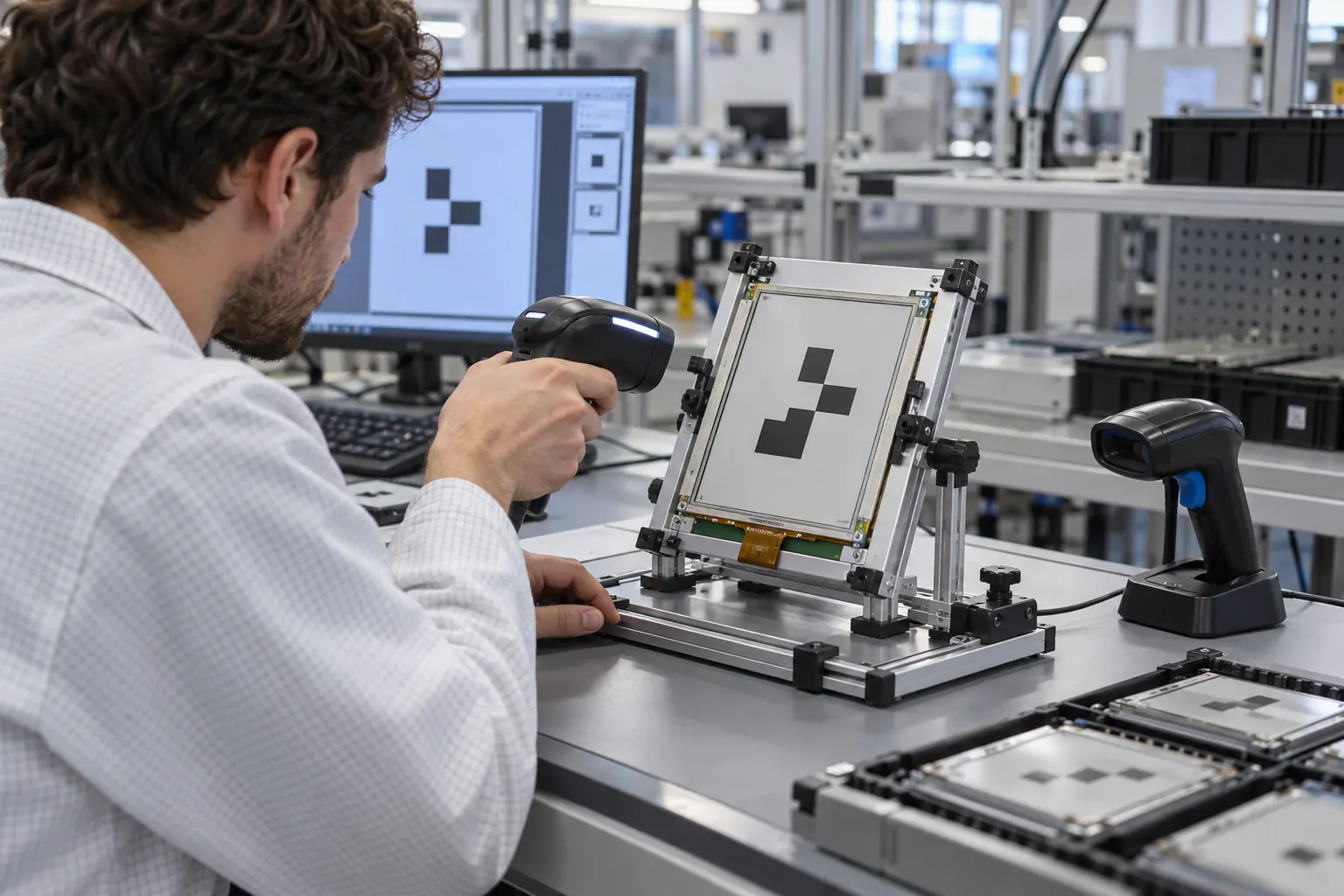 Test the angles and distances available to operators.
Separate reader compatibility from display quality
List the reader models, firmware versions, and relevant settings used in the intended installation. Confirm that each supports the chosen symbology and screen-reading task. A result from one handheld reader should not be generalized to every scanner already deployed across a facility.
Use repeated attempts under defined conditions and keep the failures, not just the best demonstration. Record distance, angle, lighting, page revision, reader configuration, and decoded data. Set acceptance criteria from the operational need, including how much repositioning or delay is acceptable. Avoid choosing a pass rate after seeing the results.
Where formal symbol verification is required, agree on the appropriate method and equipment with the responsible team. Reader testing and formal verification answer different questions. Do not describe a successful scan as a certified quality grade or claim compliance that has not been assessed.
Make failure useful during the pilot
Give operators a simple route for handling an unreadable code. They may need to enter the visible identifier, inspect the window, or report the device for service. Keep those actions tied to the site's workflow so that repeated scanning does not become an unofficial workaround that hides a layout problem.
Review failures by condition. If several readers struggle at one mounting angle, investigate the assembly and viewing geometry. If a particular payload fails across conditions, examine the symbol generation and page layout. If the decoded data is consistently old, investigate the update process before blaming optical performance.
For applications that also require a continuously changing operator interface, compare that separate requirement with standard TFT LCD modules. Choose the display around the complete information workflow rather than treating barcode display as the only selection criterion.
Before ordering production samples, share the payload examples, reader list, page artwork, and enclosure drawing with Sunshine Display's OEM enquiry team. That package gives the hardware discussion a concrete basis and makes the pilot's scan results much easier to interpret.