
LCD Modules for Control Cabinet Interfaces
Control cabinets, electrical panels, PLC systems, motor drives, and machine controllers often need a local display for status, alarms, setup, diagnostics, and service work. Unlike consumer displays, an industrial LCD module for a cabinet interface must survive repeated use, electrical noise, temperature variation, front-panel mounting, and long production schedules.
Sunshine Display supplies LCD display modules for industrial and OEM applications, including small, medium-size, and larger color TFT LCD modules up to 32 inches. These modules are suitable for equipment interfaces, control terminals, industrial panels, measurement devices, and other professional systems where reliability and integration matter more than consumer-style features.
Control cabinet LCD modules need readable status screens, stable mounting, electrical robustness, and long supply planning.
Start With the Cabinet Use Case
A cabinet display is usually used for a specific task: checking machine status, setting parameters, acknowledging alarms, monitoring temperature, viewing drive information, or supporting service diagnostics. The LCD module should be selected around this task instead of only around diagonal size.
If operators read the display while standing, from the side, or under factory lighting, viewing angle and contrast become important. For applications where multiple operators view the display from different positions, IPS TFT LCD modules can help keep colors and text stable. For controlled indoor cabinet panels, standard TFT LCD modules may be suitable when the viewing position is predictable.
Alarm Visibility and Fine Text Matter
Control cabinet interfaces often show dense information. Even a small screen may need to display operating mode, input and output status, numeric values, warnings, and menu labels. The UI should be tested on the real LCD resolution, not only in design software.
Buyers should review brightness, contrast, font size, color choices, and icon visibility. Red, yellow, green, and gray states should remain clearly distinguishable after the display is installed behind the cabinet door, cover lens, or front bezel.
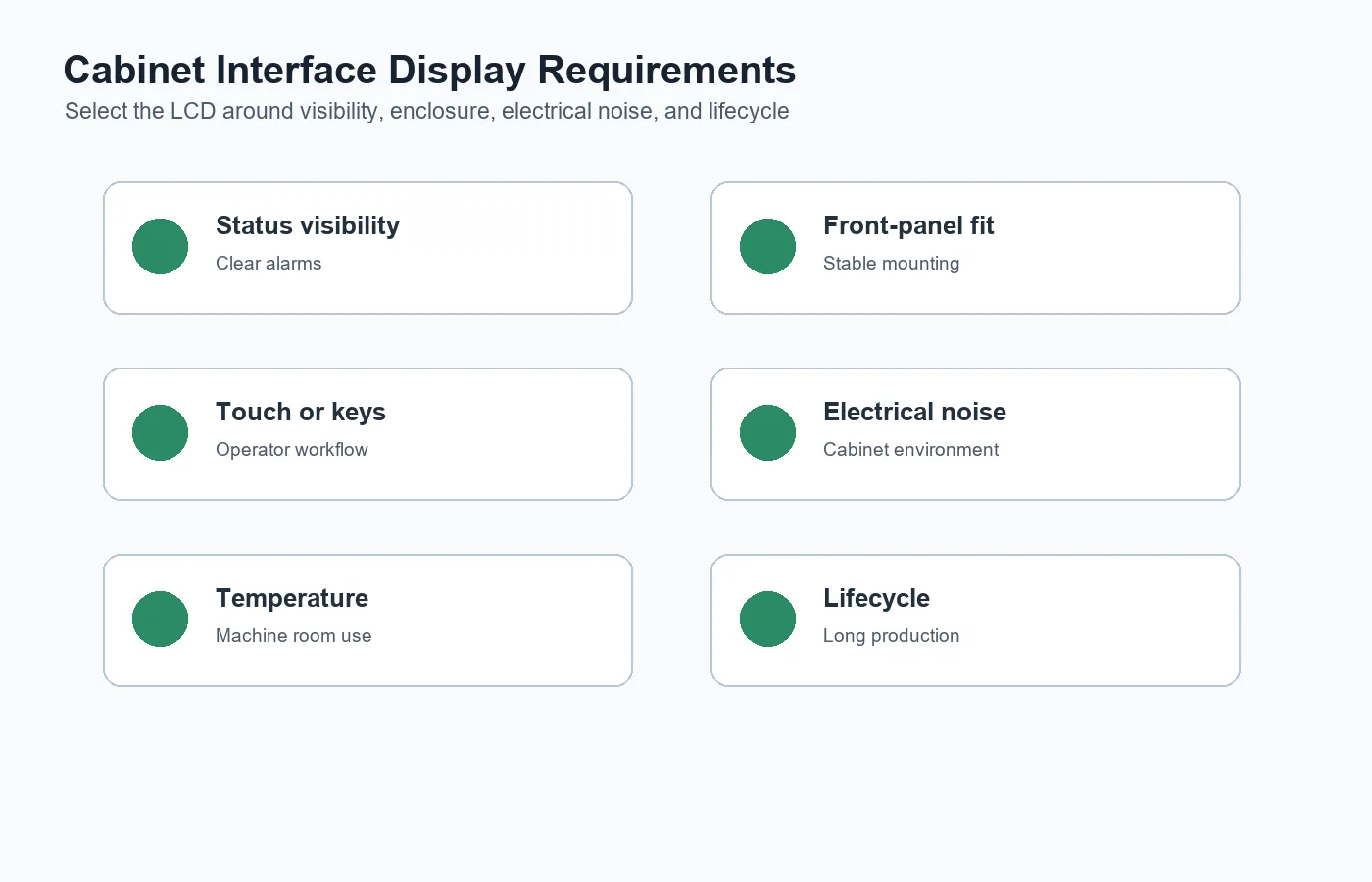 Cabinet display selection should consider alarm visibility, front-panel fit, operator workflow, electrical noise, temperature, and lifecycle.
Touch Is Useful Only When It Fits the Workflow
Some cabinet interfaces use physical keys; others use resistive or capacitive touch. The right choice depends on operator workflow, gloves, cleaning conditions, safety requirements, and front-panel design.
Projected capacitive touch can provide a clean and sealed front surface, but it should be tested with the actual cover glass, grounding, cable, and enclosure. Sunshine Display's capacitive touch TFT LCD modules are relevant when OEM teams need an integrated LCD and touch solution for industrial interfaces.
Electrical Noise Should Be Considered Early
Control cabinets often contain contactors, relays, motor drives, power supplies, long cables, and switching loads. These can introduce electrical noise that affects the display or touch panel. Symptoms may include display flicker, communication errors, unstable backlight, false touch, or reset behavior.
The LCD module should be reviewed with the full electrical design. Engineers should check power ripple, grounding, shielding, cable length, connector position, ESD protection, and signal routing. A clean bench test is not enough if the final product will operate inside a noisy cabinet.
Mechanical Fit Affects Production Quality
The module drawing should be compared with the cabinet door, front plate, bezel, gasket, and PCB layout before tooling. Check active area, viewing area, outline size, thickness, FPC exit, connector clearance, mounting structure, and service access.
For sealed or semi-sealed panels, gasket compression should be controlled. Too much pressure can create display marks or touch issues. Too little pressure may cause vibration, dust ingress, or inconsistent assembly. The display should be validated in the real mechanical stack before mass production.
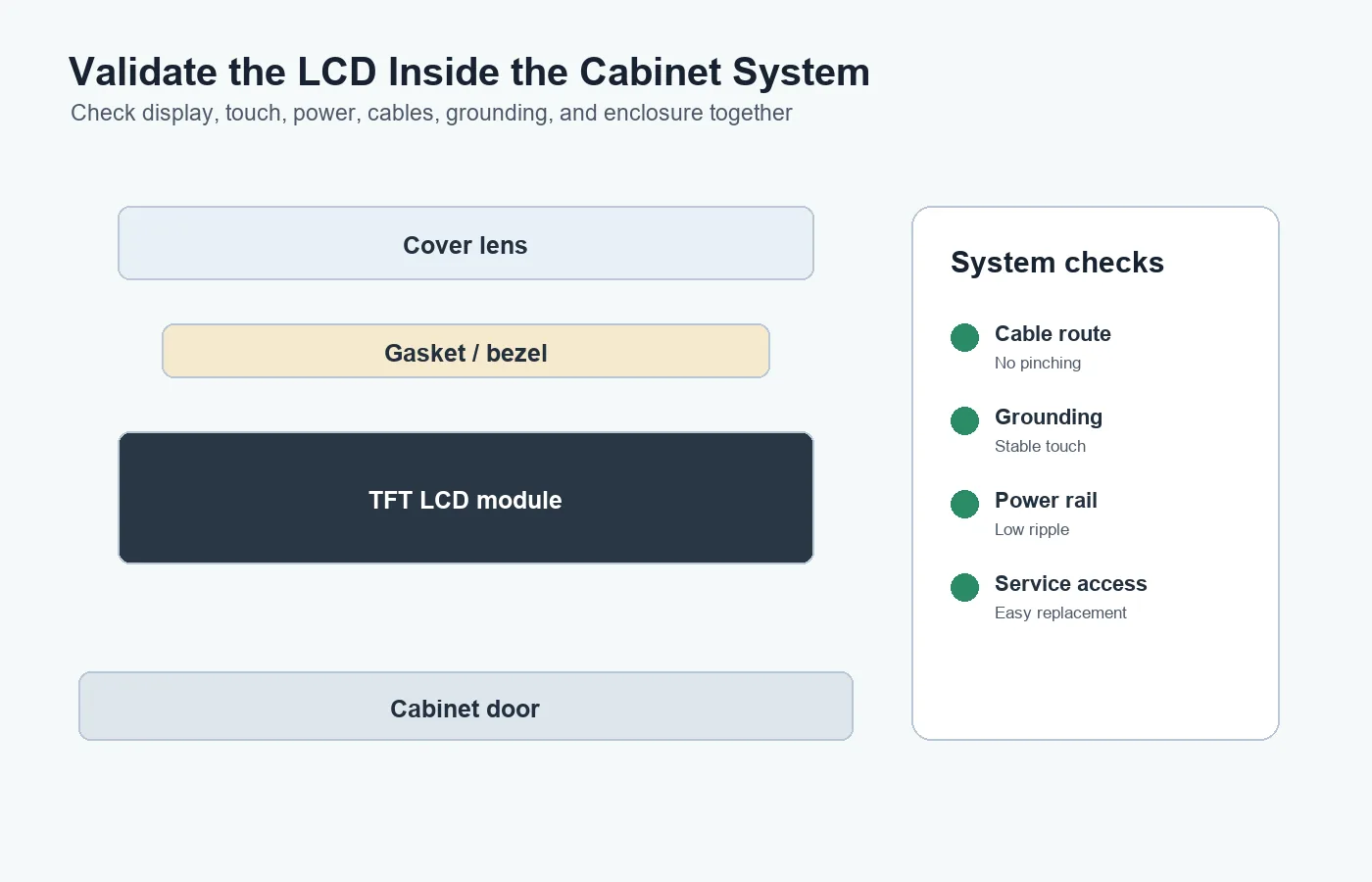 Validate the LCD module with cabinet door, cover lens, gasket, cable routing, grounding, power, and service access.
Temperature and Long Operating Hours
Cabinet interfaces may be installed near heaters, drives, power supplies, outdoor doors, or unconditioned factory areas. Backlight lifetime, operating temperature, storage temperature, and thermal design should be included in the selection process.
If the equipment may face cold, heat, or wider environmental variation, review wide temperature TFT LCD modules early. Product-level testing should still include enclosure heat, backlight setting, power supply behavior, and display readability after aging.
Lifecycle and Change Control Reduce Risk
Industrial cabinets and machines often stay in production for years. A display module change can affect the cabinet cutout, UI layout, cable, firmware, touch tuning, inspection process, and service documentation. Buyers should confirm lifecycle expectations, change notification, alternative options, packaging, and forecast planning.
When reviewing Sunshine Display's LCD display module product range, OEM teams should compare integration risk and supply stability along with display size and price.
Buying Advice for OEM Teams
Before choosing an LCD module for a control cabinet interface, define the cabinet type, screen size, viewing distance, alarm display requirements, touch or key input, brightness target, operating temperature, electrical noise risk, mounting method, and expected production life.
Sunshine Display supports industrial LCD display modules for OEM applications up to 32 inches. If your project involves PLC panels, drive cabinets, control terminals, electrical cabinets, or machine interfaces, contact Sunshine Display to review display size, touch structure, mechanical drawings, and validation requirements.
FAQ
What LCD module is suitable for control cabinets?
The right module depends on screen size, UI density, brightness, viewing angle, touch requirement, electrical noise, enclosure design, operating temperature, and lifecycle.
Should a cabinet interface use capacitive touch?
Capacitive touch is useful for sealed and clean front panels, but it should be validated with the actual cover glass, grounding, enclosure, and operator conditions.
Why does electrical noise matter for LCD modules?
Noise from drives, relays, contactors, power supplies, and long cables can affect display communication, backlight stability, touch performance, and reset behavior.
How early should the LCD drawing be reviewed?
Review the LCD drawing before cabinet tooling. Outline size, active area, viewing area, thickness, FPC exit, and connector clearance can all affect the final enclosure.
How can buyers reduce long-term supply risk?
Confirm lifecycle, change notification, approved drawings, alternative options, packaging, inspection criteria, and forecast planning before volume production.
