
2.8 Inch TFT LCD Module Guide for Compact Devices
A 2.8 inch TFT LCD module can be a practical display size for compact handheld and embedded devices.
A 2.8 inch TFT LCD module is a common choice for compact products that need more visual information than a segment display, but still have limited enclosure space, power budget, and cost target. It is widely considered for handheld terminals, test instruments, smart controls, access devices, small medical equipment, meters, and portable industrial tools.
For OEM buyers and engineers, the decision is not only about diagonal size. A practical display choice should balance resolution, interface, brightness, viewing angle, touch option, FPC position, supply stability, and the final user environment. If you are comparing available modules, start from Sunshine Display's LCD display module product range and then narrow the selection by application requirements.
This guide explains how to evaluate a 2.8 inch TFT LCD module before sample approval and mass production.
1. Confirm the Real Display Area
The diagonal size is only the first parameter. Buyers should also check active area, outline dimensions, viewing area, thickness, mounting holes, bezel space, and FPC exit direction. Two modules with the same 2.8 inch diagonal may not fit the same enclosure.
If the product is already mechanically designed, compare the module drawing with the enclosure, front cover, gasket, screw bosses, PCB position, and cable routing. A small mismatch can create pressure on the glass or FPC during assembly.
For new designs, leave enough tolerance for the LCD outline, connector, adhesive, cover lens, and assembly operation. Compact products often fail mechanically before they fail electrically.
2. Choose Resolution Based on UI Needs
Resolution should match the amount of information users need to read. A simple status screen may work well with lower resolution, while icons, menus, charts, multilingual text, or small fonts may require higher pixel density.
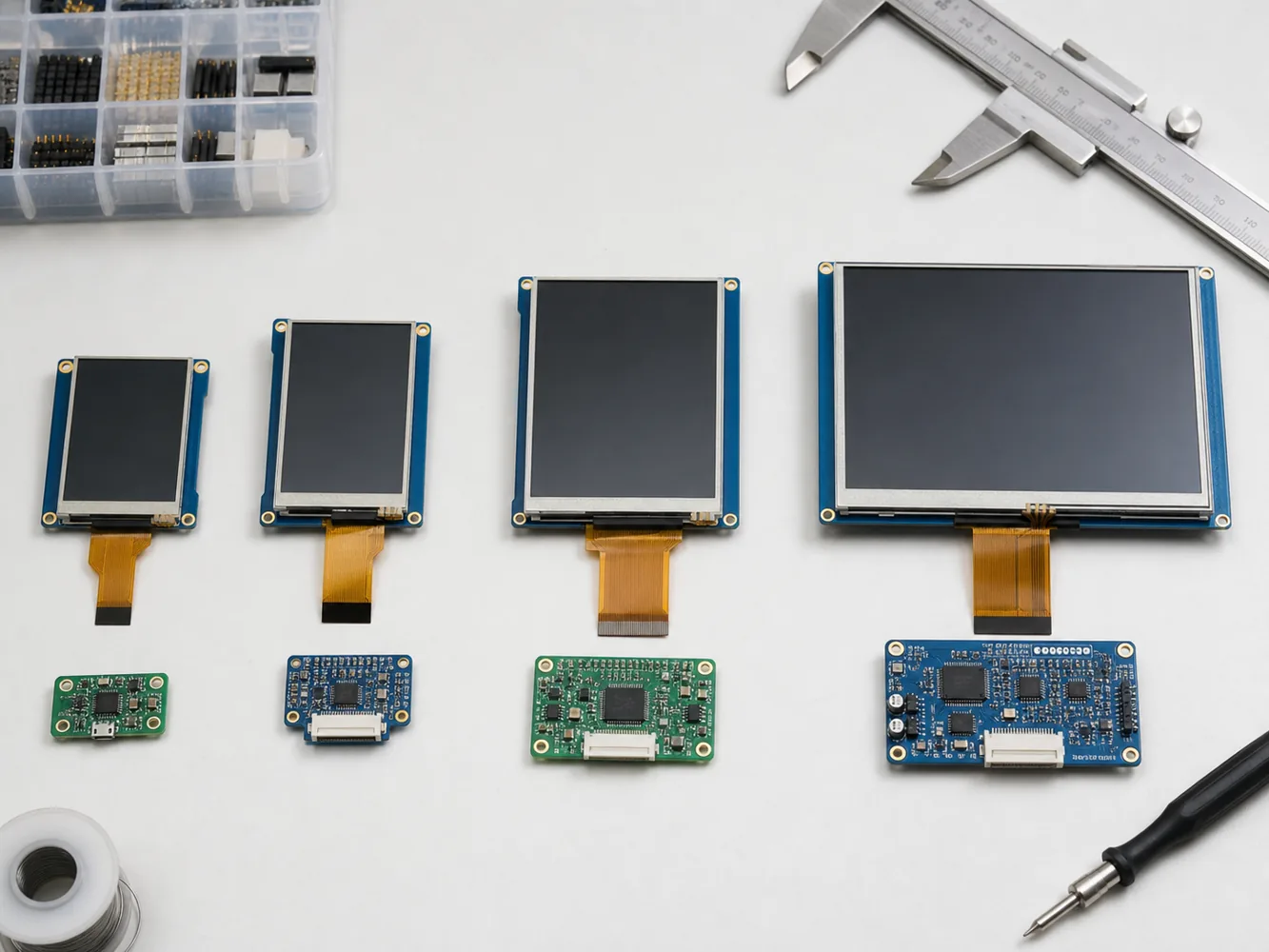 Screen size, resolution, interface, and mechanical space should be reviewed together during module selection.
A 2.8 inch display is often used at close viewing distance, so text clarity matters. Review actual UI screens, not only demo images. Test full white, full black, grayscale, warning colors, icons, and the smallest text used in the product.
When comparing standard options, Sunshine Display's standard TFT LCD modules can be a useful starting point for size, resolution, and interface discussions.
3. Select the Right Interface
Interface choice affects PCB layout, firmware effort, refresh speed, pin count, and component cost. Small TFT LCD modules may use SPI, MCU parallel, RGB, MIPI, or other interface options depending on resolution and driver IC.
For simple embedded products, SPI can reduce pin count but may limit refresh performance. RGB interfaces support smoother display updates but require more pins and stronger MCU support. The right choice depends on UI complexity, animation needs, processor capability, and production cost.
Before confirming a module, review available pins, voltage levels, initialization code, driver IC support, and long-term supply plan. Ask whether sample code, reference settings, or technical support are available.
4. Review Viewing Angle and Brightness
Small handheld devices may be viewed from different angles during real operation. If the product is user-facing, premium, or used in public environments, viewing angle becomes important. For stronger off-axis readability, consider whether an IPS TFT LCD module is more suitable than a basic TN structure.
Brightness should also match the environment. Indoor devices may not need high brightness, while semi-outdoor or bright factory environments need more optical margin. Higher brightness can increase power consumption and thermal load, so it should be selected based on real use conditions.
If the product may work in cold, hot, or harsh environments, check whether wide temperature TFT LCD options should be considered.
5. Decide Whether Touch Is Required
Touch can simplify product design by reducing buttons, but it changes the display structure. Capacitive touch may require cover glass, controller IC, FPC design, bonding method, grounding review, and ESD consideration.
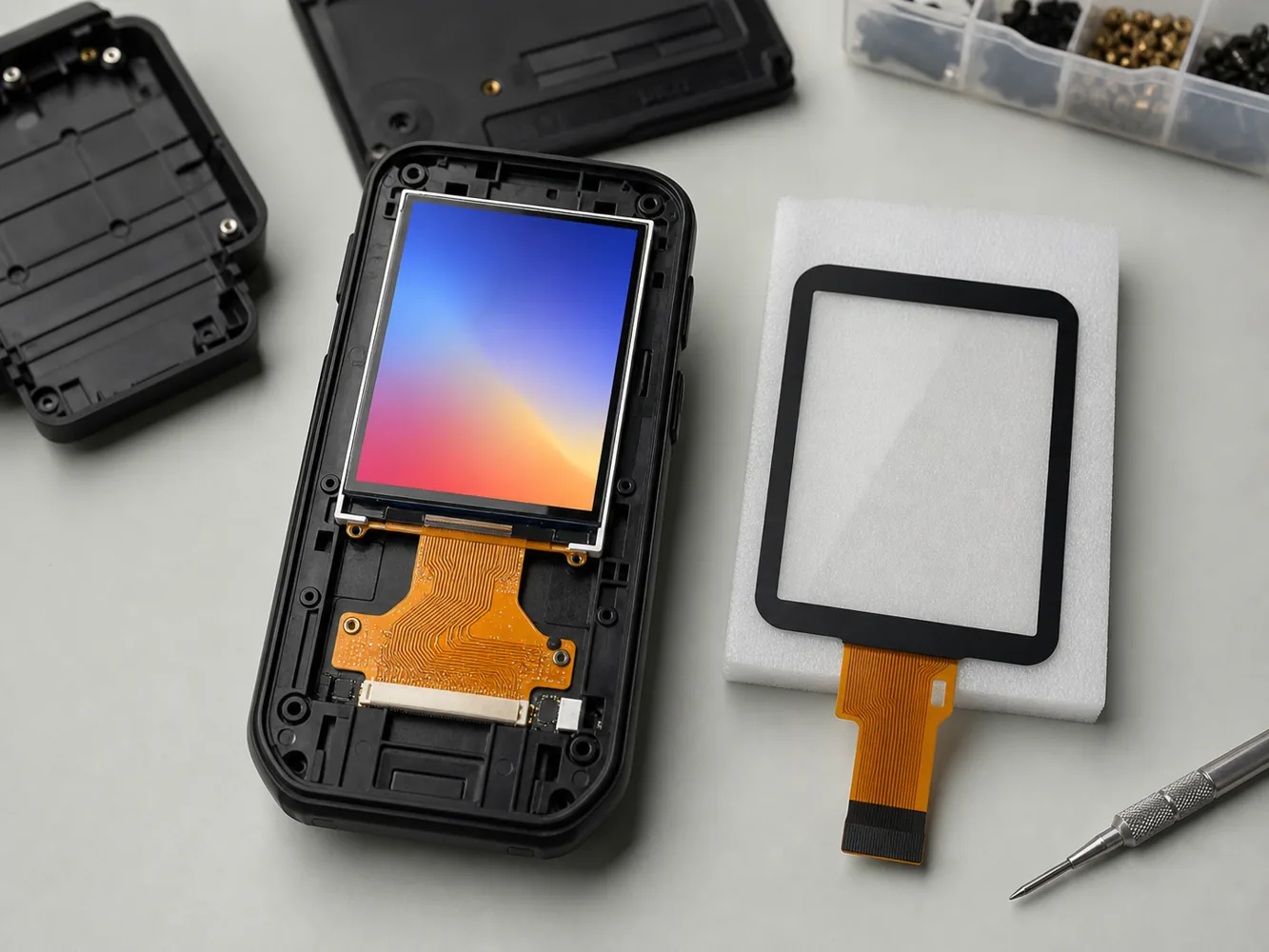 Mechanical design, FPC routing, touch cover lens, and readability all affect final product performance.
If the product uses gloves, water exposure, thick cover lens, or industrial operation, touch performance should be tested with the real enclosure. For products that need a modern touch interface, review Sunshine Display's capacitive touch TFT LCD modules as part of the selection process.
If touch is not necessary, a non-touch module with physical buttons may reduce cost, simplify firmware, and improve operation in harsh environments.
6. Check Power Consumption and Backlight Control
A 2.8 inch TFT module is often used in compact or battery-powered products. Backlight current, interface activity, refresh rate, standby mode, and brightness settings can all affect battery life.
Ask for typical backlight current, recommended driving condition, LED string information, and dimming method. PWM dimming or software brightness control can help reduce average power consumption and extend useful backlight life.
For handheld devices, test the display inside the final product under realistic brightness settings. A display that looks good on the bench may be too bright, too dim, or too power-hungry in real operation.
7. Validate Samples Before Production
Sample approval should include electrical, optical, mechanical, and environmental checks. Test the selected module with your real PCB, real UI, actual enclosure, target brightness, and intended operating temperature.
For production planning, also review MOQ, lead time, lifecycle, packing method, inspection criteria, and alternative options. A display is not only a component; it becomes part of the product's long-term service plan.
Practical Buying Checklist
Before confirming a 2.8 inch TFT LCD module, review these points:
- Active area, outline size, thickness, and FPC position
- Resolution and UI readability
- SPI, RGB, MCU, or other interface compatibility
- Brightness target and backlight current
- Viewing angle requirement
- Touch or non-touch structure
- Cover lens, optical bonding, or surface treatment
- Operating temperature range
- Sample code and driver IC support
- Lead time, lifecycle, and stable supply
How Sunshine Display Can Help
Sunshine Display supplies small color LCD display modules under 10 inches for global B2B customers. For compact devices, Sunshine Display can help review size, resolution, interface, brightness, viewing angle, touch panel, FPC, connector, cover glass, optical bonding, and sample validation.
If you are developing a handheld device, smart control panel, meter, access device, or compact industrial tool, share your mechanical drawing, interface plan, target brightness, touch requirement, operating environment, and expected volume. You can contact Sunshine Display to discuss suitable 2.8 inch TFT LCD module options before finalizing your product design.
FAQ
Is a 2.8 inch TFT LCD module suitable for handheld devices?
Yes. A 2.8 inch TFT LCD module is often suitable for compact handheld devices that need color UI, menus, icons, or status information in a limited space.
Should I choose IPS for a 2.8 inch display?
IPS is useful when the product needs wider viewing angle and more stable color from different directions, especially for user-facing or premium devices.
Is capacitive touch necessary for small TFT LCD modules?
Not always. Capacitive touch improves modern UI interaction, but physical buttons may be better for gloves, harsh environments, or cost-sensitive products.
What interface is best for a 2.8 inch TFT LCD?
It depends on resolution, refresh speed, MCU capability, pin count, and firmware requirements. SPI may suit simple UIs, while RGB or parallel interfaces may suit richer screens.
Can Sunshine Display support custom 2.8 inch TFT projects?
Yes. Sunshine Display can help review standard and customized LCD module structures, touch panels, cover glass, FPC, brightness, and interface requirements.
