An industrial e-paper module on a validation bench, where update behavior can be checked before it reaches the finished equipment.
An e-paper status panel may look clean after its first image, then leave a pale outline of the previous icon after several quick changes. In an industrial product, that outline can be mistaken for a live alarm, an old lot number, or a completed step that is no longer complete. It is usually called ghosting, but the useful question is not whether ghosting exists. It is what combination of display state, drive settings, temperature, and content makes it visible in the installed product.
What people mean by e-paper ghosting
Ghosting is residual contrast from a previous image that remains visible after the new image has been written. It may appear as a light rectangle behind a changed field, the outline of a barcode, or a gray echo around a symbol. The new content can still be legible, yet the residue reduces confidence in the display.
It is not always a panel fault. Electrophoretic displays are driven by sequences of voltages, often called waveforms, which are selected for a particular panel and operating condition. A controller may use a rapid partial-update mode for a small black-and-white change, while a more complete refresh gives the particles additional transitions to reach a cleaner state. The faster choice is useful for selected applications; it is not automatically the right choice for every screen or every sequence of content.
Do not confuse residual image with reflections from the cover window, uneven front light, condensation, or a printed layer behind the viewing area. Those effects need different remedies. First observe the display at multiple angles and under the actual installation lighting. Then force a known full refresh and see whether the mark disappears. That simple split keeps the software investigation from chasing an optical or mechanical problem.
Why a clean first update can degrade later
The starting state matters. A partial update does not necessarily exercise every pixel or every gray transition. If a field changes repeatedly between high-contrast patterns, some pixels can carry a visible memory of the earlier pattern. The risk grows when an application treats partial refresh as a universal default and never schedules a clean-up cycle.
Temperature is another practical variable. Particle movement and the intended waveform behavior are temperature-dependent. A display that looks acceptable at room temperature can show longer settling, weaker contrast, or more residual content after a cold-soak or a hot enclosure test. The controller, sensor placement, and waveform support must be evaluated as a system. A temperature value measured at a remote board is not necessarily the temperature of the panel inside a metal door or insulated cabinet.
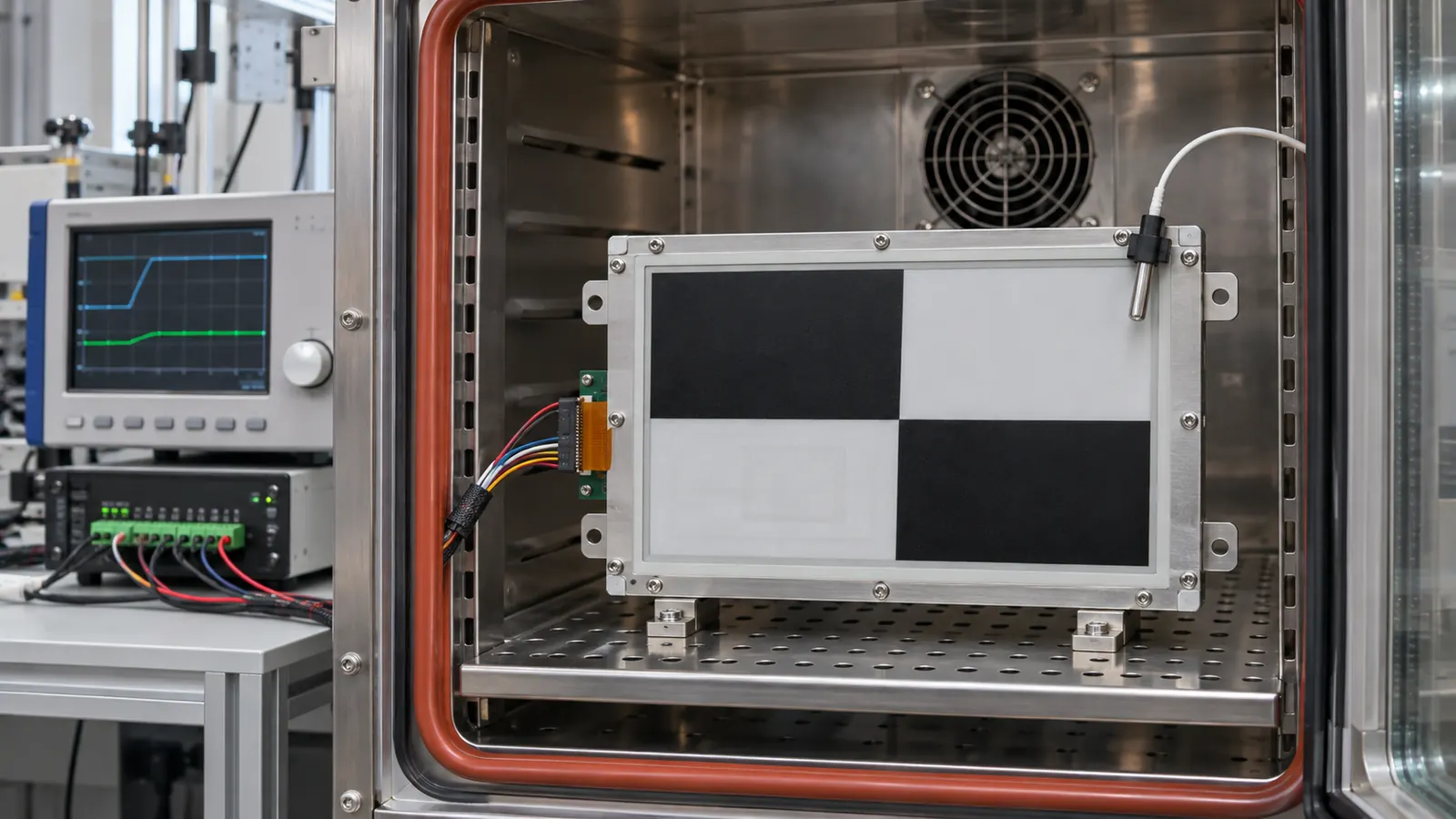 A temperature-aware bench setup helps separate a waveform or update-policy issue from a change in environmental conditions.
Improvement starts with the update policy
Write down which regions change, how often they change, and what a user must be able to trust immediately after an update. A production counter, for example, may update one numeric field many times while the rest of the page remains static. A maintenance instruction may remain unchanged for a shift but must be fully clear whenever a new procedure is loaded. These are different update profiles and should not share a guessed refresh rule.
For each profile, define the permitted update mode with the module and controller documentation. Then decide when a full or global refresh is required. Common triggers include a fixed number of partial updates, a page change, a high-importance state transition, recovery after power loss, or a temperature-band change. The exact interval is application-specific; copying a value from another panel or another ink type can make the result worse rather than better.
Treat a full refresh as a controlled maintenance action, not evidence of failure. It can introduce a noticeable transition, so place it where the workflow tolerates it: between jobs, on a deliberate screen change, or immediately before presenting a critical new record. If a user sees a brief refresh after a configuration change but receives a clean, unambiguous status screen, that is often the better industrial interaction.
Check the complete signal path
Residual images are sometimes blamed on the panel when the integration is at fault. Verify that the controller firmware uses the waveform package intended for the exact display family and revision. Check supply stability during updates, connector retention, FPC bend and strain relief, reset behavior, and the initialization sequence after brownout or sleep. A system that loses its idea of the prior image state may need a defined recovery refresh instead of resuming with a partial command.
Validate the installed display, not only a sample
An OEM validation plan should run the intended screen sequence at temperature limits, after storage and startup states relevant to the equipment, and with the final bezel, cover window, and power architecture. Record the update mode, panel temperature, image sequence, number of partial updates, and the point at which an observer can detect residue. This gives engineering a reproducible decision record and purchasing a clearer way to compare samples.
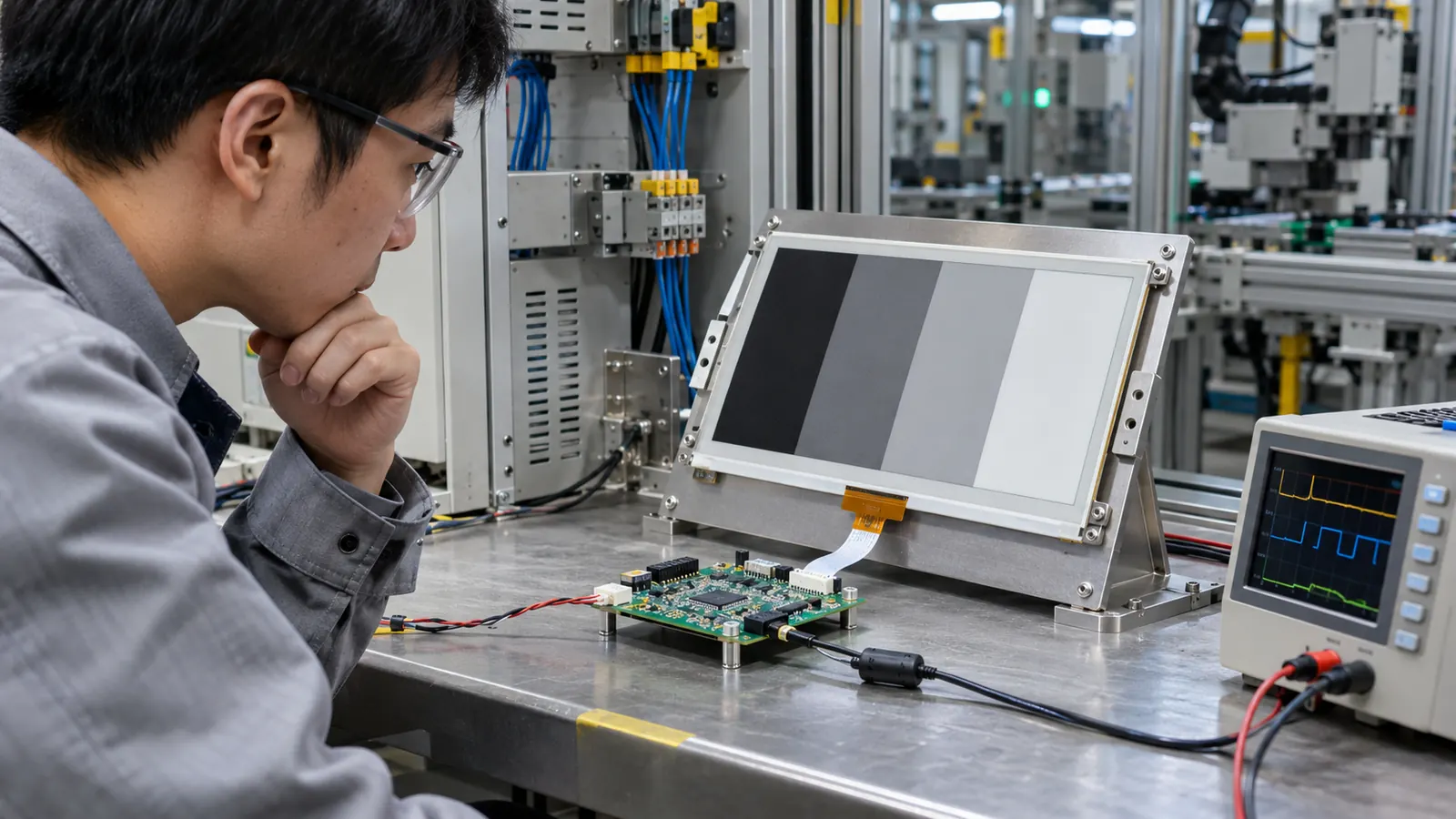 A module, controller, and representative screen sequence should be reviewed together before the display is released into an industrial product.
Set an acceptance rule that users can understand. For a service label, it might be “no visible prior identifier after a scheduled clean refresh.” For a process indicator, it may focus on whether residual contrast could be confused with an active warning. Avoid an artificial pass/fail target borrowed from a different use case. The right threshold follows the information risk and viewing conditions of the actual machine.
Buying questions that prevent late rework
Before selecting a module, provide the supplier with the screen set, expected update frequency, temperature exposure, update-latency expectation, cover-window stack, and power constraints. Ask which update modes are supported by the proposed display/controller combination, how temperature is handled, and what the recommended recovery path is after an interrupted update. Request sample testing with your highest-contrast and most frequently changing layouts, not only a polished static artwork.
For broader platform choices, compare the available e-paper display options against the mechanical envelope and the information workflow. If the application also uses active user input or a graphical control screen, capacitive touch TFT LCD modules may suit that function while e-paper carries persistent information. A mixed-interface decision should be based on power, update behavior, service needs, and what the operator must read at a glance.
Ghosting is manageable when it is specified, tested, and designed into the update policy. Share the intended display sequence and environment with Sunshine Display to discuss an e-paper module and validation approach that fit the equipment rather than a generic demo.