
Define when the interface is ready to display valid equipment information.
An industrial HMI powers up, shows the company logo, and then opens a normal operating page. The screen looks ready, but the controller has not yet delivered fresh process data. That gap matters: a polished startup sequence can still leave an operator looking at values that do not describe the machine's current state.
TFT display startup and recovery deserve their own acceptance plan. The panel, host processor, backlight, touch controller, and application may become ready at different times. OEM teams need to define what appears during those transitions, what can be operated, and how the interface recovers when only part of the system restarts.
Define ready from the operator's point of view
Separate three milestones: the display can show an image, the application has loaded, and the application has valid information from the equipment. A boot logo proves only that some of the display path is working. It does not establish communication with a drive, sensor, or machine controller.
Write down the screen expected at each milestone. During initialization, identify unavailable information clearly. When the controller connection becomes valid, populate the operating page deliberately rather than leaving placeholder numbers that resemble real measurements. A zero can mean an actual reading, an uninitialized variable, or a disconnected source; the operator should not have to guess.
For a panel that supports commands, decide which controls remain unavailable until the required state is confirmed. Keep that logic in the application and machine control design. Display selection supports the interface, but a module does not determine whether an action is appropriate for the equipment.
Get the exact module's power sequence
Request the power-on, power-off, reset, and interface timing requirements for the proposed display revision. Do not copy delays from a different module because its connector and resolution look familiar. A module with integrated electronics may expose different requirements from a bare panel or a complete display assembly.
The electrical team should map those requirements to the host's actual behavior. Check supply availability, reset assertion and release, signal activity, and initialization commands where applicable. Review shutdown as well as startup. Adding an arbitrary long delay can hide an integration issue without explaining why one sequence succeeds and another fails.
Use Sunshine Display's standard TFT LCD range to begin module discussions, then obtain the documentation for the exact candidate. A category listing is not a substitute for its timing diagram, pin assignment, or approved initialization procedure.
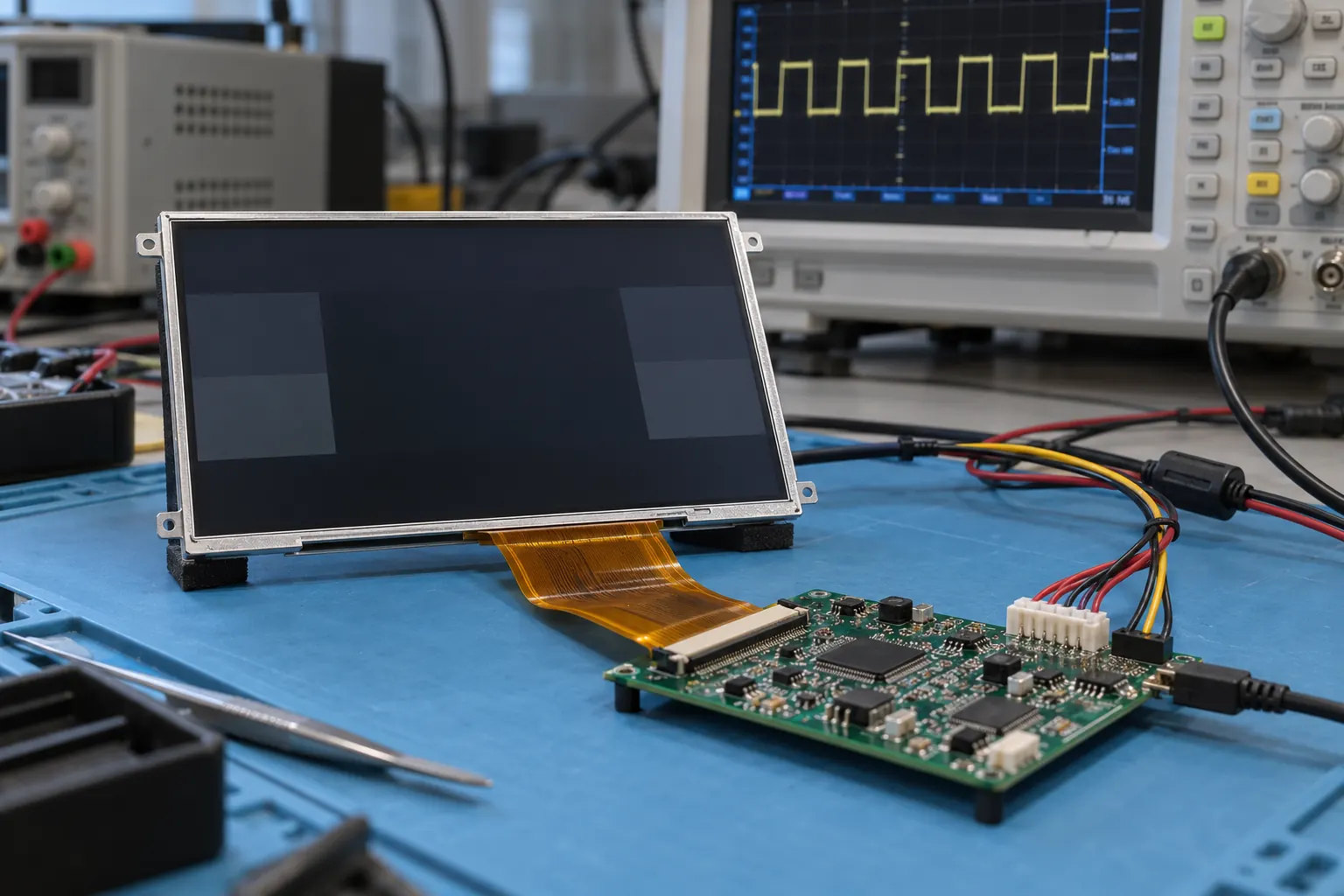 Compare measured startup events with the exact module requirements.
Control the first visible frame
A backlight can illuminate before the application has prepared useful content. Decide whether the product should remain dark briefly, show a neutral initialization page, or present another defined state. The appropriate sequence depends on the module and host architecture; verify it against their documentation rather than imposing one universal rule.
Check the first visible frame with the release firmware and final display configuration. Look for leftover test artwork, unexpected colors, orientation changes, and unreadable intermediate pages. Also inspect the transition from a dim startup screen to the normal brightness setting. These details are easy to miss when testing begins only after the operating page has settled.
Record startup observations alongside electrical traces when investigating intermittent behavior. A short video can show what the operator sees, while measurements help the engineering team determine which supply, reset, or interface event occurred first. Neither record alone necessarily identifies the fault.
A processor reset is not always a complete restart
List which parts of the assembly lose power during each recovery action. A software restart may leave the display and touch controller powered. A reset of the host may not reset every peripheral. A full supply interruption can produce a different sequence again.
Design the recovery path around those differences. Confirm that firmware restores the necessary display configuration and does not assume that a peripheral is already in its initial state. Where a reset or power-control mechanism is part of the design, validate its behavior with the selected hardware. Avoid treating repeated full power cycling as the only acceptable service procedure.
Touch input needs attention during recovery too. Test what happens if a finger is already on the glass when the application restarts. Verify that queued or repeated inputs cannot silently carry across into a different page. Where touch is unnecessary for the first stage of operation, keep the interface behavior simple and explicit.
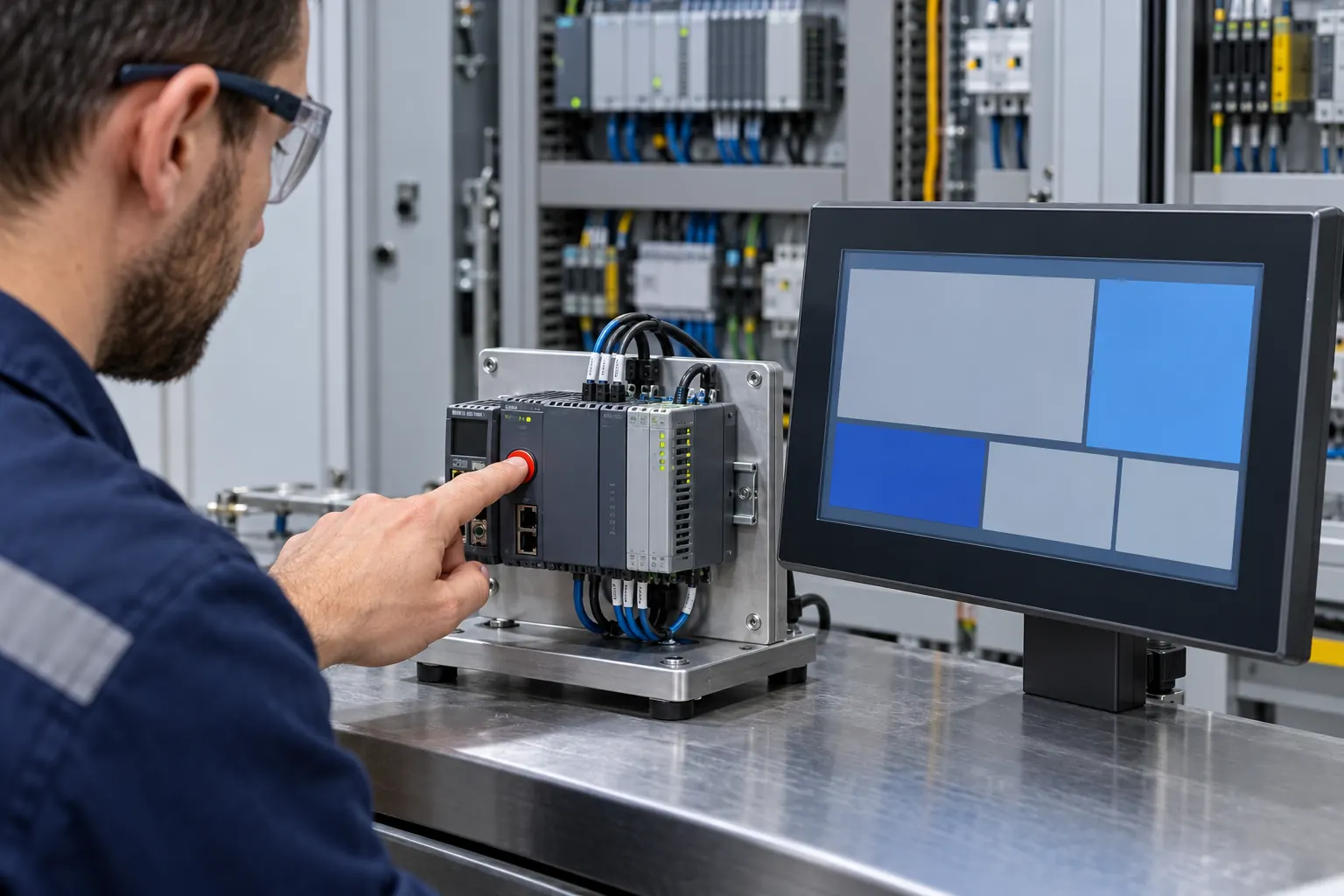 Test host resets separately from complete power interruptions.
Make communication loss visible without confusing the cause
Test a lost controller connection while the HMI itself remains running. The display may still render perfectly, so a normal-looking page is not proof of valid process data. Distinguish a communication problem from a display hardware problem in the messages and service instructions.
Choose a consistent treatment for stale values, such as marking them unavailable or showing their age where appropriate. Decide how recovery is announced and when commands become available again. Do not silently reuse a previous operating state until the application has reconciled it with the controller.
For products with several connected devices, test partial loss as well as complete disconnection. One healthy channel should not make every value on the page look current. Use realistic screen layouts and the longest error descriptions during these tests so that the recovery message remains readable.
Turn the demonstration into a repeatable release check
Build a small matrix covering normal startup, application restart, host reset, controller disconnection, and the supply conditions specified for the product. Include the expected screen, permitted inputs, recovery evidence, and acceptable timing for each case. Set those limits from the equipment's needs rather than borrowing a generic boot-time target.
Keep the display part number and revision, host board revision, firmware build, configuration files, and test setup with the results. Repeat the relevant checks when any of those inputs changes. An approved sample becomes more useful when another engineer can reproduce both its successful behavior and its failure messages.
When comparing hardware from the Sunshine Display product catalogue, include startup and recovery behavior in the sample evaluation rather than assessing only a steady image. Share the host interface, power arrangement, and proposed startup screens with Sunshine Display's engineering enquiry team. That gives the module discussion a concrete basis before the enclosure and software are frozen.
