A vertical TFT module lets a field instrument keep the measured value, trend, status, and next action in one deliberate reading path.
The useful question is not “what size?”
When an industrial instrument needs a portrait display, many teams start with the outline drawing. That is necessary, but it is a weak first filter. The harder question is whether the pixel grid gives the operator a usable reading path when the unit is upright, held in one hand, or mounted beside a machine.
A 480×800 TFT LCD has a practical advantage in that setting: it is a vertical canvas with enough pixels to separate a live value, a small trend, device state, and an immediate action without turning every screen into a dense dashboard. That does not make it the default choice for every product. It makes it worth considering when the product has a natural top-to-bottom task sequence.
Consider a portable vibration instrument. The user first needs to see whether the current reading is credible, then whether it is drifting, then which asset or measurement mode is active. If those three questions are forced into one wide row, the interface becomes smaller or more dependent on page changes. A portrait display can preserve hierarchy: the current value at the top, the contextual trend in the middle, and a clear operational state at the bottom. The result is not simply more content. It is less eye travel at the moment someone is making a decision.
Treat 480×800 as a layout constraint, not a resolution label
The 480-pixel width is useful only if it is protected. A common failure is to spend it on permanent side navigation, decorative borders, or a long unit string that was never challenged in the installed view. Before choosing a module, build the three screens that make the product difficult: the normal operating screen, the alarm or exception screen, and the service or setup screen. Use the smallest required numbers, units, symbols, and touch targets—not placeholder lorem ipsum.
Then ask: can the user interpret the highest-priority state through the cover window? If not, more resolution might not fix the problem. The issue may be type hierarchy, contrast, bezel shadow, or a status color that disappears under the intended light.
For interfaces with a stacked workflow, 480×800 can be more forgiving than a short landscape canvas. It allows a top status strip to remain stable while the center carries the task and the lower region holds a controlled action area. But it is not ideal for every layout. A wide multichannel trend, a large process schematic, or a row of parallel machine states may be more coherent on a landscape panel. Let the information geometry decide before the mechanical drawing does.
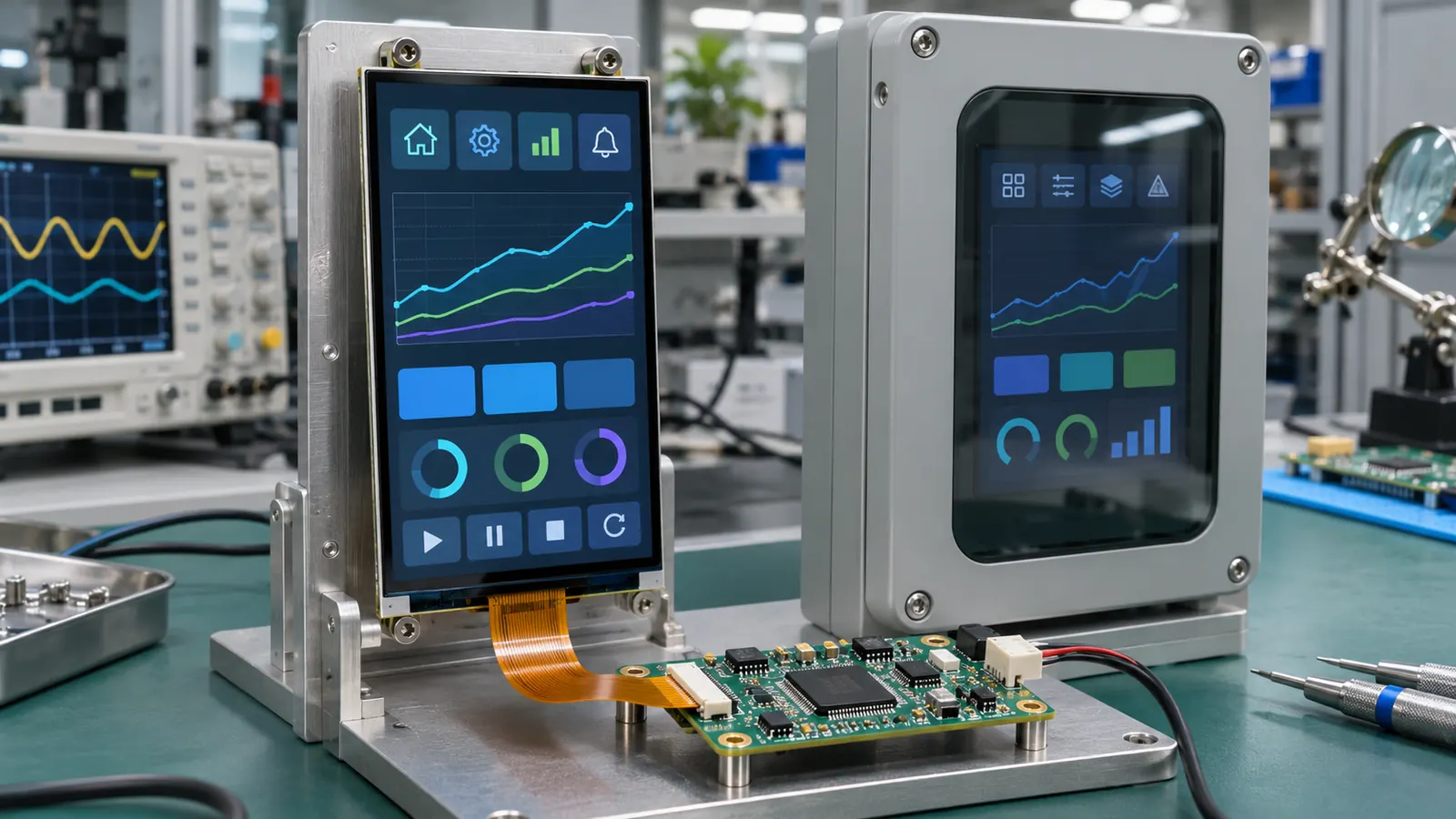 The final viewing window, controller, FPC route, and vertical screen layout should be reviewed together rather than as separate decisions.
Why interface and graphics architecture arrive early
This resolution is modest by modern consumer standards, yet it can be demanding in an embedded product if the graphics plan is vague. A full-frame color buffer, multiple working surfaces, image decoding, transitions, and a poorly controlled update path can consume more memory and bandwidth than the original controller choice allowed. The remedy is not to avoid the resolution; it is to decide how the screen will be rendered.
The catalogue of 480×800 TFT LCD modules is a sensible point to begin that discussion because it includes portrait-oriented options rather than treating the resolution as a custom request. The page includes 3.97-inch IPS examples with MIPI interfaces and touch variants; those are candidate configurations, not a promise that every 480×800 module shares the same brightness, interface, or environmental rating. Confirm the exact part number before committing firmware or mechanics.
The product becomes different behind its front window
A bare display on an evaluation board is not the finished optical system. A protective lens changes reflections and the apparent black level. A recessed opening changes the angle from which the top or bottom of a portrait screen is viewed. A printed border can hide more active area than the drawing suggests. And a touch cover can alter both optical transmission and input behavior.
Use an early mechanical sample to examine the installed image under the product’s real light sources: bench lights, daylight near a service door, or a dim equipment room. Put representative content on screen. A saturated warning color, a thin gray trend, and a small disabled-state label expose different weaknesses. If the product needs a broad viewing cone, compare the relevant IPS TFT LCD options with the actual window stack rather than assuming panel technology alone settles the question.
Portrait equipment often invites touch, but touch should follow the task. A gloved technician may prefer a physical acknowledgement key for a time-critical event, even if the rest of the interface uses a projected-capacitive panel. Where touch is appropriate, capacitive touch TFT LCD modules should be evaluated with the intended cover thickness, moisture condition, grounding scheme, and cleaning process.
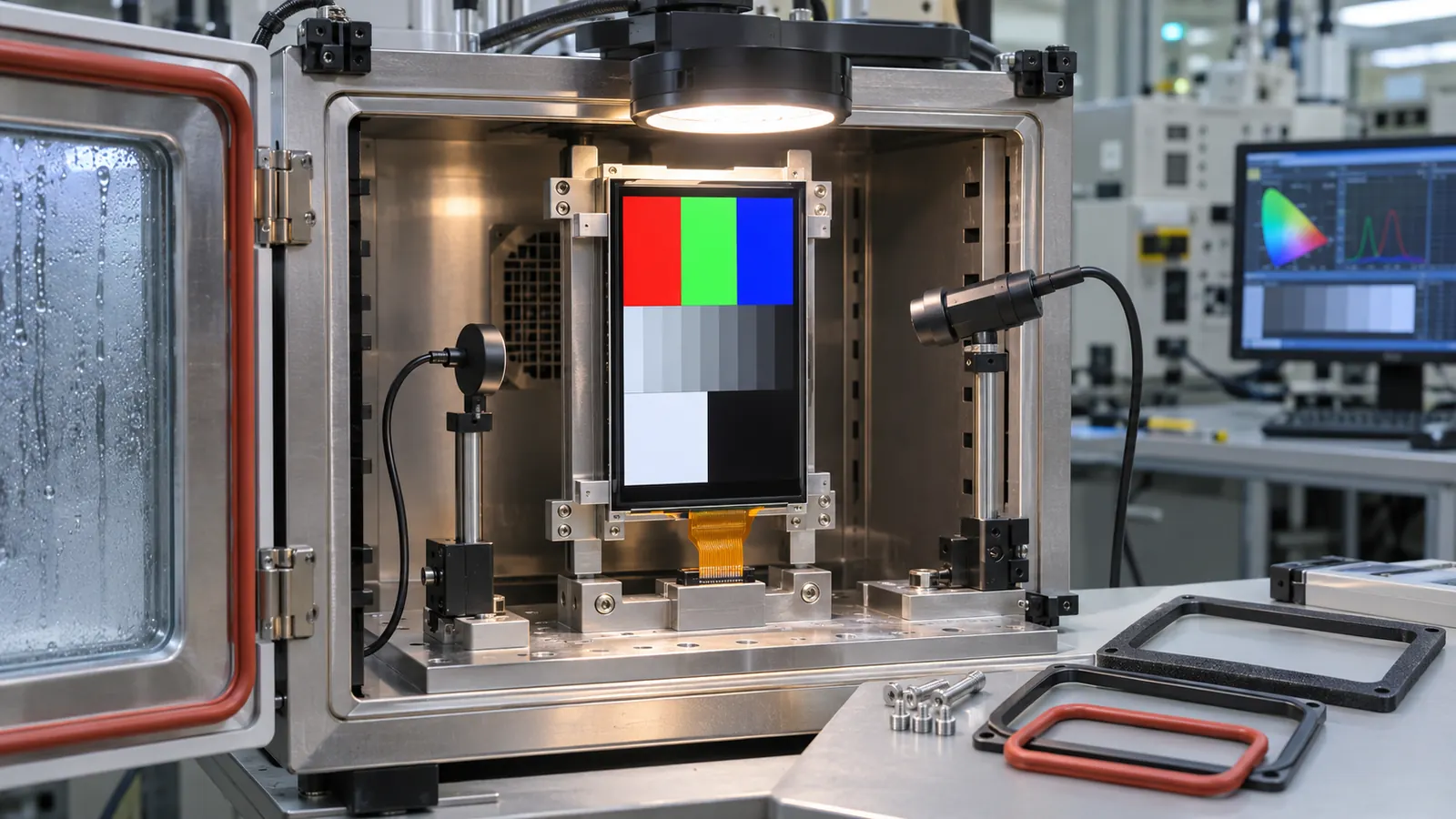 Environmental and optical fixtures reveal problems that a powered desktop sample cannot show, including window reflections, temperature effects, and enclosure interactions.
Validate the portrait workflow before production release
The sample plan should test the task sequence, not merely pixels. Mount the module in a representative enclosure. Check the FPC bend and connector clearance while the housing is assembled. Cycle power at the expected supply limits. Observe the boot screen and recovery behavior after a communication fault. Read the smallest critical value at the expected distance and angle. Keep the test images and software revision with the sample record so an alternate panel or controller can be compared honestly.
Temperature is part of that plan. A wide-temperature option may be relevant for unconditioned equipment, vehicle-mounted instruments, or cabinets with their own thermal load, but it should be specified against the whole assembly. Backlight settings, sealed enclosure heat, adhesives, and the host board can change the margin. Review wide-temperature TFT LCD modules alongside your measured use conditions rather than selecting from a temperature line alone.
A better RFQ asks for a finished-use recommendation
An RFQ that says “480×800 LCD, quantity 5,000” gets a fast answer but may not get a comparable one. Include the active-area limit, preferred portrait orientation, host platform, intended interface, touch or key requirement, cover-window concept, brightness target, temperature exposure, annual volume, lifecycle expectation, and three representative screen images. State whether the product must be usable on battery power or whether it has a fixed supply.
That brief lets a supplier distinguish a module that merely shares the resolution from one that supports the actual product. It also reveals whether the 480×800 portrait format is genuinely helping the operator or simply following a familiar screen shape. For an OEM evaluating a new instrument or vertical control surface, contact Sunshine Display with the interface concept and installed-view conditions. The right module is the one that keeps the operational story clear after it leaves the lab.